Platforms
- Linux
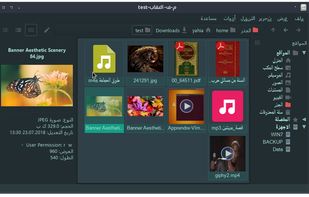

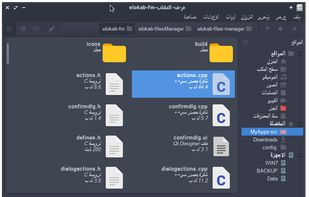


Total Commander is described as 'Comprehensive file manager with built-in FTP, file compare, archive navigation, multi-rename tool with regular expression support, and side-by-side windows' and is a leading File Manager in the file management category. There are more than 100 alternatives to Total Commander for a variety of platforms, including Windows, Mac, Linux, Android and Android Tablet apps. The best Total Commander alternative is Double Commander, which is both free and Open Source. Other great apps like Total Commander are Files, Spacedrive, Dolphin File Manager and FreeCommander.

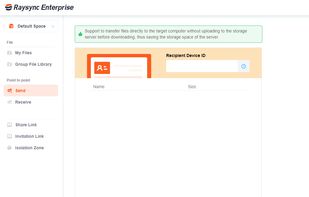
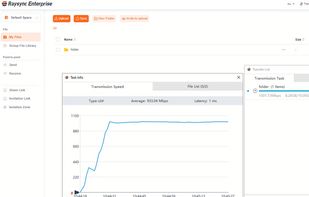
Raysync provides high-speed large file transfer solution for enterprises. Thanks to the proprietary UDP protocol, Raysync achieves maximum file transfer efficiency regardless of network conditions.
 United Kingdom


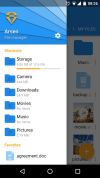
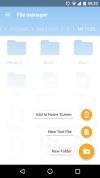
Smart and free file manager for Android with perfect set of features. It provides quick and convenient access to your pictures, music, videos, documents and other files. You'll find that all operations on files become easy and more intuitive.
 Poland
 EU
EU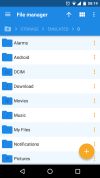

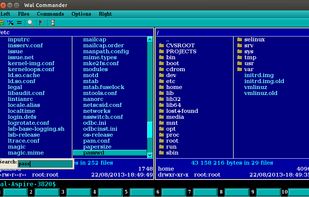
Multi-platform file manager for Windows, Linux, FreeBSD and OS X.
Advantages: has a built-in terminal! have editor with syntax highlighting has a text viewer
It has built a virtual file system (smb, ftp, sftp) there is the graphics and (version 0.18.0) cons.
 Russia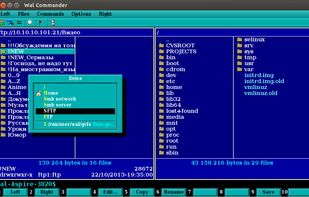


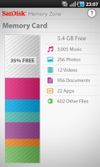
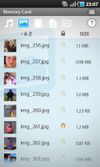
The SanDisk Memory Zone app makes it easier to manage and back up your Android™ powered device's memory. This versatile app lets you quickly copy your files to a memory card or to a variety of supported online storage services, freeing up your phone's internal memory.
 United States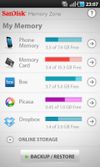

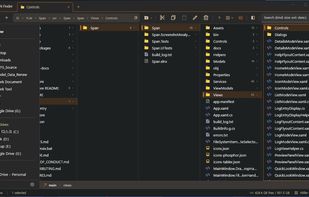
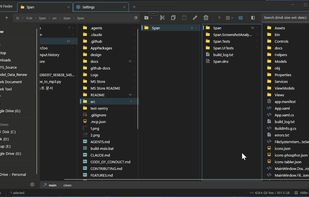
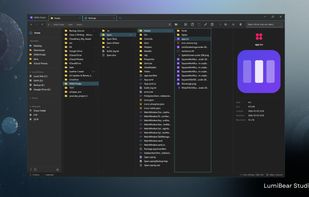
A blazing-fast, open-source Windows file explorer featuring Miller Columns, Split View, Git integration, and multi-tab support.
 South Korea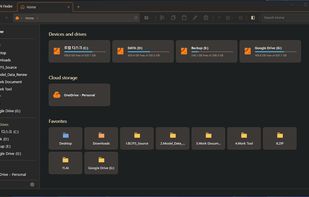


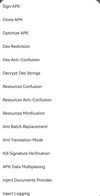
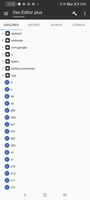
A powerful file management and reverse modification tool for the Android platform.
Dual Window Operation Dual window operation mode that displays two directories simultaneously.
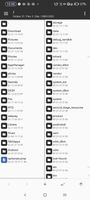


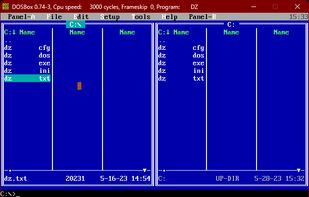
The Doszip Commander is an LFN-aware TUI file manager (NC clone) with built-in Zip and UnZip for DOS and Windows.

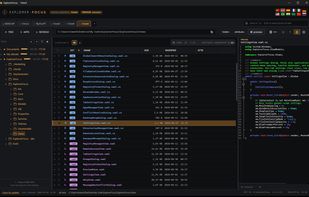
A focused, distraction-free Windows file explorer — profiles, configurable trees, rich preview, and remote access over SFTP/FTP/WebDAV, Dropbox and OneDrive.


Frigate3 is a handy file manager with built-in file viewers, handy utilities, and a wealth of other options that make managing and browsing through files easy.
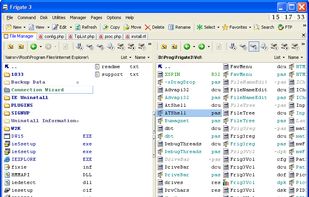
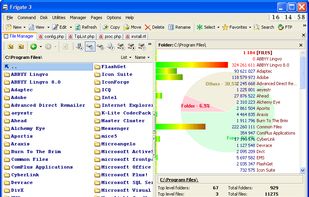
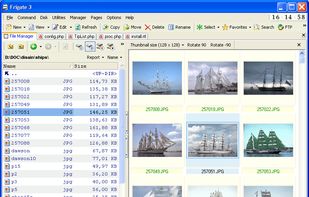


Rename, move, copy, delete, and otherwise manage multiple files. Rename multiple files according to the rules and pattern you specify using powerful editor with syntax highlighting. Copy, move files to folders specified using absolute/relative paths.
United States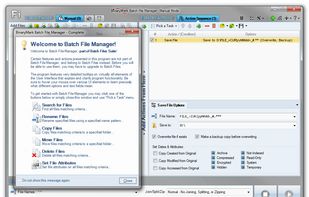

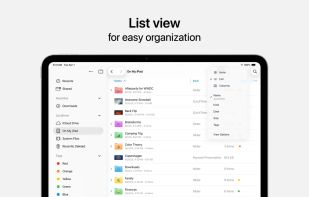
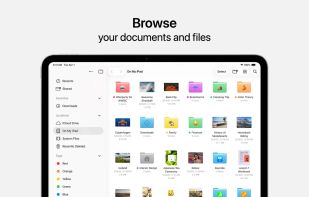
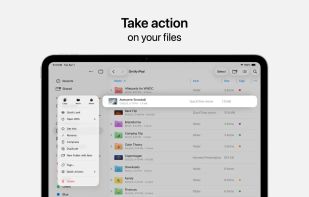
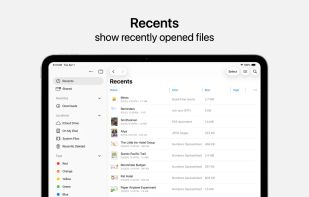
Access and organize your files no matter where they’re located — on your device, in the cloud, on an external drive or file server— with Files. The Recents view displays the files you’ve been working on lately in high-resolution thumbnails.
United States