



Sysvia links your Windows, Mac and Linux computers: share one keyboard, mouse and clipboard, sync folders, and view, control or extend screens. One-time purchase, no subscription required.
 United States



+3


The best Mouse Sharing alternative to Synergy is Barrier, which is both free and Open Source. If that doesn't suit you, our users have ranked more than 25 alternatives to Synergy and many of them are Mouse Sharing Utilities so hopefully you can find a suitable replacement. Other interesting Mouse Sharing Utility alternatives to Synergy are Input Leap, Multiplicity, InputShare and Mouse without Borders.
Sysvia links your Windows, Mac and Linux computers: share one keyboard, mouse and clipboard, sync folders, and view, control or extend screens. One-time purchase, no subscription required.
United States
Nexus shares one keyboard and mouse across up to five computers on your network, from Windows XP SP3 to Windows 11 and Linux. Arrange the screens on a map by dragging; sound, clipboard and files follow the pointer. Free and open source under GPL-3.0.
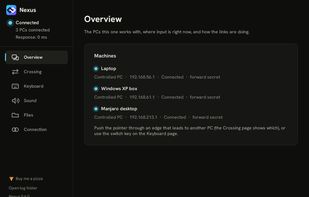
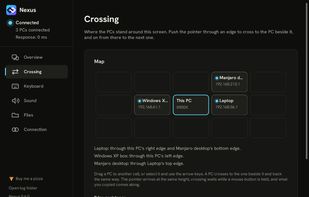
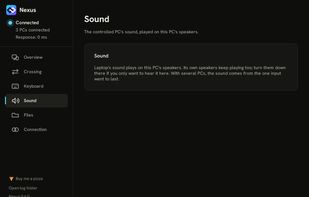


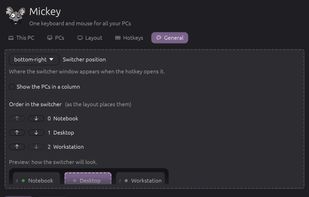
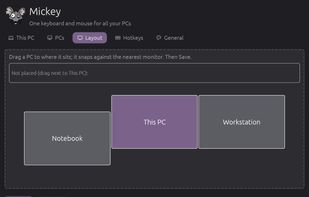
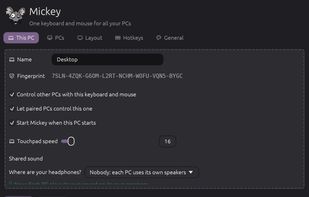
Mickey is an open source tool to share one keyboard and mouse between Linux and Windows PCs. Push the cursor off the edge of one screen and it appears on the next PC. It also shares the clipboard (text, images and files) and the sound of every PC on one pair of headphones.
 Brazil
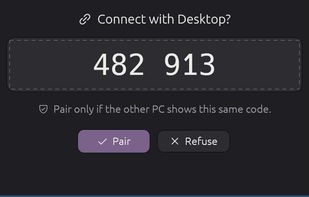


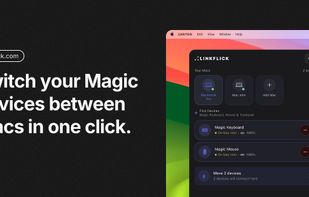
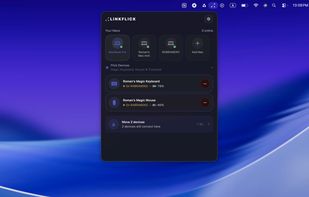
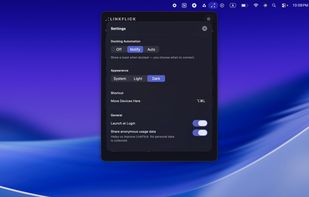
LinkFlick is a macOS menu bar app that moves your Magic Keyboard, Magic Mouse and Magic Trackpad between Macs over Bluetooth — with one click, a hotkey, Siri or Shortcuts. No more unpairing and re-pairing in System Settings.
 Ukraine


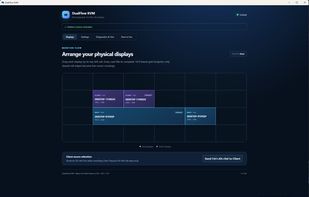
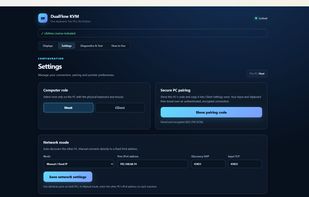
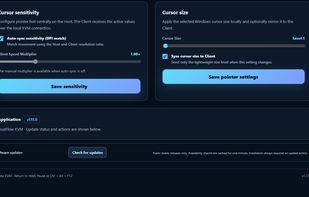
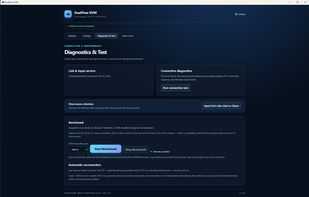
DualFlow KVM is a native software KVM for two Windows 11 PCs. Share one keyboard and mouse over LAN, with clipboard sharing, native file and folder drag-and-drop, Windows sign-in control, and remote Ctrl+Alt+Del.
 Norway


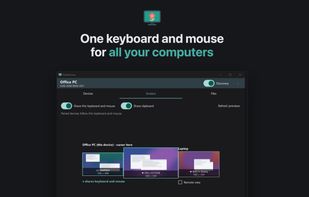
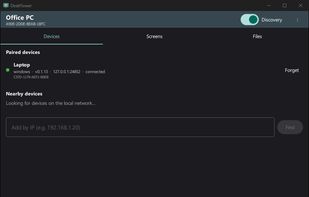
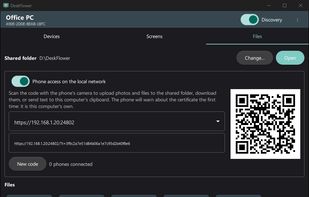
Shares a keyboard and mouse between paired computers by moving across screen edges. It transfers text, images and files through the clipboard or drag and drop, provides permission-based remote viewing, QR phone transfers and encrypted, account-free local networking.
 Spain
 EU


EdgeFlow lets you control up to three Macs with one mouse and keyboard. Move the pointer past the screen edge and it crosses to the next Mac — the keyboard follows, with no switching and no shortcut. Unlike Universal Control, EdgeFlow does not need the same Apple ID on every...


 Germany
