

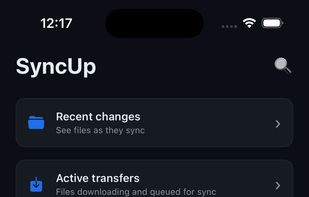
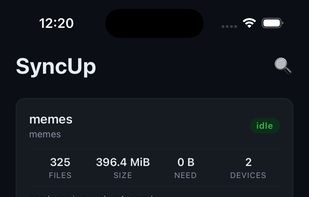
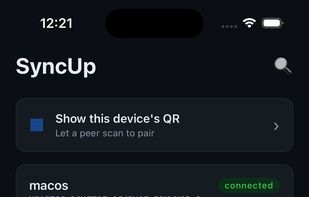
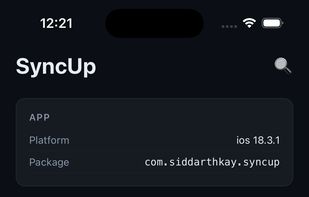
Syncthing's official Android client was archived in December 2024. No single client ran on both phones from one codebase, so I built this. The daemon runs in-process via gomobile, with a React Native UI scaffolded from react-native-go.
 India
India



+2


Apps similar to Syncative include Syncthing, which is free and open source. Other options are Google Drive, Proton Drive, Rclone and Syncthing-Fork. You're spoiled for choice with File Sync Tools like Syncative: we list more than 25 alternatives for Windows, Mac, Linux, Android and the web.
Syncthing's official Android client was archived in December 2024. No single client ran on both phones from one codebase, so I built this. The daemon runs in-process via gomobile, with a React Native UI scaffolded from react-native-go.
India
Map or Mount Amazon Drive, Google Drive, Dropbox, Box, OneDrive, SFTP, WebDAV, S3 and more as a Network Drive. Seamless access to files without sync.
 United States
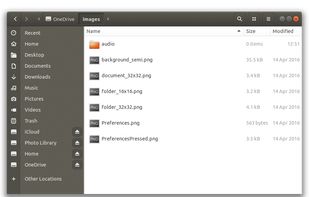


Celeste is a GUI file synchronization client that can connect to almost any cloud provider you'd like. It provides a streamlined experience to back up your files, and integrates directly into your desktop system.
United States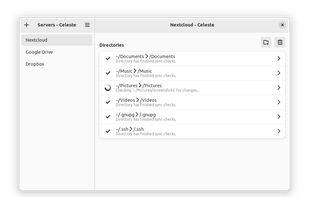


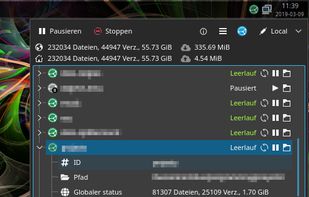
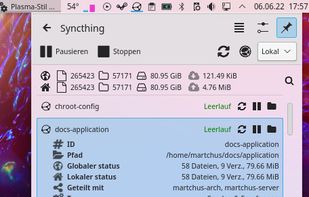
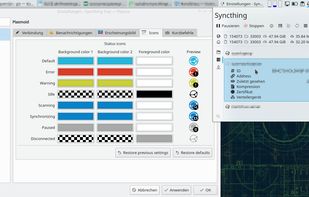
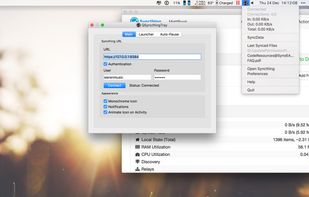
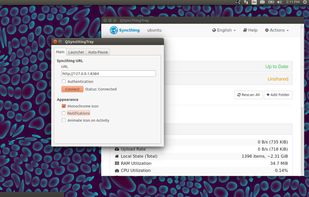
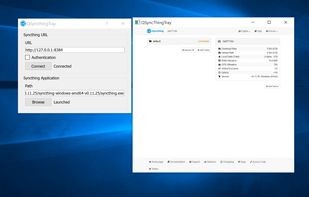
Syncthing Tray complements the normal web-based UI of Syncthing itself providing the following features:



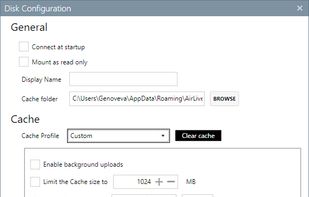
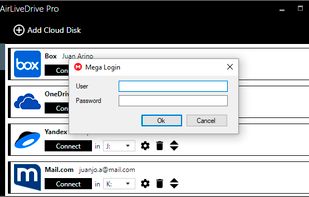
Air Live Drive mounts cloud drives as local disks in your computer and open remote files with any application without having to sync or use local disk space. Air Live Drive supports Google Drive, DropBox, OneDrive, Box, Mega, WebDAV, SFTP...



Put the cloud on your desktop; access Amazon S3, Dropbox, Google Drive, OneDrive and more. WebDrive lets you edit files on corporate SFTP and SharePoint Servers as easily as editing any file on your computer.
United States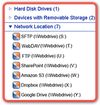



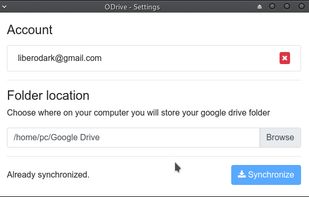

FUSE filesystem for Google Drive google-drive-ocamlfuse is a FUSE-based file system backed by Google Drive, written in OCaml. It lets you mount your Google Drive on Linux.

A traybar application for Syncthing written in C++ with Qt for OS X, Windows, and Linux.


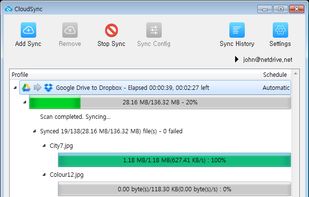
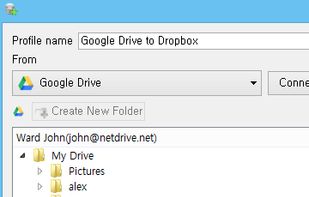
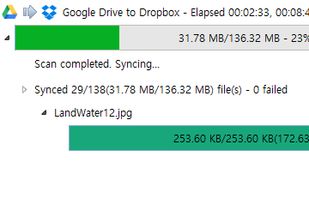
Stress-free sync between Cloud Storages. You do not have to manually download and upload files between storages. CloudSync will download and upload files automatically and transfer result will be reported. (File transfer happens on your PC/Mac)