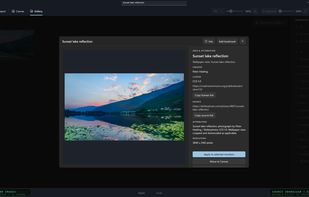
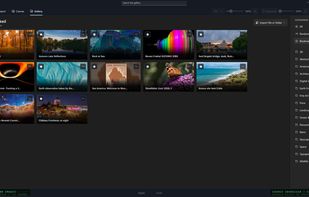
Enhance your Windows desktop with animated wallpapers like 3D, 2D, videos and more. Customize with a built-in editor, share via Steam Workshop, and stay ad-free with companion app support for Android.
 Germany
 EU
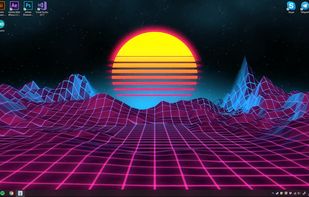

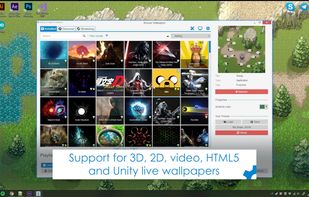

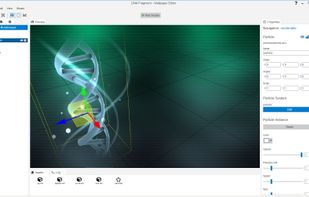

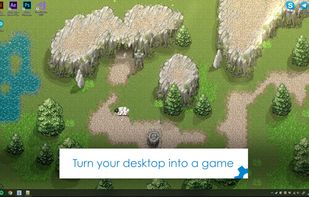


Apps similar to Spanwyse include Wallpaper Engine. It's paid, but Dual Monitor Tools and Superpaper are free. Other options are DisplayFusion, John's Background Switcher, Actual Multiple Monitors and WMM - Wallpaper Multi-Monitor Manager. In total there are eight Wallpapers Hubs like Spanwyse for Windows, Linux, Mac and Android.
Enhance your Windows desktop with animated wallpapers like 3D, 2D, videos and more. Customize with a built-in editor, share via Steam Workshop, and stay ad-free with companion app support for Android.
GermanyEU
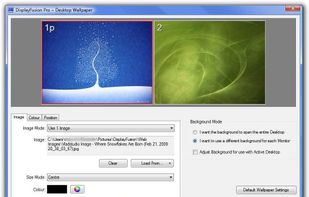
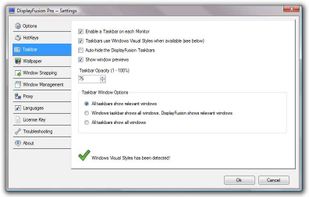
Enables multi-monitor taskbars with advanced wallpaper management, scripted macros, remote access, screen savers, and desktop profile features; offers window snapping, customizable hotkeys, logon backgrounds, and multi-language support for home or business use.
 Canada


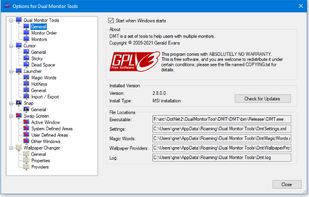
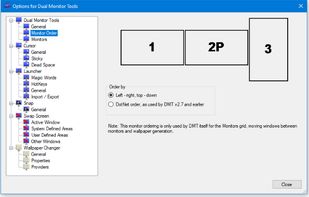
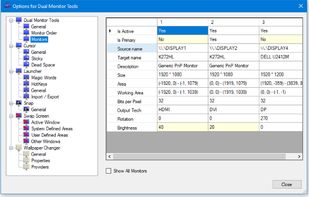
Dual Monitor Tools is a software package for Windows users with dual or multiple monitor setups.
All the tools are open source and free, and each tool is independent so you only need to install or run what you want.
 United Kingdom


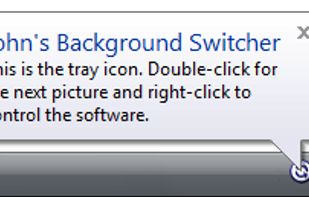
John’s Background Switcher (or JBS for short) periodically changes the wallpaper on your computer (like every hour or every day) to something interesting. JBS sits in your system tray (down by the clock) and changes your background at the time interval of your choosing.
United Kingdom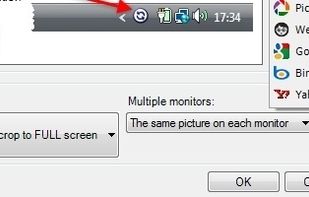

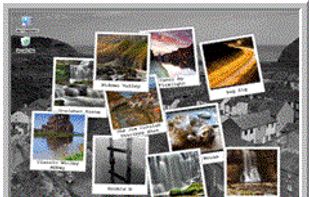


Actual Multiple Monitors is a software utility which offers the comprehensive solution to improve the functionality of Windows user interface for comfortable and effective work with multi-monitor configurations.
 Russia
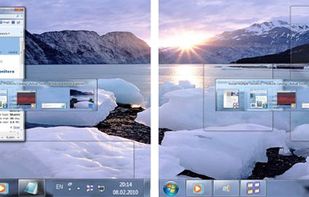


Superpaper is an advanced multi monitor wallpaper manager for Linux, Windows and Mac OS X operating systems.
 FinlandEU
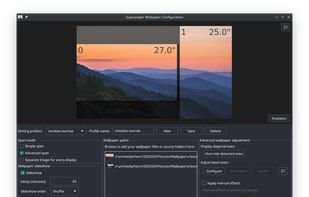


A wallpaper manager for multi-monitor setups on Cinnamon and GNOME Shell. Forget distorted, cropped or repeated backgrounds. With WMM, you are in full control.
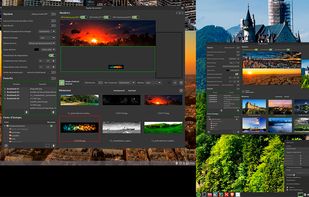
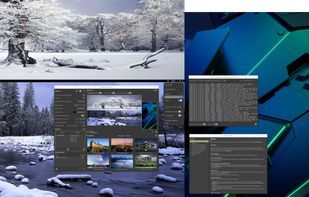
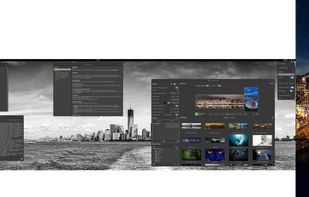


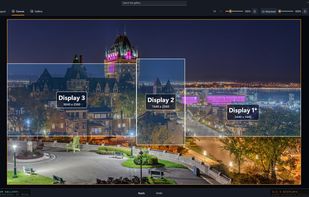
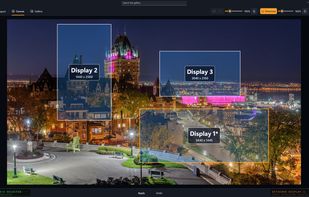
UltraWall is a wallpaper management app for multi-monitor setups. Span one image across all your monitors, choose the scaling mode, attached or detached modes, pull all your images into one place and use the monitor overlays to select the perfect crop.
Canada