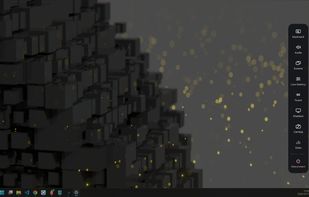
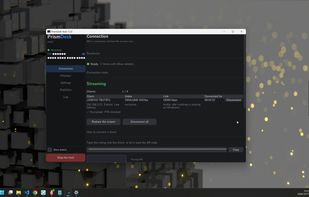
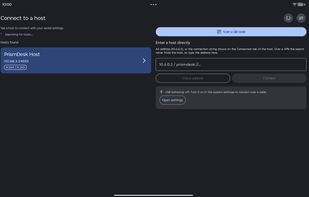
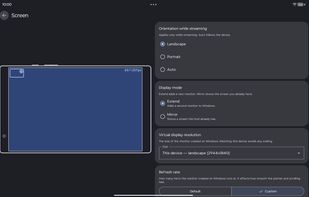
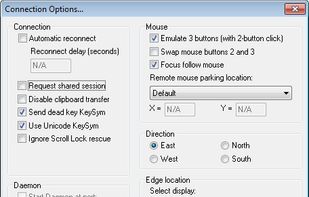
This program will let you use two screens on two different computers as if they were connected to the same computer.
Cost / License
- Free
- Open Source
Alerts
- Discontinued
Platforms
- Windows
- Linux
 United States


Apps similar to Spacedesk include Side Screen, which is free and open source. Other options are Deskreen, Multiplicity, Weylus and Duet Display. There's no shortage of Screen Mirroring Apps like Spacedesk, with more than 25 alternatives for Windows, Mac, Android, iPhone and iPad.
This program will let you use two screens on two different computers as if they were connected to the same computer.
United StatesDFMirage is "cutting edge" video driver mirroring technology for the Windows. It is a driver for virtual video device managed at DDML level of the graphics system that exactly mirrors the drawing operations of one or more physical display devices.

ZoneScreen is able to mirror local desktop to another computer in the network. The main difference is that it also allows extend desktop, not only mirror it. Also, you could use ZoneScreen for Windows Mobile to extend/mirror your desktop to screen of your handheld.
 Russia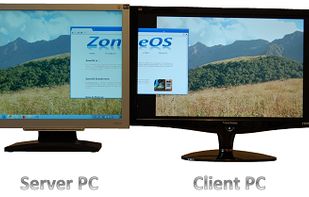


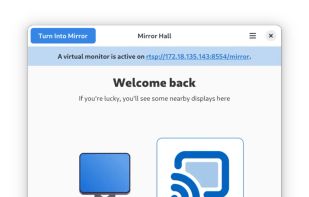
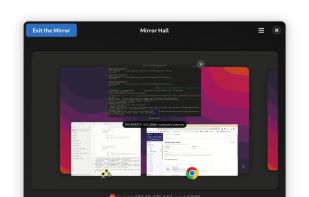
MirrorHall creates virtual second monitors over the network using UDP video streaming among Linux desktop or mobile devices. It is optimized for low latency, and is based on gstreamer and GNOME's mutter screen sharing APIs.


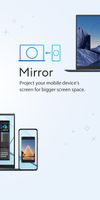
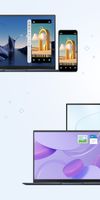
GlideX is a cross-device screen-sharing solution. Using wired or wireless connections, you can create a bigger and better work or play space. GlideX optimizes your workflow in the blink of an eye!
 Taiwan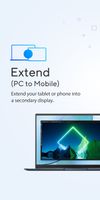


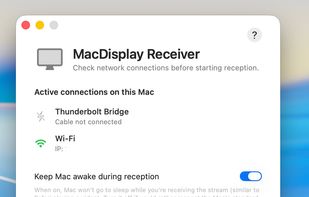
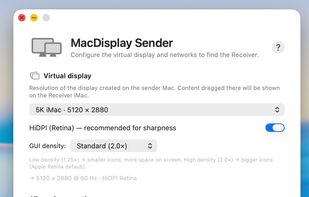
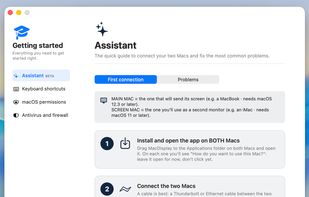
Turn any Mac you already own — even an old iMac — into a true extended second display for your Mac. No dongle, no subscription, no account, no cloud.
 Italy
Italy EU
EU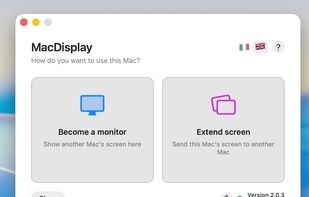


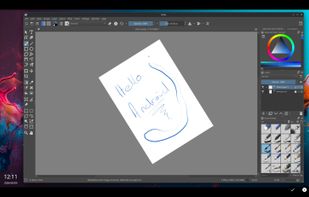
A high-performance, low-latency drawing tablet solution that turns your Android device into a professional graphics tablet for Linux (Wayland).
 South Africa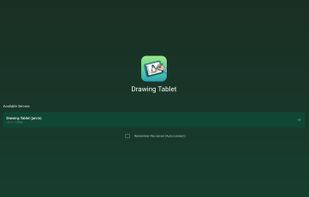


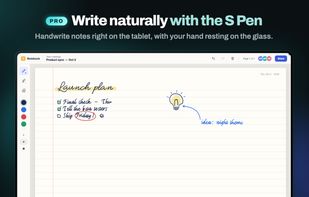
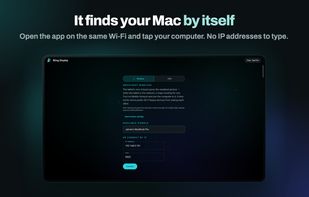
Wing Display turns the Android tablet you already own into a real extended display for your Mac. Drag windows across, keep notes, a chat or a reference document beside your work, and arrange the tablet in System Settings like any other monitor.
 HungaryEU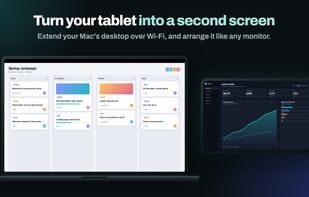


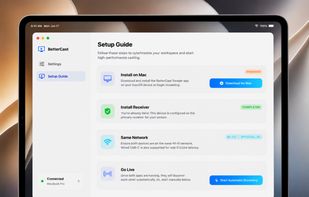
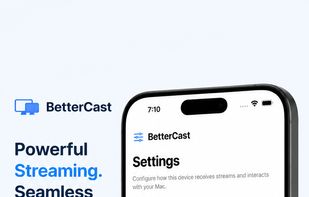
BetterCast lets you use your old device (Mac, Android, iPhone) as real extended displays with zero subscriptions, zero cloud, and native macOS performance.
 Philippines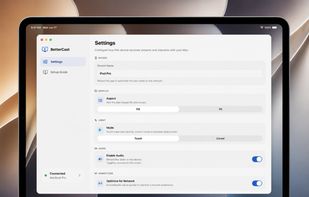

Turn an Android tablet or phone into a real second monitor for a Windows 11 PC, over Wi-Fi or USB, with pen pressure and optional HDR.
 Japan
Japan