Utilize Spacedesk to transform any network-connected device, from Android tablets to iOS devices, into additional monitors. Requires a Windows primary machine for efficient screen sharing, perfect for office or remote collaboration.
 Germany
 EU
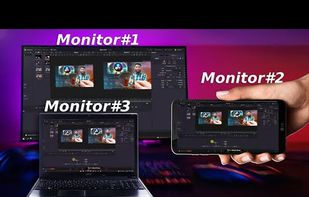

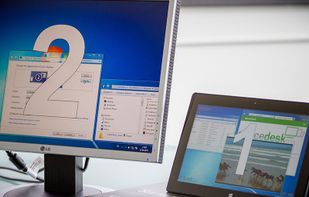



Apps similar to GlideX include Spacedesk, which has a free version. Other options are Side Screen, Deskreen, Multiplicity and Tab Display. There's no shortage of Screen Mirroring Apps like GlideX, with more than 25 alternatives for Windows, Mac, Android, iPhone and iPad.
Utilize Spacedesk to transform any network-connected device, from Android tablets to iOS devices, into additional monitors. Requires a Windows primary machine for efficient screen sharing, perfect for office or remote collaboration.
GermanyEU
Transforms any Android tablet into a Mac's second monitor using USB-C for low latency or WiFi with QR pairing, featuring H.265 hardware streaming, touch input, HiDPI support, lightweight design, Gaming Mode, open-source customization, and virtual display window management.
 Vietnam
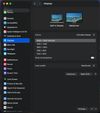
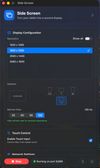


Enables any device with a browser to act as a second screen for computers, featuring secure end-to-end encrypted streaming, entire screen or app sharing, multi-device connections, cross-platform support, advanced video quality controls, and easy WiFi setup.
 Ukraine


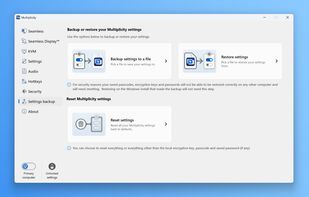
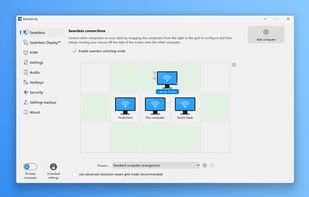
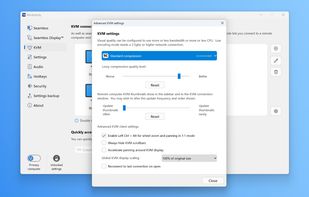
Multiplicity offers a virtual KVM solution, managing several computers with one keyboard and mouse. Its remote modes enable cursor transition across monitors and centralized control. Users can transfer files, stream audio, and lock computers without extra hardware, suitable for command rooms, IT desks, and home users.
 United States
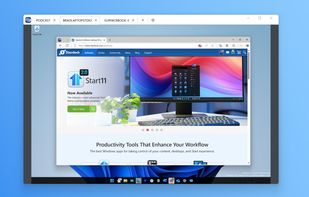


Allows extension of a Mac or Windows workspace to iPad, Android, macOS, or Windows devices as portable second screens, supporting multiple connections, wireless linking, cross-platform use, and practical multitasking like separating documents, chat, or meetings.
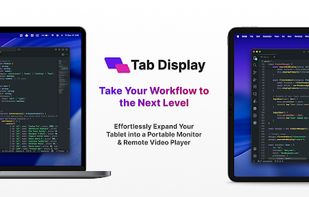
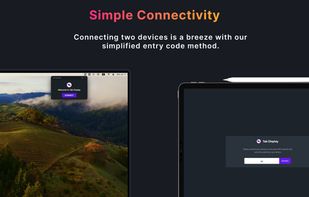
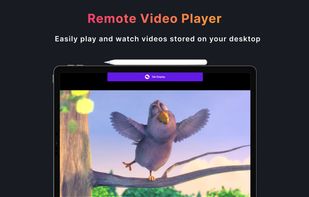


Transforms tablets or smartphones into graphic tablets or touchscreens for computers, enabling mouse control, screen mirroring, hardware video encoding, keyboard input, stylus support with pressure and tilt on Linux, multi-touch, window capture, and use as a second screen.
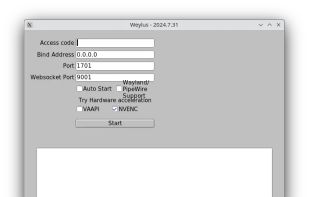


QtScrcpy connects to Android devices via USB (or via TCP/IP) for display and control. It does NOT require the root privileges.
 China


Turns iOS or Android devices into efficient second displays or graphics tablets for Mac and PC, delivering zero-lag, high-resolution output with touch, gesture, and touch bar support, hardware-free setup, secure remote desktop capabilities, and end-to-end encryption.
United States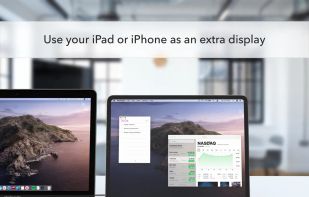
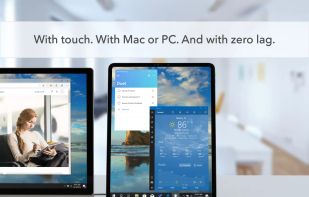
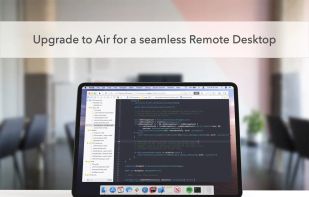
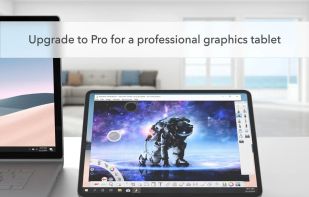


Convert an Android device into a high-performance USB monitor for Windows 10, enabling duplication or extension of the desktop, low-latency operation, graphics tablet functionality, pressure-sensitive stylus use, and compatibility with phones or tablets.
 FinlandEU


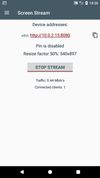
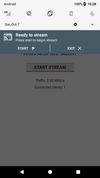
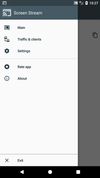
Screen Stream over HTTP allows viewing the device screen in your web browser. No need of any additional software except for this app and a web browser. No annoying ads or pop-ups. The application works via WiFi and/or 3G/LTE network. It uses MJPEG to encode screen images and send.
 Russia


Transforms a tablet or smartphone into an additional wired display using USB for Windows or Mac, enabling high-performance multitasking, touch control, auto landscape or portrait mode switching, support for creative and office apps, and secure connectivity.
United States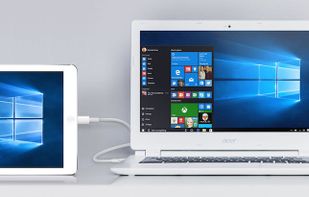


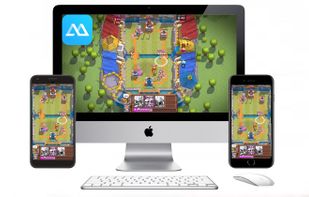
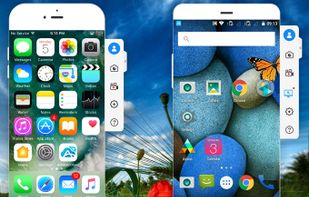
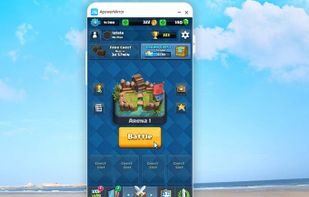
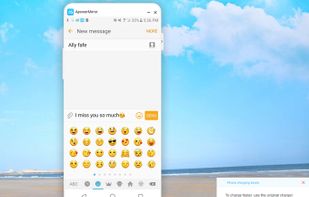
Wireless streaming sends Android or iOS to Mac or Windows, supports Android device control via PC mouse and keyboard, records device screens, captures screenshots, mirrors audio, handles multiple devices at once, file transfers, annotation tools, and secure privacy options.
 Hong Kong