Screen and file sharing app to share content wirelessly to media servers.
Cost / License
- Paid
- Proprietary
Application type
Platforms
- Mac
- Windows
 United States


Apps similar to GlideX include Spacedesk, which has a free version. Other options are Side Screen, Deskreen, Multiplicity and Tab Display. There's no shortage of Screen Mirroring Apps like GlideX, with more than 25 alternatives for Windows, Mac, Android, iPhone and iPad.
Screen and file sharing app to share content wirelessly to media servers.
United States
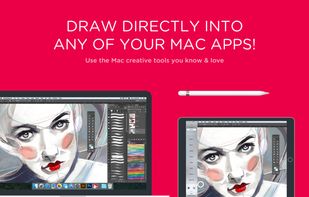
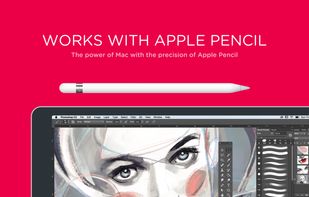
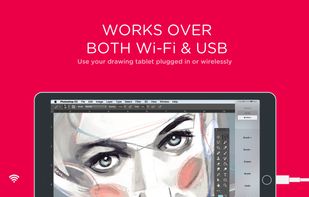
Transforms an iPad into a professional drawing tablet for Mac and PC, featuring customizable shortcuts, Magic Gestures, pressure sensitivity with selectable curves, hover support for new pencils, quick keys, and seamless wireless or wired connectivity for artists.
United States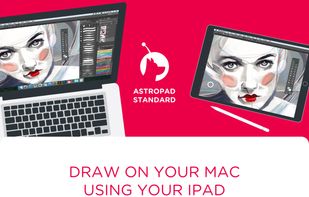


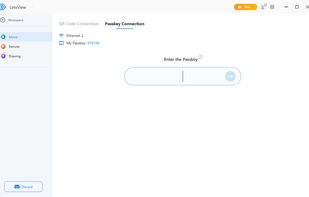
LetsView is a free screen mirroring app that allows users to mirror their screen to a larger display in real time, offering superior quality without lag. Easily connect by scanning the QR code!.
 Hong Kong SAR China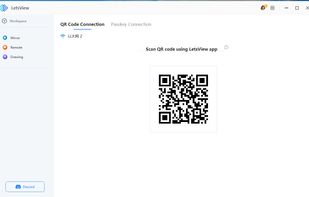


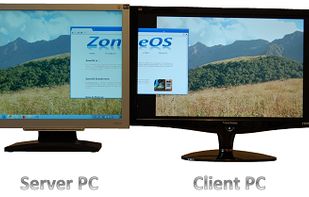
This program will let you use two screens on two different computers as if they were connected to the same computer.
United States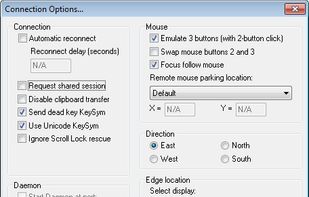


Mirror and control your Android device on PC, seamlessly receive notifications, access messaging apps like WhatsApp, play mobile games with a mouse, transfer files effortlessly, and capture or record screens for an enhanced digital experience.
 China
China
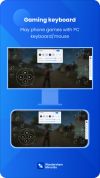
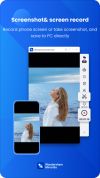


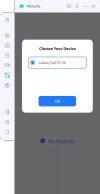
iMyFone MirrorTo is a screen mirroring app that comes up with the following features. 1) Cast your Android device screen to the Windows computer. 2) Control Android devices using your computer's keyboard and mouse. 3) 1080P HD screen recording.
China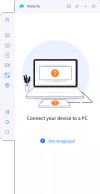
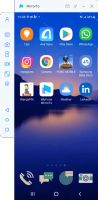


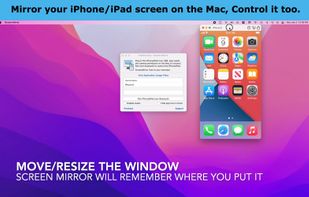
Mirror iPhone/iPad to your Mac wirelessly. No need to connect iPhone/iPad to Mac with a cable. Demo what's on your iPhone/iPad in online-meeting, play games, draw live. PhoneCast 2.0 has a new rendering engine that makes it just as good as casting with cables.
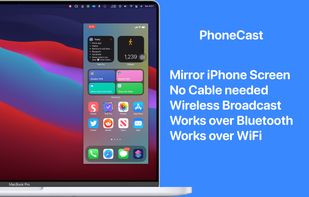


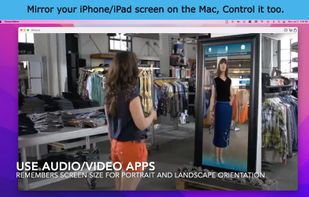
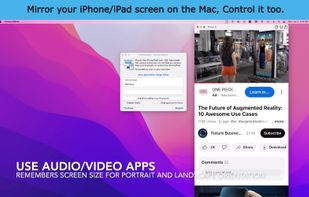
Interact with your small phone on your big display, your good speakers and your keyboard. Share your iPhone/iPad screen in Zoom/Teams.
United States


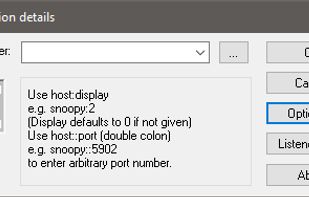
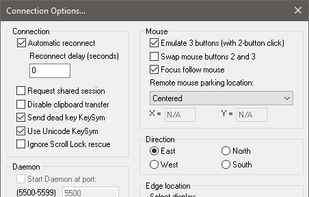
This program will let you use two screens on two different computers as if they were connected to the same computer. It even works between different operating systems.


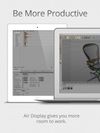
Use your iPad as a wireless display, to extend your Mac desktop. Ever wish you had an extra display for your computer? There’s an app for that! With Air Display, you can use your iPad as an additional monitor for your Mac (Windows no longer supported)
United States



Turn your iPad/iPhone or Android tablet or smartphone into a convenient side monitor for your Windows or Mac desktop. iDisplay is a universal app specially optimized for iPad, iPhone, iPod Touch, and Android devices screens.
 Germany
 EU
EU


ZoneScreen is able to mirror local desktop to another computer in the network. The main difference is that it also allows extend desktop, not only mirror it. Also, you could use ZoneScreen for Windows Mobile to extend/mirror your desktop to screen of your handheld.
 Russia