


Astropad Studio
5 likes
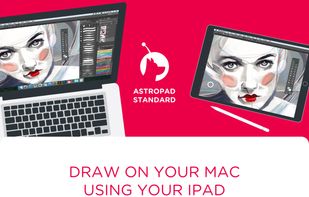
Transforms an iPad into a professional drawing tablet for Mac and PC, featuring customizable shortcuts, Magic Gestures, pressure sensitivity with selectable curves, hover support for new pencils, quick keys, and seamless wireless or wired connectivity for artists.

Cost / License
- Pay once or Subscription
- Proprietary
Application type
Platforms
- Mac
- Windows
- iPad


Features
Astropad Studio News & Activities
Highlights All activities
Recent News
- Mauricio B. Holguin published news article about Astropad Studio

Recent activities
 ssssaaaa added Astropad Studio as alternative to OpenDisplay
- Danilo Venom updated Astropad Studio
 Danilo Venom added Astropad Studio as alternative to Side Screen


Astropad Studio information
Developed by
 Astro HQ LLC
 Licensing
Proprietary and Commercial product.Pricing
One time purchase that costs $150, and / or subscription ranging between $7 and $12 per month.Alternatives
8 alternatives listedBadge
Get an embeddable badge for Astropad StudioSupported Languages


Featured in Lists


Extended Display
Extended Display for iPhone, iPad, PC and Mac
No comments or reviews, maybe you want to be first?