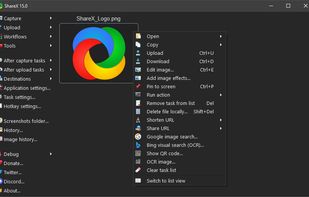
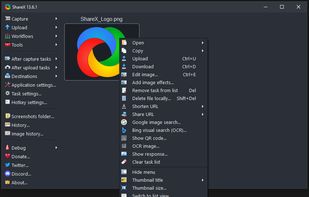
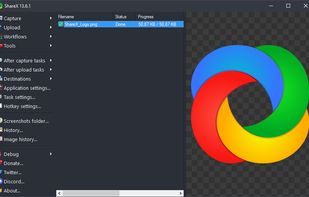
Open-source screen capture and file sharing tool with recording, editing, and annotation features. Supports 4K, dark mode, theming, offline use, and offers a lightweight, ad-free experience without tracking user data.


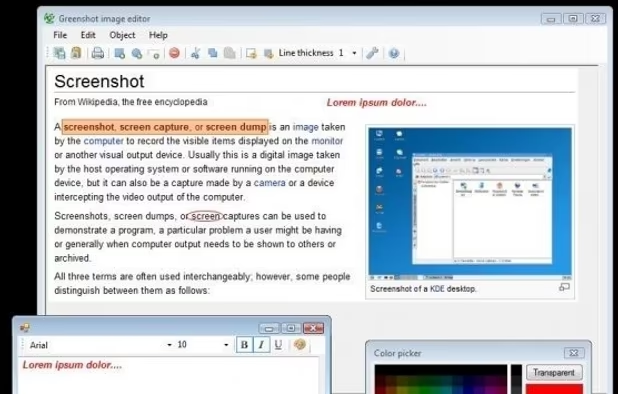
Snippy Snip is described as 'The snipping tool your Mac always needed: paste-ready screenshots that land on your clipboard instantly, a full annotation editor that keeps the clipboard in sync as you edit, and screen recording you can watch before you keep it' and is a screenshot capture tool in the photos & graphics category. There are more than 10 alternatives to Snippy Snip for a variety of platforms, including Mac, Windows, PortableApps.com, Steam and SaaS apps. The best Snippy Snip alternative is ShareX, which is both free and Open Source. Other great apps like Snippy Snip are Greenshot, Snipping Tool, PicPick and Snagit.
Open-source screen capture and file sharing tool with recording, editing, and annotation features. Supports 4K, dark mode, theming, offline use, and offers a lightweight, ad-free experience without tracking user data.


Lightweight screenshot tool offering OCR, exports to Office apps and online storage, integration with external commands, supporting 32 languages and minimal space requirement.


Snipping Tool is a screen capture utility that allows users to take screenshots of specific objects or full screens, annotate them, and save or share the captured images or videos.


Provides versatile screen capture options, built-in image annotation, color picking and palette, precision measurement tools like ruler and protractor, hotkey customization, clipboard and multi-format support, simple tray access, sharing, and portable operation.


Advanced screen capture and recording tool enabling image or video captures directly from your screen. Includes editing features like callouts, transparency, and effects to enhance visuals. Organize and easily share creations through documents, presentations, or favorite applications.


Feature-packed native macOS screenshot tool — annotate, auto-redact PII, record GIFs, OCR + translate, scroll capture, beautify, and more. No Electron, no subscription.

Browser extension for full, region, and visible-area screenshots, local annotation, PDF and format export, customizable, free, open source, fully offline, no account or telemetry, zero ads, no third parties, using only needed permissions, privacy-focused.


Spectacle is a simple application for capturing desktop screenshots. It can capture images of the entire desktop, a single monitor, the currently active window, the window currently under the mouse, or a rectangular region of the screen.

Lightweight screenshot application for macOS featuring distraction-free interface, fast image capture, clear annotation tools, simple export workflow, and no subscriptions or complex menus, focusing on quick sharing and a one-purpose design for everyday use.


Open-source screenshot solution for macOS featuring region, window, and fullscreen capture, local OCR powered by offline Tesseract.js, fast annotation, customizable backgrounds and effects, menu bar integration, clipboard support, and persistent workflow preferences.


Shottr is a compact screenshot app designed for pixel precision and optimized for macOS Silicon devices.


Capture and record screens on Mac with CleanShot X, featuring seamless recording, custom keyboard shortcuts, customizable wallpapers, Quick Access Overlay, and Desktop icon toggle for a tidy user interface.