Cost / License
- Free
- Open Source
Application type
Platforms
- Google Chrome
- Microsoft Edge
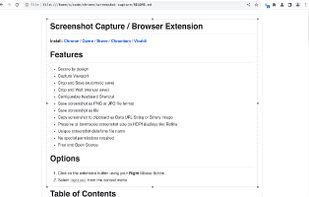

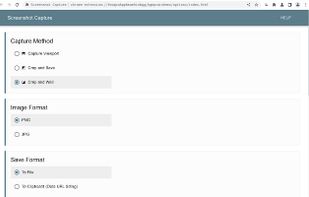

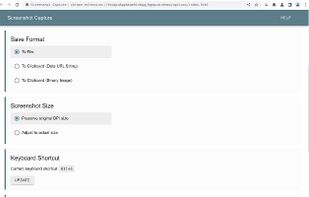

+1


Capture screenshots or record videos with Ashampoo Snap’s efficient tools. Enjoy easy editing, multi-display support, OCR for 180 languages, and instant sharing capabilities. Revamp your projects with video cutting, annotations, and custom capture options.
 Germany
 EU
EU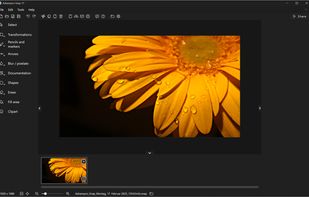

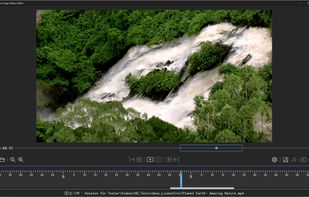
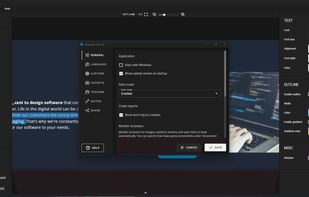


This extension is able to capture 100% of both the vertical and horizontal content appearing on any webpage on the Internet.


Want to share what you've worked on with friends or co-workers but think a plain screenshot is a bit bland? Screely instantly turns your screenshot into a beautiful image you can share.
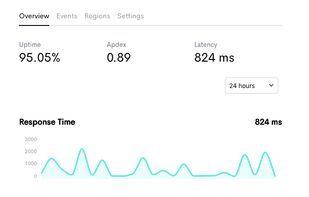


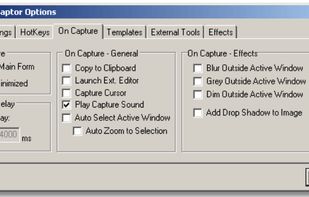
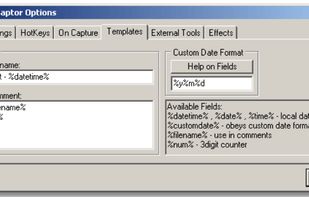
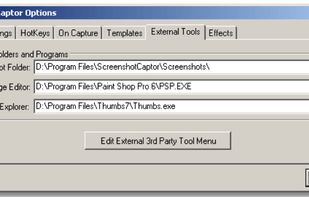
Screenshot Captor is a program for taking screenshots on your computer. Its different from other screenshot utilis in several notable ways:
 United States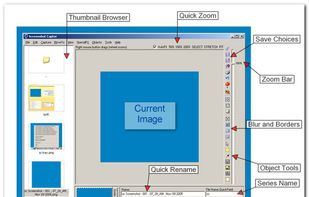


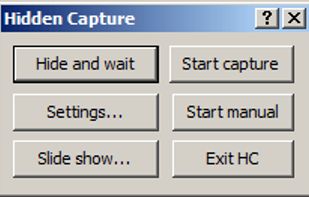
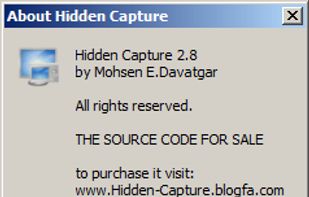
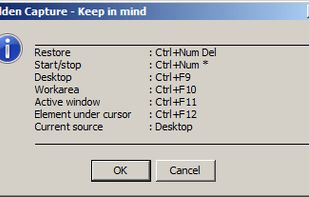
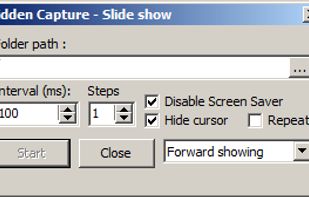
Grab screenshots in a stealth mode, and start the capturing process at a user-defined time with the help of this simple to use and efficient software tool.


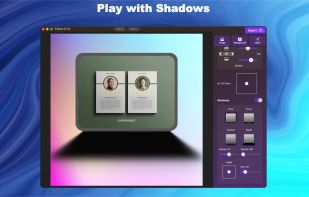
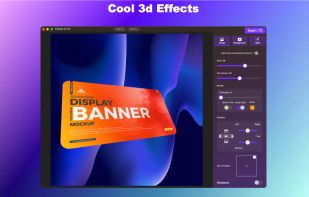
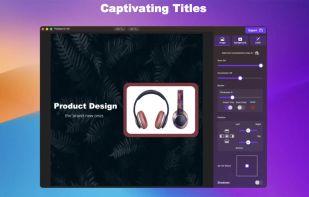
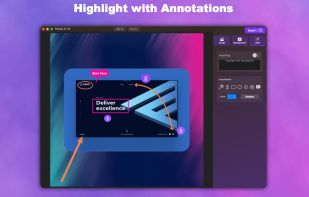
Capture, Customize, and Share Effortlessly with PixEase. We understand the value of your time, which is why we've designed our app to make the process of creating stunning visuals quick and seamless.


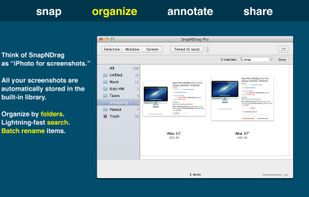
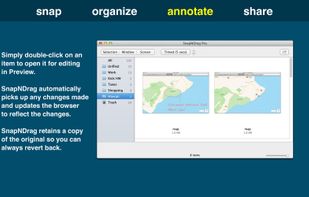
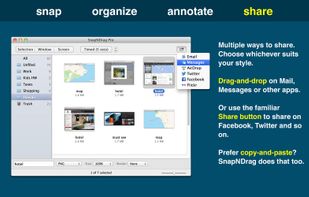
SnapNDrag makes taking screenshots super easy. Click, select and the screenshot is added to your library. SnapNDrag maintains a library of all the screenshots you have ever taken. Think of it as iPhoto for screenshots.
United States


MWSnap is a small yet powerful Windows program for snapping (capturing) images from selected parts of the screen.
 PolandEU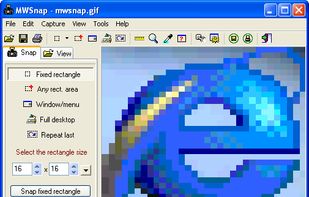
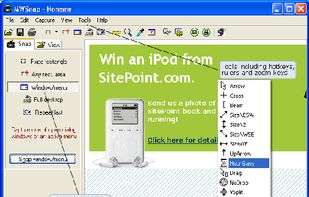


Hotshots is a screenshot tool with some editing features. It is particularly suitable for writing documentation (as used in the following chapters) but you can use it to highlight some details on a map image or what ever you want.


 GermanyEU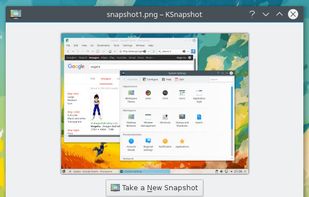


Image Chest makes sharing images easy. It can be used to share pictures with friends, as well as post images on forums, blogs, or social media. No account required, and it's free.