Snipboard Alternatives
Snipboard is described as '(previously known as Snaggy) is an image host that lets you quickly paste and share images from your clipboard directly online' and is a screenshot capture tool in the photos & graphics category. There are more than 100 alternatives to Snipboard, not only websites but also apps for a variety of platforms, including Windows, Mac, Linux and Google Chrome apps. The best Snipboard alternative is ShareX, which is both free and Open Source. Other great sites and apps similar to Snipboard are Greenshot, Imgur, PicPick and Snagit.
Alternatives list

Ashampoo Droid Screenshot is a fully-fledged mobile application to capture, edit and share screenshots and images on your Android device. Capture screen contents, take photos with your built-in camera or simply load existing images and add stylable arrows, shapes, stamps and...
Cost / License
- Freemium (Pay once)
- Proprietary
Application types
Platforms
- Android
- Android Tablet


- 52 Gemoo YouTube Video Screenshot Online alternatives
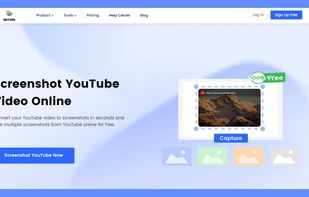
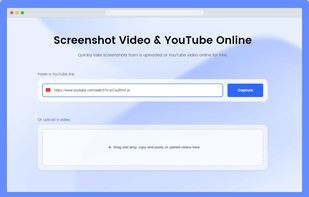
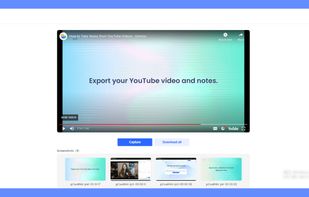
Gemoo's YouTube video screenshot converter is a valuable tool for content creators who want to improve the quality and visibility of their YouTube videos. It quickly generates high-quality screenshots from any YouTube video for free, and there is no need to register to get...


- 92 Capster Screen Capture alternatives
Capster helps you enhance your asynchronous communication with captures of your screen. Record your screen as you demonstrate a feature, idea, or bug, or take a screenshot and annotate it to better convey your point - and instantly share it through the cloud.
Cost / License
- Freemium (Subscription)
- Proprietary
Application types
Platforms
- Mac


+2
This app is designed to quickly convert images and create a screenshot with watermarks and gorgeous backgrounds. It supports all major image formats such as JPG, PNG, GIF and WEBP. The conversion process is very fast and easy to use.
Cost / License
- Freemium (Subscription)
- Proprietary
Application type
Platforms
- Web Browser


You grab Screens or Windows using the standard PrtScn and Alt-PrntScn keys and MGrab will intercept the saved data as it is sent to the clipboard and put it into your chosen folder as a BMP or JPG file leaving the clipboard free for you to take another screenshot.