





Smart Launcher
57 likes
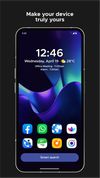
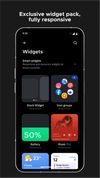
Simplifies Android navigation with automatic app organization, robust search, wallpaper-adaptive themes, one-handed mode, hidden apps with PIN, gestures, notification badges, font and icon customization, widget support, and a built-in wallpaper picker.



+5

Cost / License
- Freemium (Pay once or Subscription)
- Proprietary
Application type
 EU
Since
- Since 2012

Features
Highlights All activities
Smart Launcher News & Activities
Recent News
- Danilo Venom published news article about Lawnicons

Recent activities
 GabrielDja added Smart Launcher as alternative to One4Home
- GabrielDja updated Smart Launcher
I've been using it every day since November 2025, and I love it. Although it's still missing some features, like the ability to rearrange pages, move multiple icons more easily, and other things.
 c17s5qhu added Smart Launcher as alternative to Iteration Launcher
 jam2k6 added Smart Launcher as alternative to AXO Launcher
 Emin added Smart Launcher as alternative to ARK-launcher and Launcher314
 keepitlocal added Smart Launcher as alternative to Fokus Launcher
 Jaime-Joseba-Hidalgo-Garc added Smart Launcher as alternative to Tenkai Launcher
- James Boyd liked Smart Launcher
 Tony-Southern added Smart Launcher as alternative to Meridian Launcher


A clean Android setup with the best apps (mostly open source)
Everytime I setup a phone for a friend or myself I usually remove stock apps using adb or UniversalAndroidDebloaterNextGeneration and replace them with theses apps listed here. I added also a couple of nice to have apps that people might wants on their device.
Almost all of them are free as in free beer and many are open source (around 80%)
I tried to feature more applications and less services but there are several services still in this list, however I find them great and/or accessible (freemium most of the time).
FOSS = Free(as in freedom) and Open Source Software
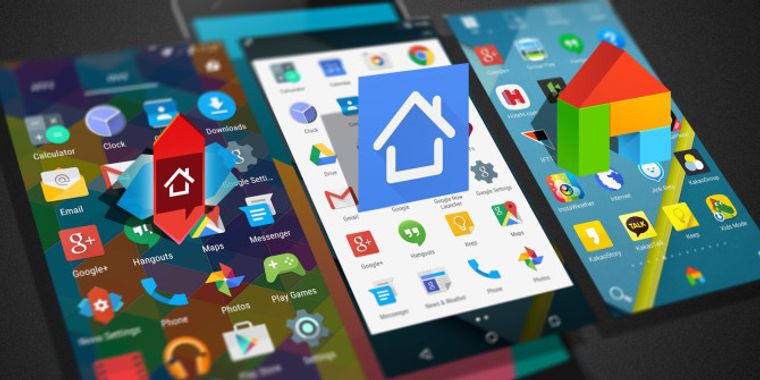


Our selection of the best alternative launchers on Android for 2018
The launcher (or application launcher) is the backbone of Android, the screen where you spend the most time. This launcher often varies from one smartphone manufacturer to another and can considerably reduce the functionalities however present in the basic version of Android. In short, sometimes it's better to look elsewhere if the grass is greener. Here are the best alternative launchers for Android in 2018.



Core, Development & Services
A list with 807 apps by AmileyaRyver without a description.

Developed by
 Smart Launcher SRL
First released
2012Licensing
Proprietary and Freemium product.Pricing
One time purchase (perpetual license) that costs from $28 + free version with limited functionality.Rating
Average rating of 3.6Alternatives
91 alternatives listedBadge
Get an embeddable badge for Smart LauncherSupported Languages


Comments and Reviews
I've been using it every day since November 2025, and I love it. Although it's still missing some features, like the ability to rearrange pages, move multiple icons more easily, and other things.
Clean and intuitive design, has its own trademark view app (sidebar)
Smart launcher used to be my daily driver for several years. I bought a Pro version. But then developer introduced ads inside his Pro version of the app. Also, after I updated to new version of the app, I had to pay again (!) to receive pro features. That's why I wouldn't recommend anyone to support this developer by using his launcher. Especially not to buy a Pro, because you will probably have to pay again and again and again. Pro: intelligent drawer Con: Adware in both free and pro version, dishonest developer
Pros :
Cons :
[Edited by Shojimeguro, September 19]
It does what it says and gives your phone an overall good look. Not much to customize. My favorite launcher so far.