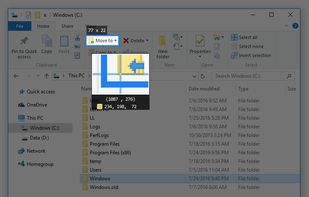
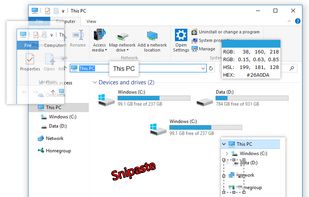
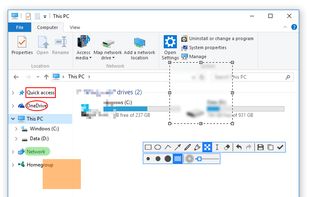
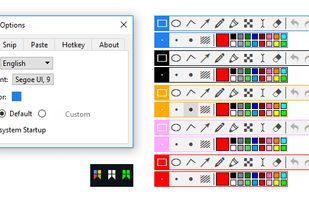
Snipaste is a simple but powerful snipping tool, and also allows you to pin the screenshot back onto the screen. Snip. Then paste. Free. Customizable. Portable.
Cost / License
- Freemium
- Proprietary
Application type
Platforms
- Mac
- Windows
- Linux



+2


Apps similar to Shutter include ShareX, which is free and open source. Other options are Greenshot, Flameshot, FastStone Capture and PicPick. Screenshot Capture Tools like Shutter are a crowded field, with more than 50 alternatives for Windows, Mac, Linux, the web and Chrome OS.
Snipaste is a simple but powerful snipping tool, and also allows you to pin the screenshot back onto the screen. Snip. Then paste. Free. Customizable. Portable.

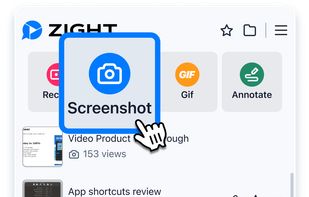
Capture full and partial screenshots, record screen or webcam videos with extensive editing tools, including annotations, video conversion to gif/mp4, and sharing options. Create step-by-step guides enhanced by AI, save in multiple formats, and utilize cloud storage integration.
 United States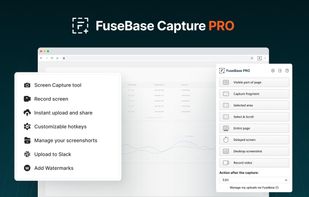
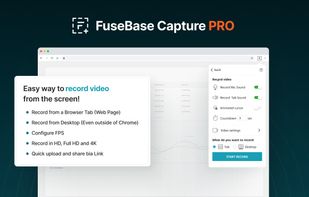
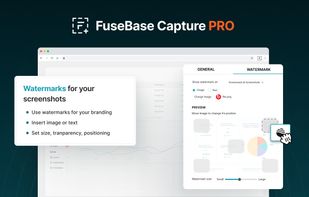


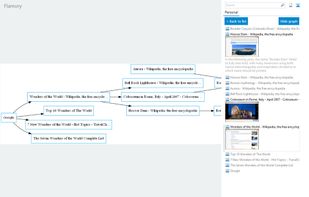
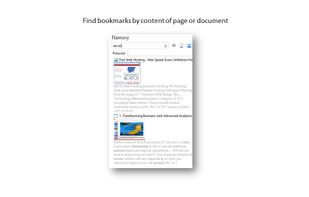
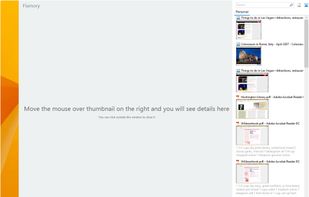
Flamory remembers things, so you don't have to. Make snapshots of web pages, files and desktop apps. You can find snapshots later using full-text search and thumbnails. Paste them anywhere as links or screenshots.
United States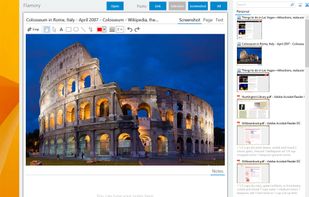


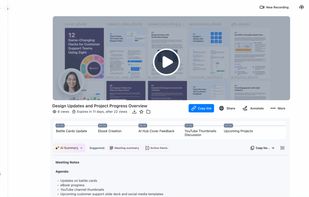
Enables screen and webcam capture, detailed video and screenshot editing, organized meeting notes, AI-powered transcription, and cloud-based instant sharing of annotated visual content via direct links or drag-and-drop integration with communication apps on Windows and Mac.
United States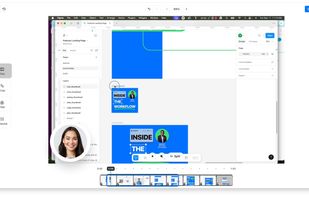


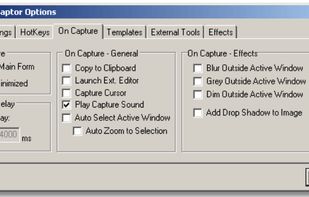
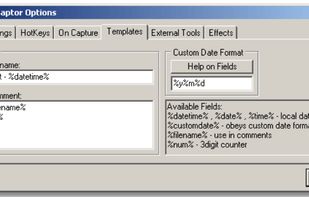
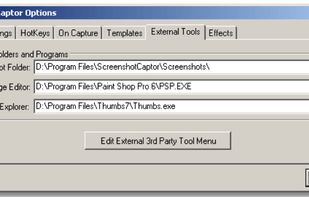
Screenshot Captor is a program for taking screenshots on your computer. Its different from other screenshot utilis in several notable ways:
United States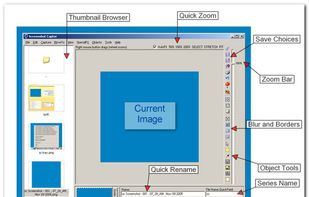


Easy Screenshot is an easy to use screen capture tool. Simply press one of the context menu items to capture entire or a portion of your screen.
United States

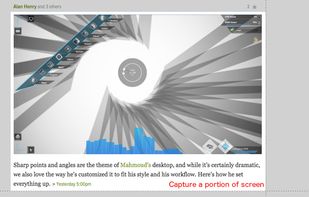


Taking screenshots with Shotty is so natural and easy, you just have to try it. Edit them in minimalistic editor and the upload them with one click. Focusing on simplicity and usability, this tool is probably the most intuitive screenshot utility out there.
 Germany
 EU
EU


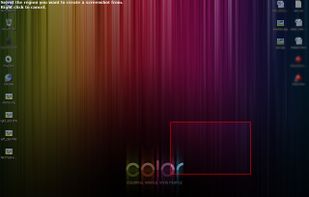


Capture HD video at 60 FPS, record iOS devices, and edit screen or image content with annotation, voiceover, and advanced file management. Includes fullscreen, selection, and web capture, quick sharing to cloud, FTP, YouTube, and fast search for Mac users.
 India
India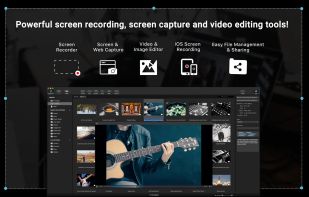
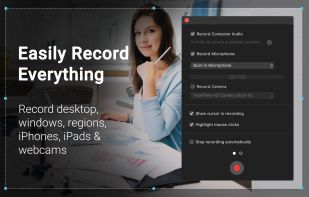
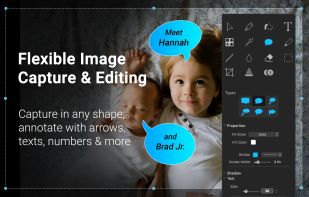
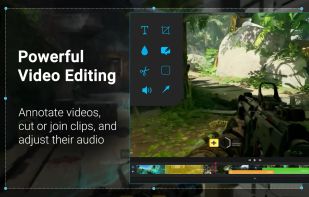


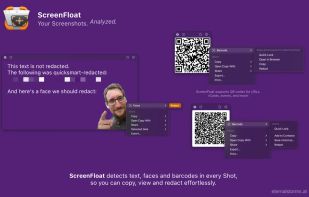
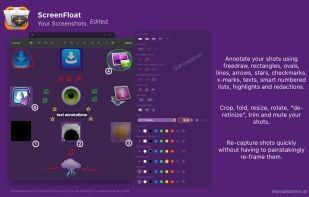
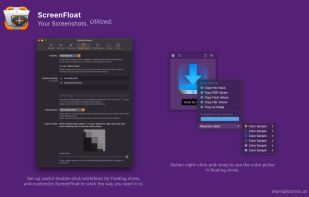
Maximize productivity on Mac with intuitive screen captures, Picture in Picture, and versatile annotation capabilities.
 AustriaEU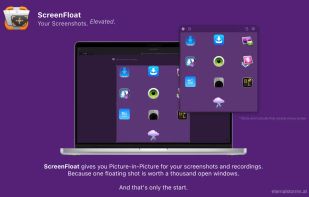


Hotshots is a screenshot tool with some editing features. It is particularly suitable for writing documentation (as used in the following chapters) but you can use it to highlight some details on a map image or what ever you want.


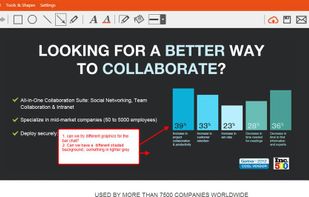
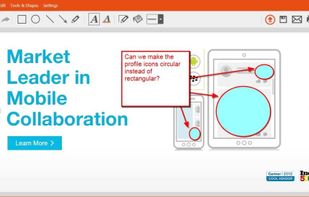
TinyTake is a free screen capture software for Microsoft Windows. With TinyTake, you can capture images and videos of your computer screen, add comments and share them with others in minutes. TinyTake is built by MangoApps and is available for free.
United States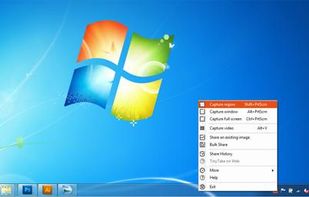



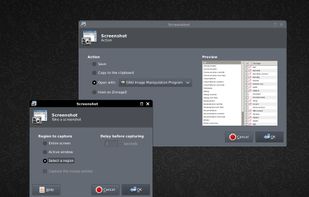
This application allows you to capture the entire screen, the active window or a selected region. You can set the delay that elapses before the screenshot is taken and the action that will be done with the screenshot: save it to a PNG file, copy it to the clipboard, open it...
GermanyEU