


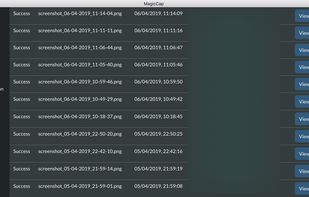
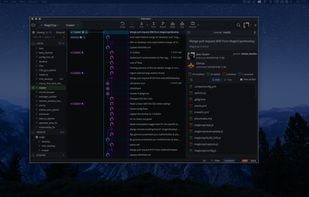
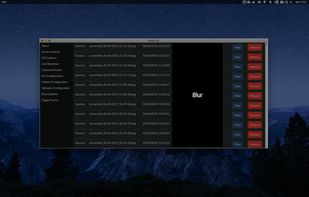
MagicCap is an image/GIF capture suite for Mac and Linux featuring screenshot manipulation options such as blurring.
Platforms
- Mac
- Linux




Apps similar to ShareX include Greenshot, which is open source with a free version. Other options are Flameshot, SimpleScreenRecorder, Screenity and N-Studio. There's no shortage of Screenshot Capture Tools like ShareX, with more than 100 alternatives for Windows, Mac, the web, Linux and Android.
MagicCap is an image/GIF capture suite for Mac and Linux featuring screenshot manipulation options such as blurring.

GNOME Screenshot is a utility used in the GNOME desktop environment for taking screenshots. It was part of the GNOME Utilities (gnome-utils) package, but was split into its own package for the 3.3.1 version in 2011.
 United States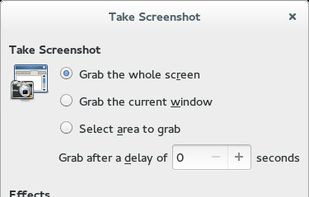


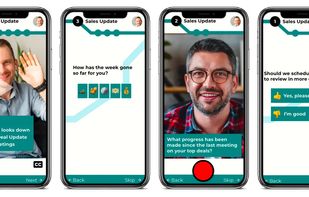
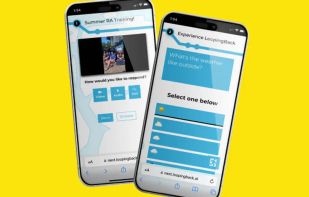
LoopingBack enables video as a message and response type for surveys, emails, stand ups, and other communications. It also uses AI to help users get from collection of information to results faster.
United States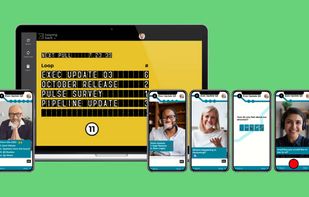


SurFlex is the ultimate screen recording solution for both PC and Mac, providing a seamless experience to effortlessly capture top-notch video and audio from your screen, applications, windows, webcam, and microphone, all without the inconvenience of watermarks.


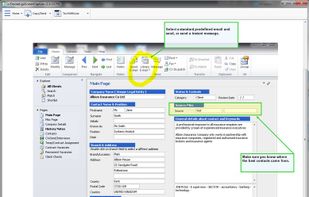
Originally intended for software developers, UX/UI designers and IT support desks, goScreenCapture is the perfect software utility for anyone who wants to create a document, build a slide presentation, check artwork, complete a project and work collaboratively.
 United Kingdom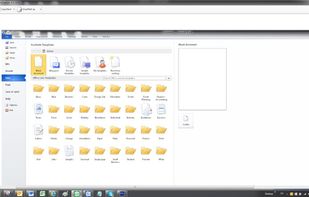


Automatic screenshot taker/automatic screen capture program. Have it take a screenshot every X seconds, and not only have the screenshots saved to disk, but also have them e-mailed, uploaded to a web server via FTP, and uploaded to an ImageShack account.
United States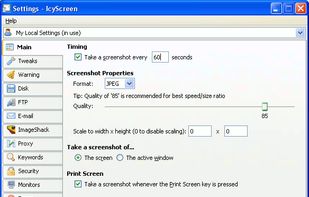


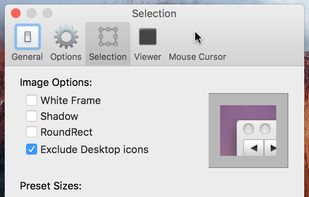
Small and free screenshot app for Mac that offers custom area and resolution presets, and much more.
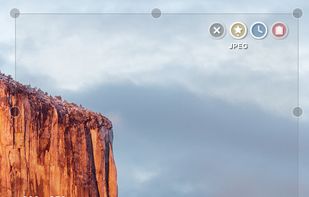
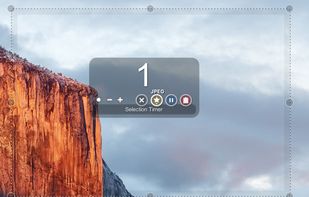


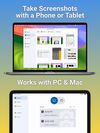
Screenshot Remote enables a seamless and secure way to capture and manage screenshots across multiple platforms and devices. Users can take screenshots on remote computers using their phone, tablet, or another computer via a local network connection or Wi-Fi.
United States


Swappy is a Wayland screenshot editing tool featuring brushes, text, shapes, arrows, and blur. Images can be saved locally or copied directly to the clipboard.
 France
 EU
EU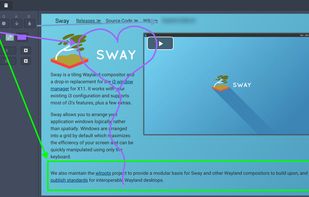


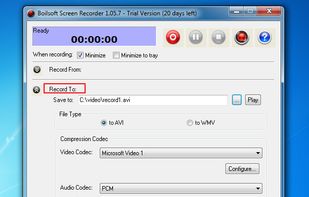
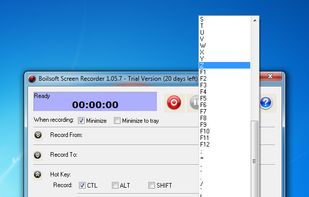
Boilsoft Screen Recorder is a screen-recording software helps to capture screen activities and record video to avi, wmv from microphone, line-in, or speakers for screen sharing.
 China
China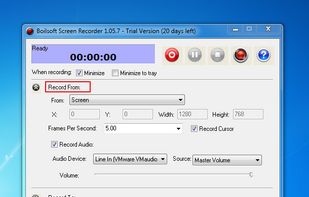


 Hong Kong SAR China


