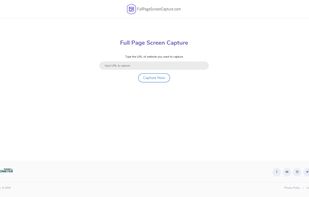
Generate web page full-length screenshot for free online.
Cost / License
- Free
- Proprietary
Application type
Platforms
- Online
 United States


Apps similar to ShareX include Greenshot, which is open source with a free version. Other options are Flameshot, SimpleScreenRecorder, Screenity and N-Studio. There's no shortage of Screenshot Capture Tools like ShareX, with more than 100 alternatives for Windows, Mac, the web, Linux and Android.
Generate web page full-length screenshot for free online.
United States
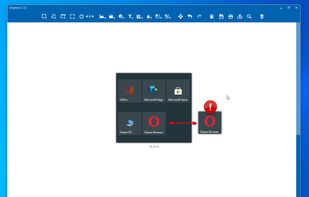
Snip tool is a screen capture tool that lets you capture one or more selected areas on your desktop and save it with optional annotations.
 Germany
 EU
EU



This application allows you to capture the entire screen, the active window or a selected region. You can set the delay that elapses before the screenshot is taken and the action that will be done with the screenshot: save it to a PNG file, copy it to the clipboard, open it...
GermanyEU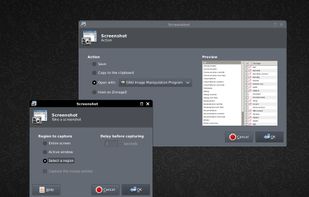


 South Korea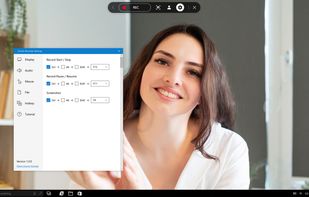
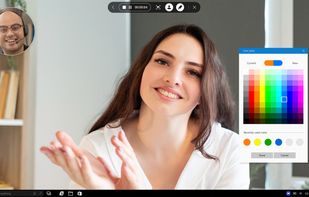


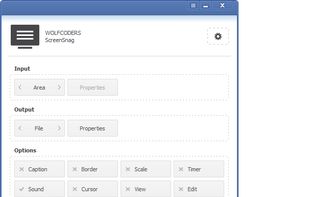
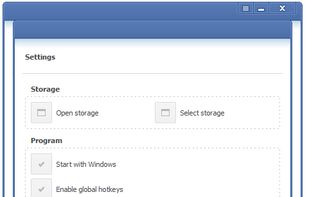
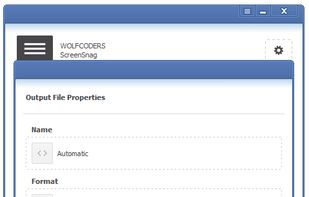
ScreenSnag provides a quick and easy way to take a photo of your computer screen. Capture the entire screen, a region of the screen, a window, or an element on the window with a single hotkey or click. You can also use Timer option to perform captures at intervals that you...

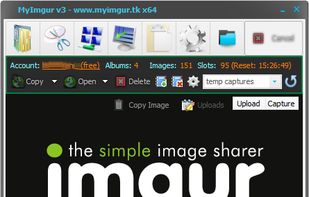
MyImgur is the most handy capture and uploader tool you’ll ever find for Windows computers. Intuitive 1-click actions and simple settings to very quickly capture areas of your screen or specific windows and send them to Imgur for sharing, or select a few files from your computer...

SnipSnip is a screen capture utility, designed for easy capture of some or all of your screen(s). It also allows you to do simple tasks like resizing, cropping and drawing on the capture.
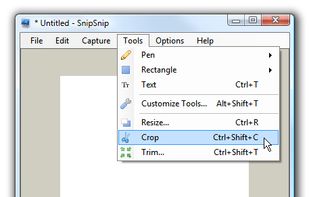
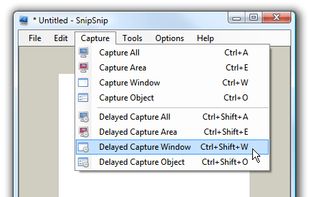
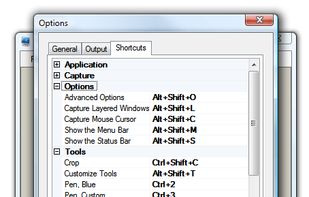


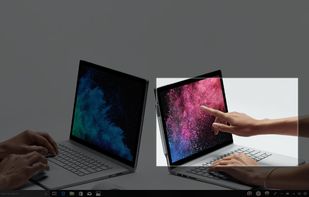
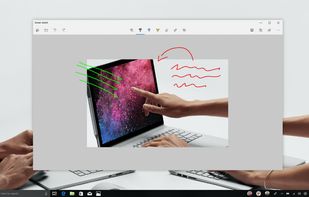
Quickly annotate screenshots, photos and other images with your pen, touch, or mouse and save, paste or share with other apps.


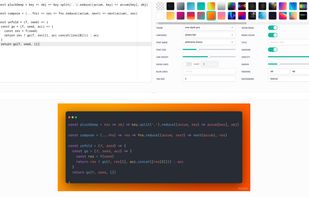


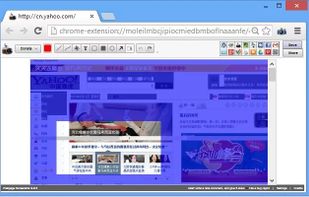
This extension is able to capture 100% of both the vertical and horizontal content appearing on any webpage on the Internet.


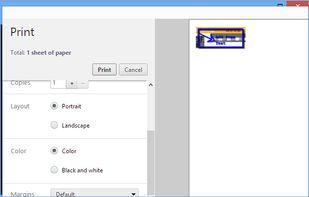


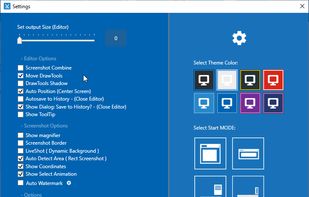
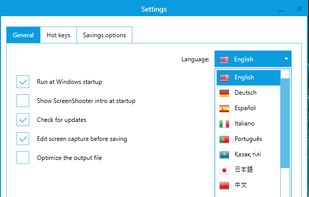
Simple, but powerful application for taking screenshots, editing them with included editor, and saving using multiple options, such as local storage, cloud, FTP-server, or direct copying to the clipboard or E-mail message.
 Russia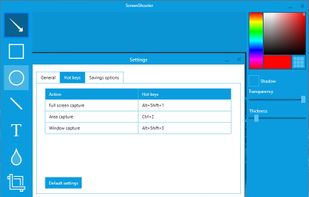
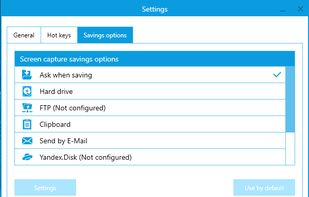


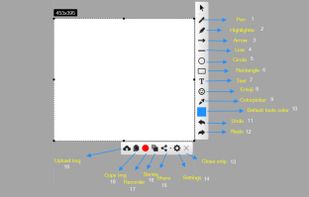
With Free Snipping Tool, not just you create snips, you can save your snips on major backup services like Imgur, Google Drive and Dropbox. Not just this you can also upload them via FTP or simple WebRequest.