


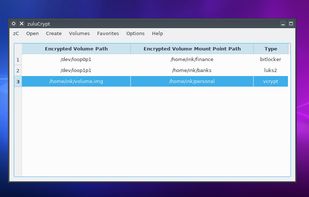
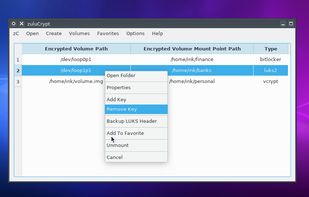
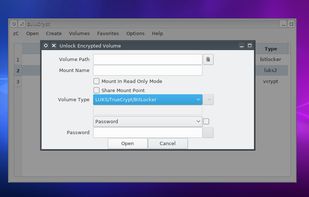
zuluCrypt is a free hard drives encryption, supports PLAIN dm-crypt, LUKS, TrueCrypt, VeraCrypt, and Microsoft’s BitLocker volumes. Currently Linux only.
Cost / License
- Free
- Open Source
Application typeApplication types
Platforms
- Linux




SensiGuard has been discontinued. Similar apps include VeraCrypt, which is free and open source. Other options are Cryptomator, Rclone, TrueCrypt and Tresorit. File Encryption Software like SensiGuard are a crowded field, with more than 50 alternatives for Windows, Mac, Linux, Android and iPhone.
zuluCrypt is a free hard drives encryption, supports PLAIN dm-crypt, LUKS, TrueCrypt, VeraCrypt, and Microsoft’s BitLocker volumes. Currently Linux only.



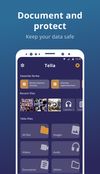
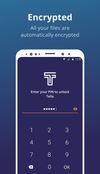
Tella is a mobile app designed to protect human rights defenders, advocates, and journalists by encrypting and hiding their sensitive data and safely uploading it to their organization's server.


A simple right-click, you can encrypt files in seconds - without any prior technical knowledge.
 Germany
 EU
EU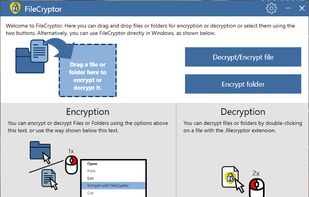


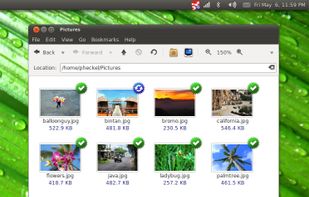
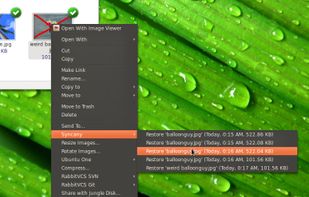
Syncany is an open-source cloud storage and filesharing application. It allows users to backup and share certain folders of their workstations using any kind of storage, e.g. FTP, Amazon S3 or Google Storage.
GermanyEU


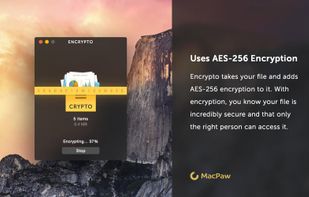
Encrypto lets you encrypt files before sending them to friends or coworkers. Just drop a file into Encrypto, set a password, and then send it however you normally would — but this time with added security. It’s free for both Mac and Windows.
 Ukraine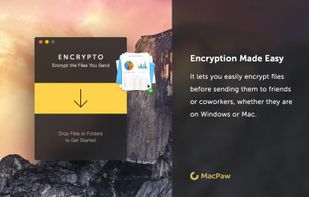



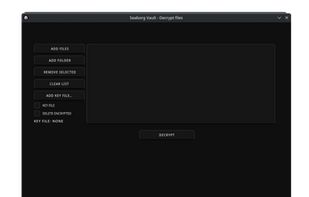
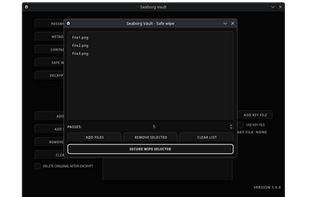
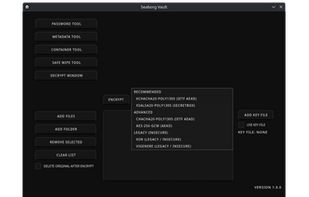
Seaborg Vault is a desktop application for Windows and Linux that lets you encrypt and decrypt files using multiple algorithms including AES-256 and ChaCha20, scan files for hidden metadata, securely delete files so they cannot be recovered, generate strong passwords, and create...
 PolandEU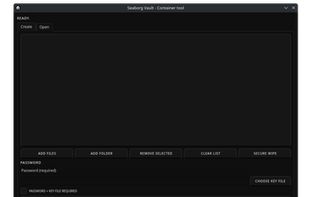

A simple, modern and secure encryption tool (and Go library) with small explicit keys, no config options, and UNIX-style composability.

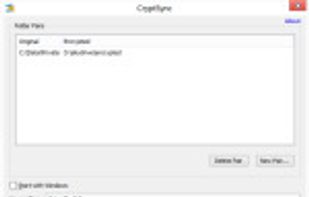
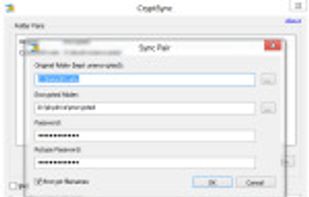
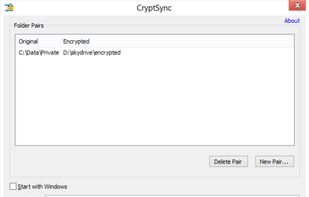
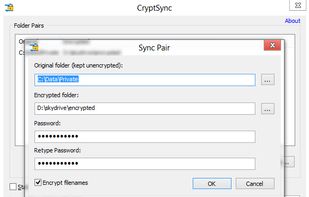
CryptSync is a small utility that synchronizes two folders while encrypting the contents in one folder. That means one of the two folders has all files unencrypted (the files you work with) and the other folder has all the files encrypted.


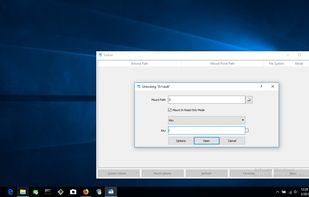
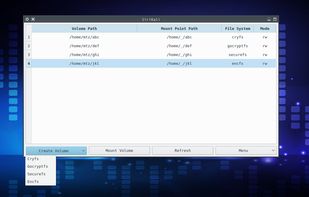
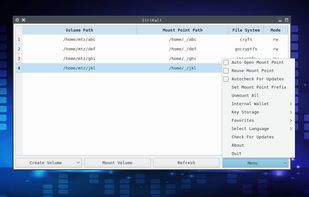
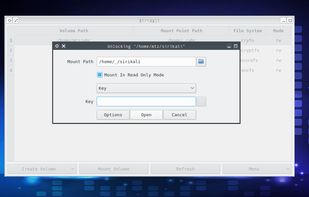
SiriKali is a Qt/C++ GUI application that manages ecryptfs,cryfs,encfs,gocryptfs and securefs based encrypted folders. These projects are compared here.SiriKali can also connect to ssh servers using sshfs.


 United Arab Emirates

 Italy
Italy


