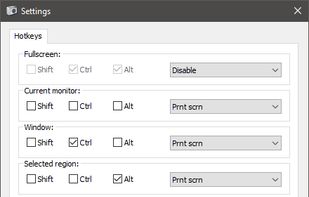
Freeware tool for taking fast and simple screenshots of the entire screen, windows and regions.
Cost / License
- Free
- Open Source (GPL-3.0)
Application type
Platforms
- Windows
 Kazakhstan




+1


Apps similar to ScreenTray include ShareX, which is free and open source. Other options are Greenshot, Flameshot, N-Studio and Snipping Tool. Screenshot Capture Tools like ScreenTray are a crowded field, with more than 100 alternatives for Windows, Mac, the web, Linux and iPhone.
Freeware tool for taking fast and simple screenshots of the entire screen, windows and regions.
Kazakhstan
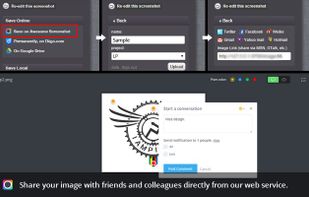
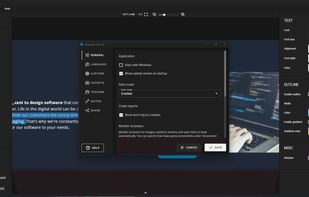
Capture the whole page or any portion, annotate it with rectangles, circles, arrows, lines and text, one-click upload to share.
 United States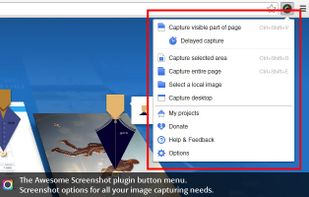





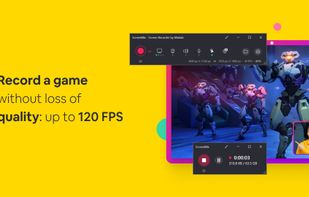
ScreenMix - Screen Recorder provides an easy, uncomplicated way of recording your desktop's screen and webcam sessions. Excellent for games and video stream recording, product demos, tutorials, webcam chats, and more!.
 Ukraine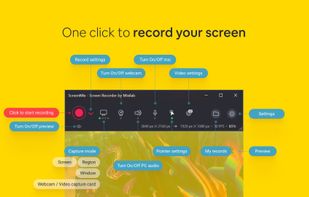




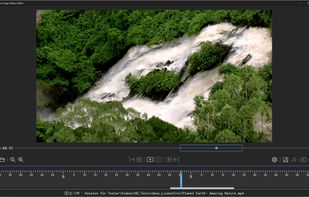
Capture screenshots or record videos with Ashampoo Snap’s efficient tools. Enjoy easy editing, multi-display support, OCR for 180 languages, and instant sharing capabilities. Revamp your projects with video cutting, annotations, and custom capture options.
 Germany
 EU
EU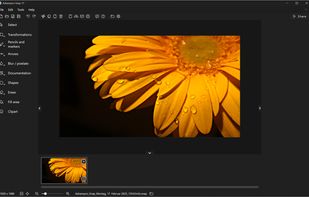



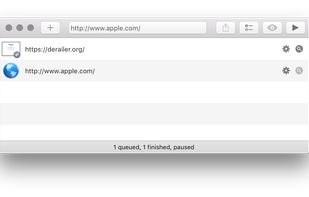
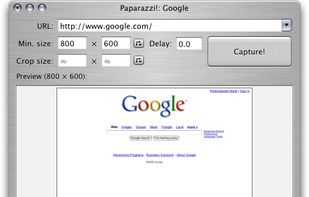
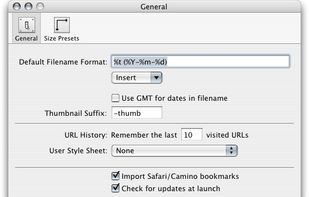
Paparazzi! is a small utility for Mac OS X that makes screenshots of webpages.
It’s written in Objective-C using the Cocoa API and the WebKit framework.
It was inspired by webkit2png which is a commandline tool written by Paul Hammond in pyObjC, so all intellectual credit for t.
United States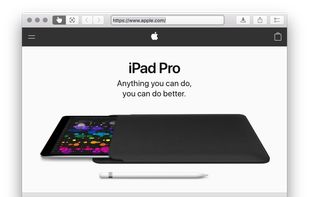


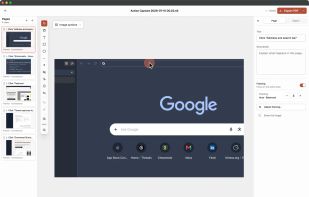
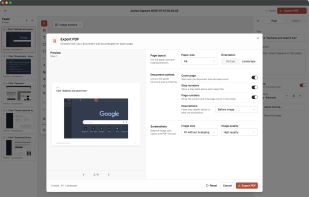
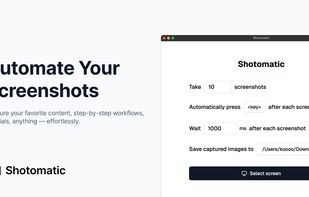
Shotomatic is a Mac app for recording a desktop task as an editable screenshot guide. Action Capture saves the target screen immediately before each accepted click, marks the action, and adds the step to a document.
 South Korea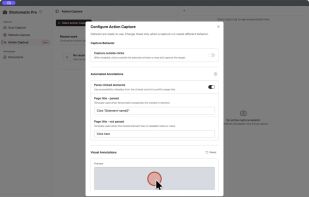


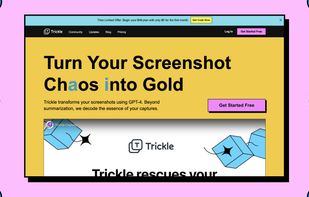
Trickle helps you summarize and organize screenshots, extracting insights for easy search and query. Transform visual chaos into an intelligent archive, allowing you to screenshot anything and effortlessly retrieve and utilize its contents later.

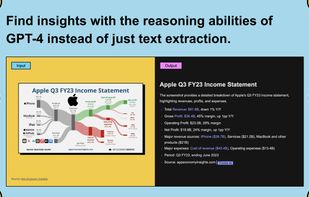



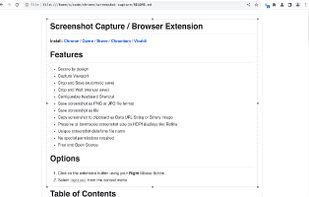
This extension is able to capture 100% of both the vertical and horizontal content appearing on any webpage on the Internet.


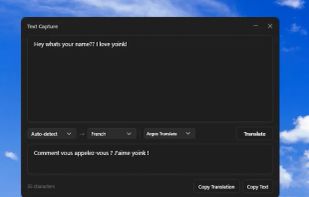
Meet MiniSnip, the smallest and fastest way to capture your screen and extract text with OCR on Windows. Open-source, feather-light, uses minimal resources, and stays completely out of your way.
Just one hotkey (Ctrl+Shift+C) is all you need to start.
United States


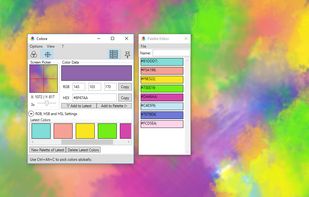
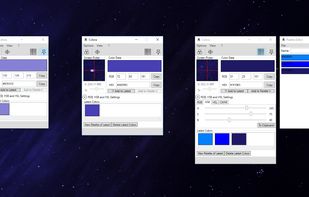
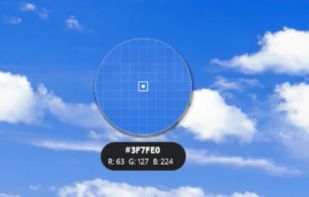
Color converter, screen color picker and color palettes for Windows. Colora is a small but powerful color converter and screen color picker for Windows.
GermanyEU