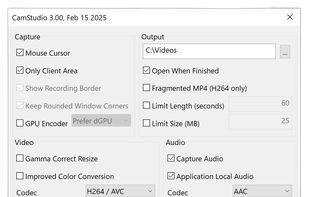
Record your computer screen with audio input from Mic or Speakers. Also shows mouse clicks in addition to the regular cursor. Simple interface with ability to record in AVI or export as swf.
Platforms
- Windows
- PortableApps.com
 United States


Apps similar to ScreenTray include ShareX, which is free and open source. Other options are Greenshot, Flameshot, N-Studio and Snipping Tool. Screenshot Capture Tools like ScreenTray are a crowded field, with more than 100 alternatives for Windows, Mac, the web, Linux and iPhone.
Record your computer screen with audio input from Mic or Speakers. Also shows mouse clicks in addition to the regular cursor. Simple interface with ability to record in AVI or export as swf.
United States
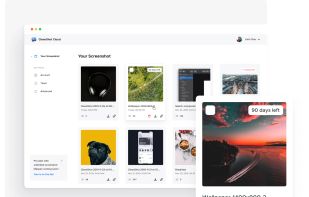
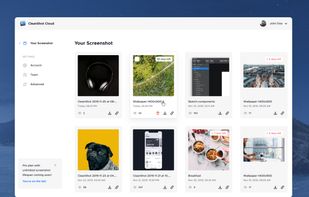
Capture and record screens on Mac with CleanShot X, featuring seamless recording, custom keyboard shortcuts, customizable wallpapers, Quick Access Overlay, and Desktop icon toggle for a tidy user interface.
 Sweden
 EU
EU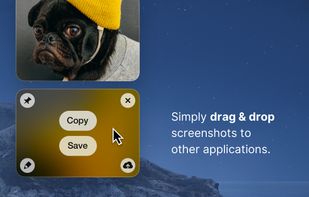
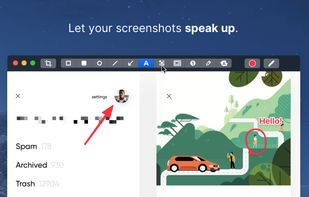


Save anything you see online - including text, links and images - into your Evernote account with a single click.
United States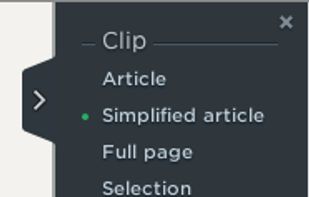

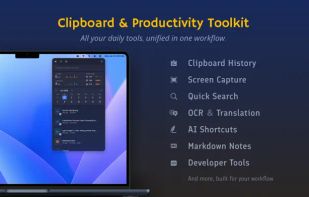
Frset is an all-in-one macOS productivity app combining clipboard management, screenshots, OCR, translation, AI shortcuts, and useful utilities in one place.
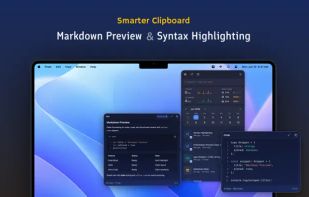
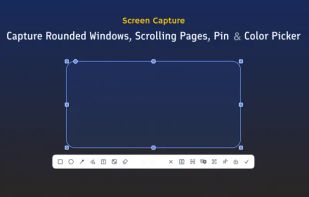
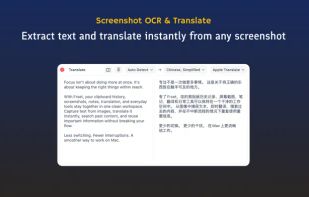


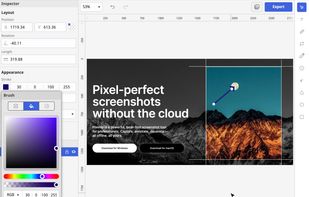
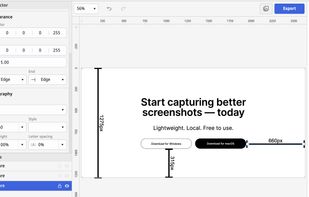
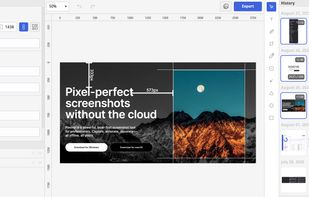
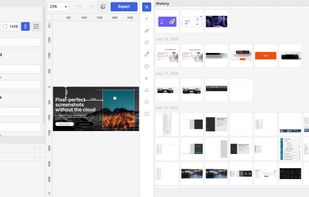
Privacy-focused screenshot utility with local-only storage, capture and post-editing, precision tools like rulers and color picker, grouping, collage and card creation, full history, an intuitive interface, and no cloud or login required for secure offline workflows.


LICEcap can capture an area of your desktop and save it directly to .GIF (for viewing in web browsers, etc) or .LCF (see below). LICEcap is an intuitive but flexible application (for Windows and now OSX), that is designed to be lightweight and function with high performance.
United States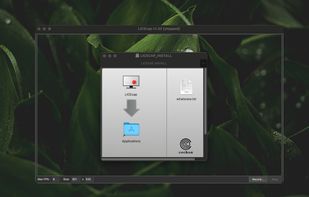


You know all of those code screenshots you see on Twitter? Although the code's usually impressive, we saw room for improvement in the aesthetic department. Carbon is the easiest way to create beautiful images of your source code. So what are you waiting for?
United States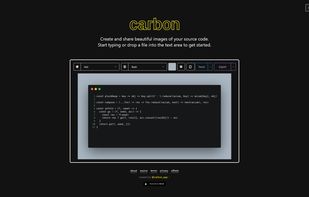


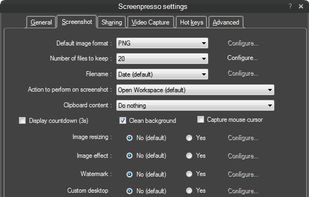
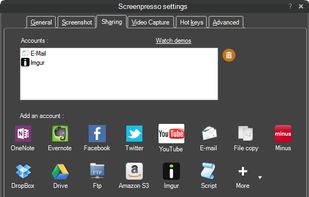
Comprehensive screenshot and screencast tool offering full-screen, window, or region captures with a built-in editor. Supports cropping, resizing, labels, and effects, with integration for popular services. Free version includes some branding and is limited to 15s screen casts.
 FranceEU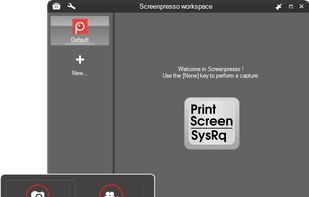
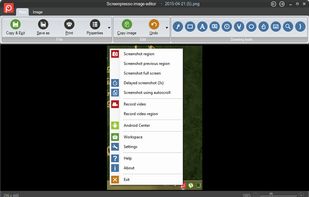


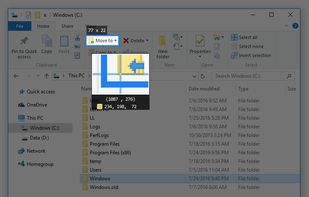
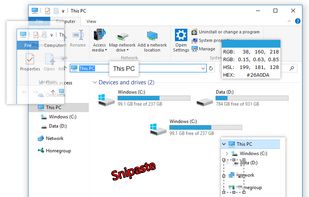
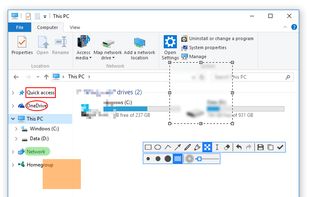
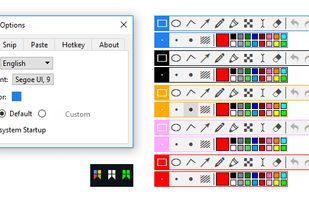
Snipaste is a simple but powerful snipping tool, and also allows you to pin the screenshot back onto the screen. Snip. Then paste. Free. Customizable. Portable.


Kap is an open-source screen recorder built with Electron and designed to be easy to use but extensible.
SwedenEU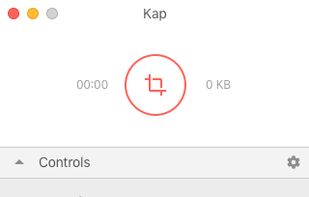


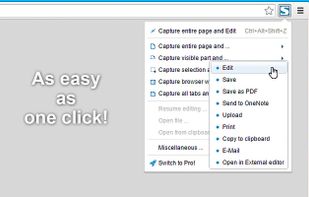
Capture full web page screenshots in Firefox, Chrome, Opera, Pale Moon or Internet Explorer Quick screenshots and annotations!
 Russia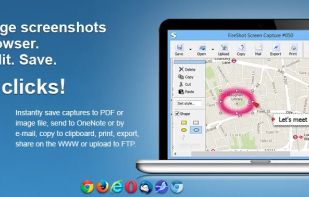


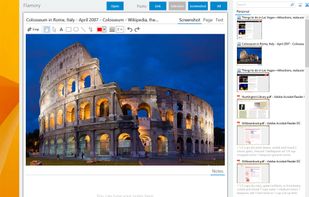
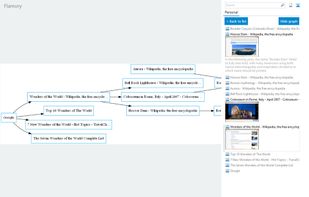
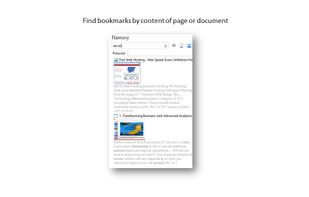
Flamory remembers things, so you don't have to. Make snapshots of web pages, files and desktop apps. You can find snapshots later using full-text search and thumbnails. Paste them anywhere as links or screenshots.
United States