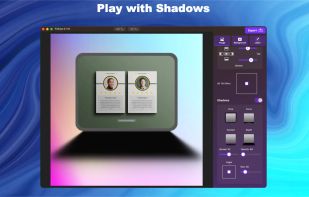
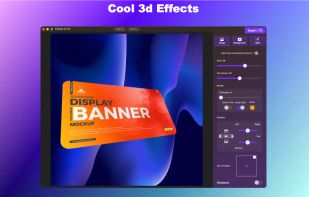
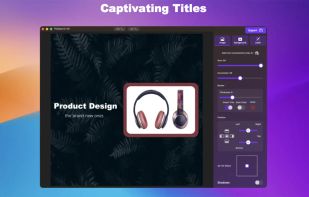
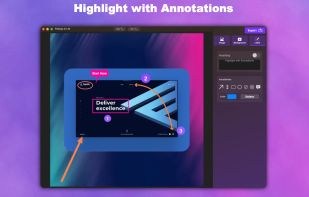
Capture, Customize, and Share Effortlessly with PixEase. We understand the value of your time, which is why we've designed our app to make the process of creating stunning visuals quick and seamless.





Apps similar to ScreenSnap Pro include ShareX, which is free and open source. Other options are Greenshot, OpenScreen, Recordly and ScreenArc. You're spoiled for choice with Screenshot Capture Tools like ScreenSnap Pro: we list more than 100 alternatives for Mac, Windows, the web, Linux and Android.
Capture, Customize, and Share Effortlessly with PixEase. We understand the value of your time, which is why we've designed our app to make the process of creating stunning visuals quick and seamless.

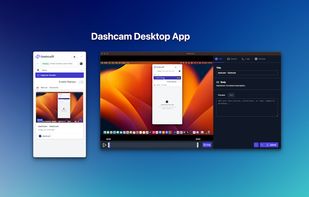
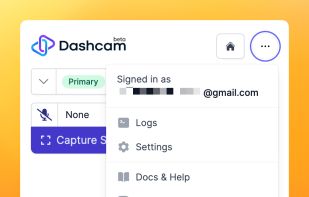
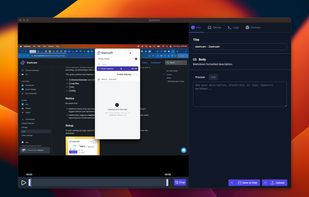


ScreenSage is a macOS screen recording and tutorial creation tool designed for high-quality video capture. It allows users to record their screen with smooth performance, add annotations, and edit directly within the app.
 China
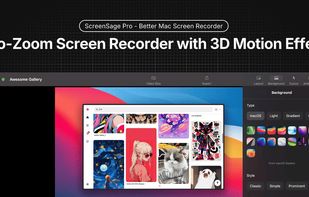
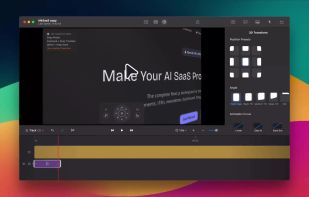
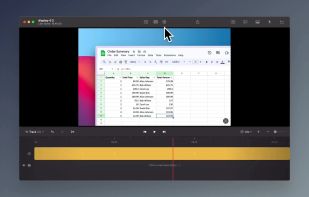
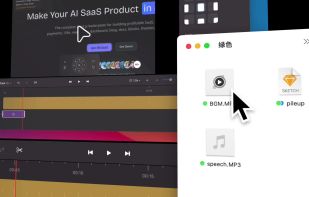


Free screenshot and screen recording tool featuring instant capture, advanced editor with annotation, blur, pixelation, history for re-editing, hotkeys, dark mode, multiple capture types, OCR, GIF/video export, multi-monitor support, and offline use.
 Russia
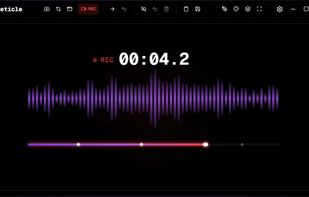
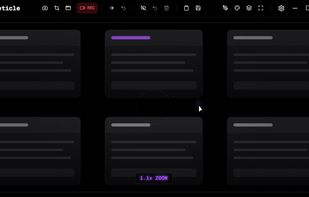
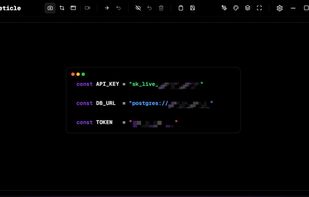

RecordMee is an open-source screen recorder for creating demos, tutorials and product videos. It adds automatic zoom that follows your clicks and a smooth cursor, so recordings look polished without manual editing.
 India
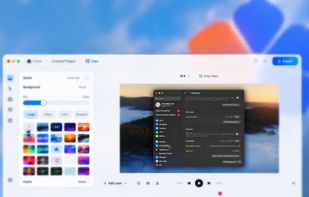

Screenshot app for capturing regions, windows and scrolling pages, marking them up with arrows, steps and blur, and copying or sharing the result.
 Canada
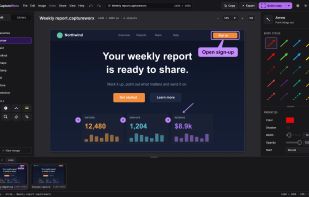
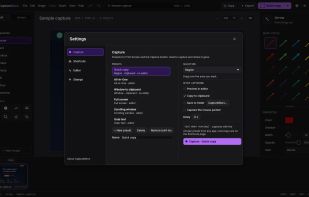
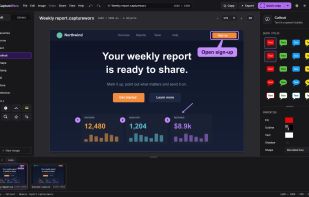
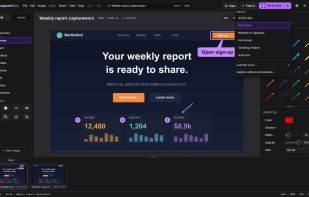

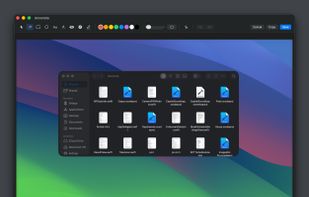
Capso is a free and open-source screenshot and screen recording app built natively for macOS in Swift. It offers annotation tools, scroll capture, GIF recording, OCR text recognition, and a smart OCR-powered highlighter. No Electron, no subscriptions, no watermarks.
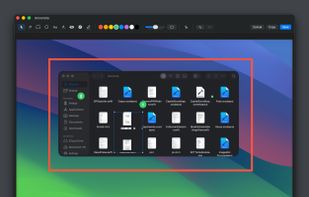
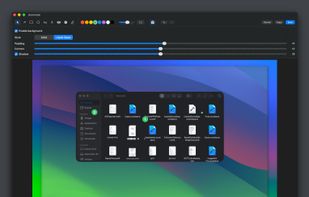
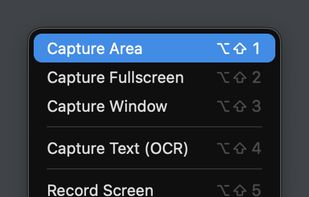


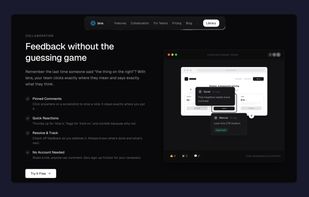
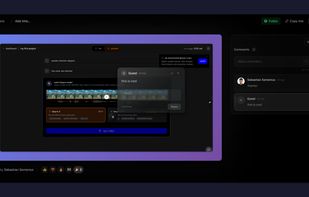
Capture screenshots, annotate, and share a link where your team pins feedback directly on the image — no sign-up needed for reviewers.
 Romania
 EU
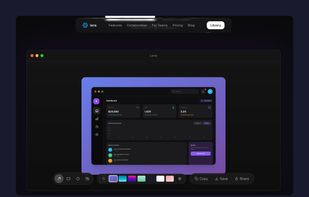


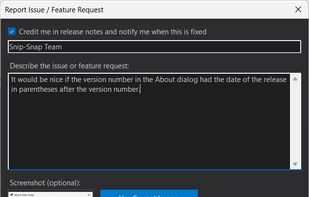
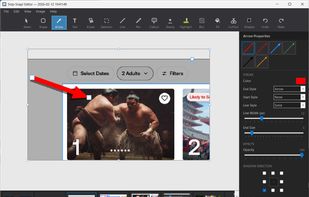
Snip-Snap! is a lightweight, privacy-focused screenshot utility for Windows 10/11. Capture regions, windows, or full screens with pixel-perfect precision using a built-in magnifier. Features a powerful editor with annotations (arrows, text, shapes, highlighters), quick styles...
 United States
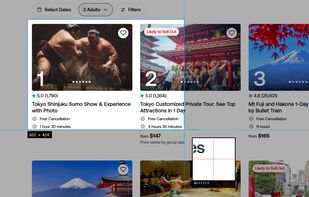
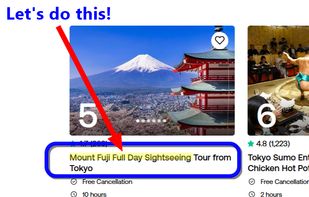


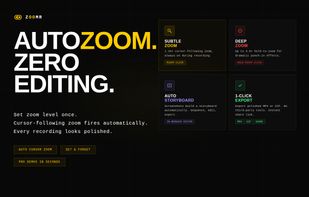
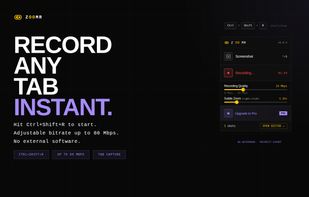
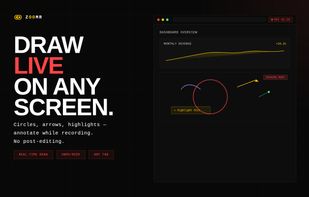
Lightweight Chrome screen recorder for SaaS demos. Zoom in live while recording, annotate on screen, export MP4 with no editing.

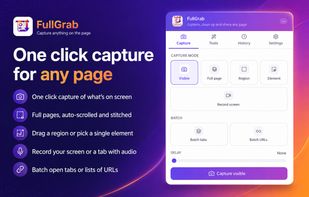
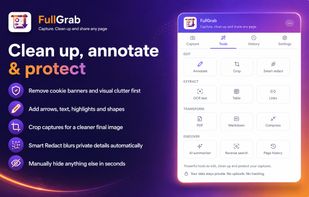
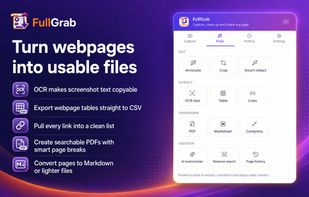
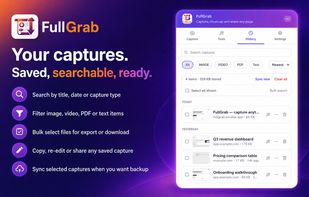
Capture visible areas, full pages, regions, elements and screen recordings, then remove clutter, annotate or redact details. Extract OCR text, tables, links or Markdown; create searchable PDFs, share results or send them to AI while keeping captures local by default.
United States