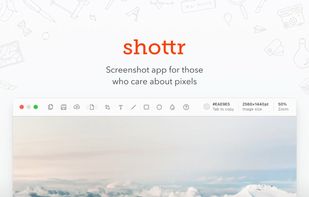
Shottr is a compact screenshot app designed for pixel precision and optimized for macOS Silicon devices.
Cost / License
- Freemium
- Proprietary
Application type
Platforms
- Mac
 United States




Apps similar to Screenpresso include ShareX, which is free and open source. Other options are Greenshot, FastStone Capture, PicPick and Snipping Tool. There's no shortage of Screenshot Capture Tools like Screenpresso, with more than 100 alternatives for Windows, Mac, Linux, the web and iPad.
Shottr is a compact screenshot app designed for pixel precision and optimized for macOS Silicon devices.
United States
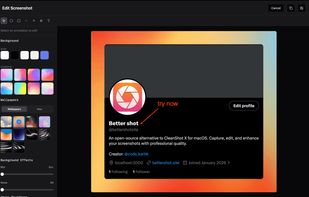
Open-source screenshot solution for macOS featuring region, window, and fullscreen capture, local OCR powered by offline Tesseract.js, fast annotation, customizable backgrounds and effects, menu bar integration, clipboard support, and persistent workflow preferences.
 India
India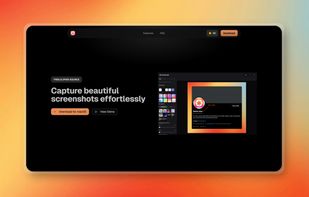


Save anything you see online - including text, links and images - into your Evernote account with a single click.
United States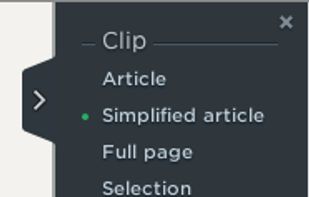


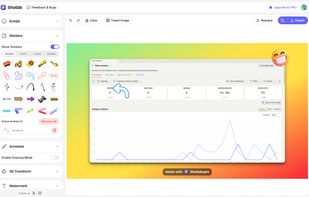
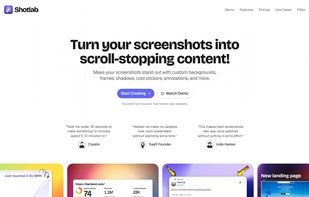
ShotLab is a lightweight screenshot editor built for creators, indie hackers, and marketers who want better engagement without spending hours on design.
India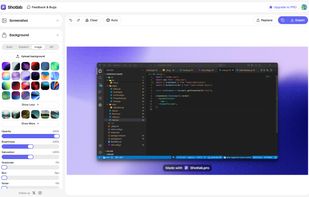


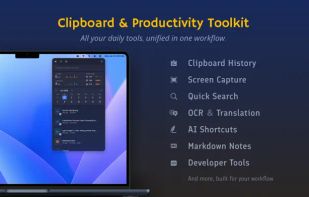
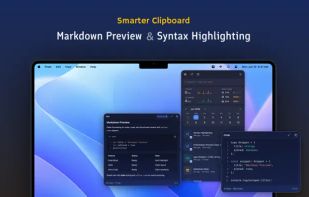
Frset is an all-in-one macOS productivity app combining clipboard management, screenshots, OCR, translation, AI shortcuts, and useful utilities in one place.
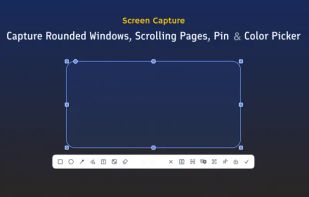
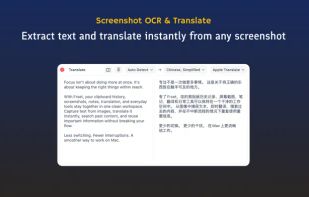


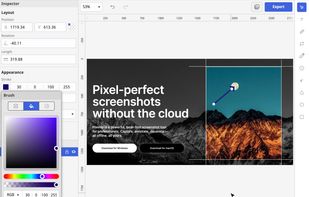
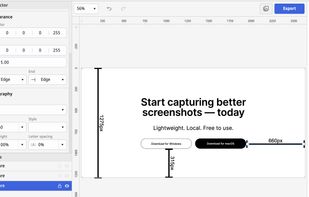
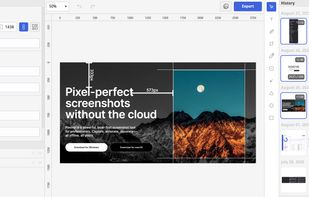
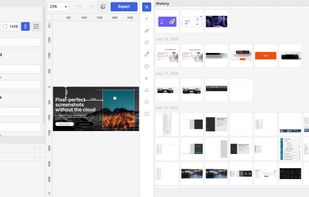
Privacy-focused screenshot utility with local-only storage, capture and post-editing, precision tools like rulers and color picker, grouping, collage and card creation, full history, an intuitive interface, and no cloud or login required for secure offline workflows.


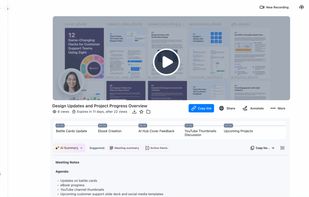
Enables screen and webcam capture, detailed video and screenshot editing, organized meeting notes, AI-powered transcription, and cloud-based instant sharing of annotated visual content via direct links or drag-and-drop integration with communication apps on Windows and Mac.
United States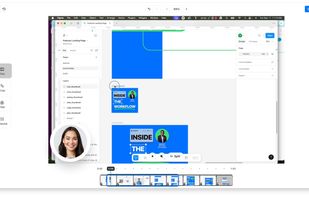
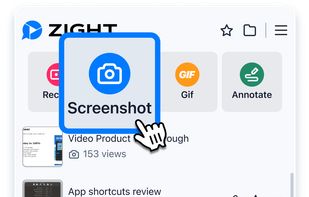



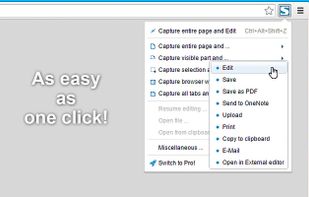
Capture full web page screenshots in Firefox, Chrome, Opera, Pale Moon or Internet Explorer Quick screenshots and annotations!
 Russia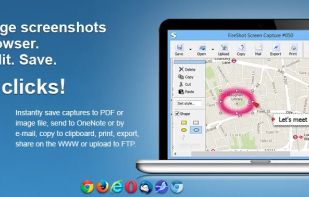


Capture full and partial screenshots, record screen or webcam videos with extensive editing tools, including annotations, video conversion to gif/mp4, and sharing options. Create step-by-step guides enhanced by AI, save in multiple formats, and utilize cloud storage integration.
United States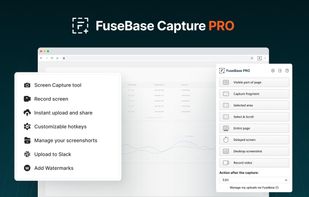
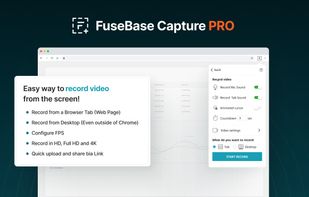
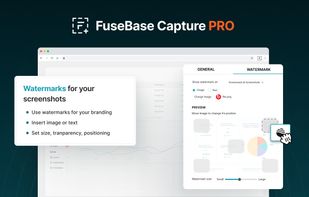
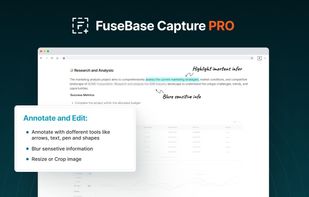


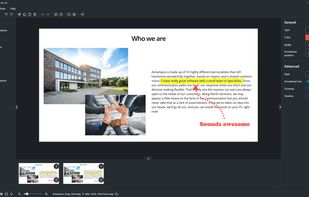
Capture screenshots or record videos with Ashampoo Snap’s efficient tools. Enjoy easy editing, multi-display support, OCR for 180 languages, and instant sharing capabilities. Revamp your projects with video cutting, annotations, and custom capture options.
 Germany
 EU
EU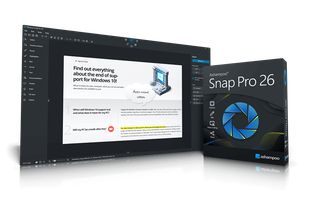


Intuitive screenshots baked right into the browser. Capture, save and share screenshots as you browse the Web using Firefox.


Vibrantsnap creates studio-quality product demos, training videos, and guides that speed up onboarding and drive adoption. Record your screen with the Chrome extension or import your own video, then let AI turn the raw footage into a polished video.