

Cost / License
- Freemium
- Proprietary
Platforms
- Online




Apps similar to Screenity include ShareX, which is free and open source. Other options are OpenScreen, Recordly, ScreenArc and VokoscreenNG. There's no shortage of Screen Recorders like Screenity, with more than 25 alternatives for Mac, Windows, the web, Linux and Android.

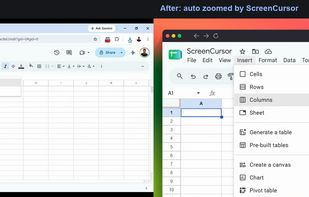
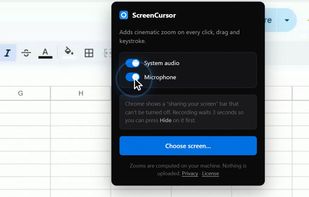
Chrome screen recorder that adds automatic zoom on every click, with an editor and MP4 export. One-time purchase, nothing uploaded.
 United States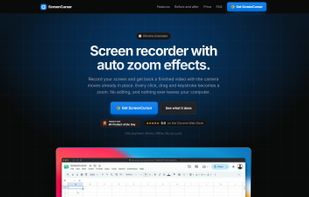
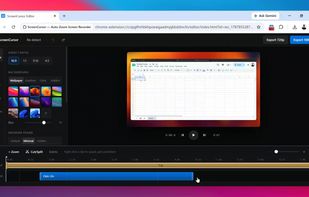


A screen recorder and video editor for creating studio-quality product demos and tutorials in minutes. Runs entirely in browser, cross-platform. Simple Record ? Edit ? Export workflow all in one place, without juggling multiple tools.
 United Kingdom



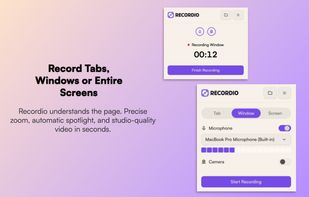
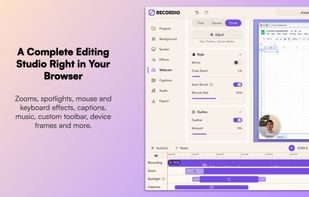
A screen recorder and video editor that works on all operating systems and all chromium-based browsers (chrome, edge, brave). It is the only screen recorder that produces automatic zooms based on webpage understanding rather than just click positions, producing contextual zooms...
United States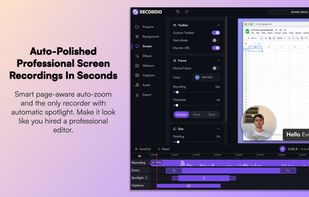
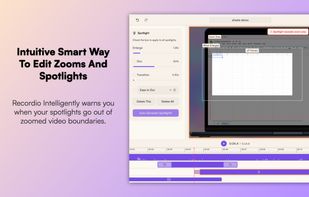


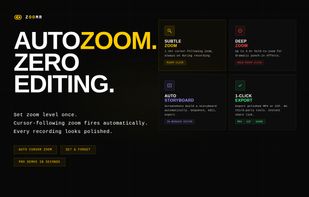
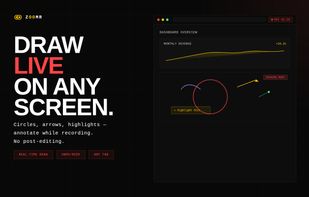
Lightweight Chrome screen recorder for SaaS demos. Zoom in live while recording, annotate on screen, export MP4 with no editing.
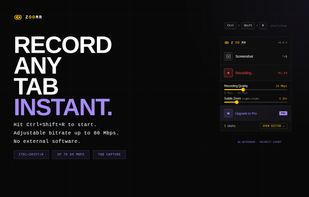


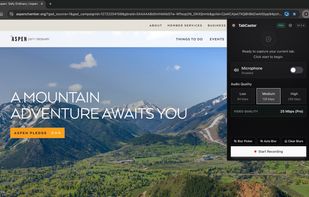
TabCaster is a privacy-focused Chrome extension for effortless browser tab recording. It captures high-quality video and microphone audio directly from your toolbar.


 Japan
Japan
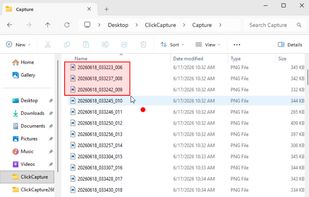
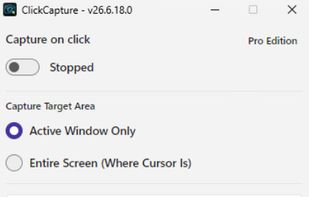


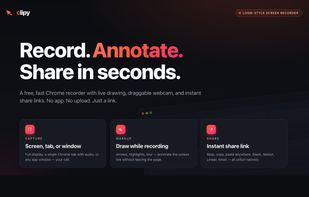
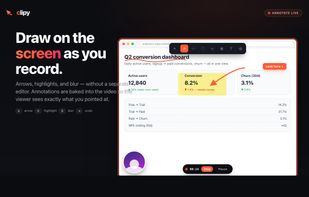
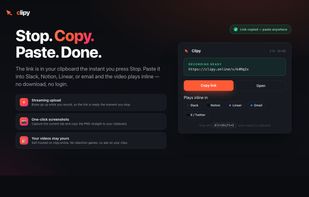
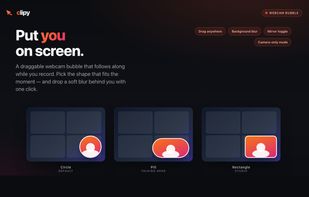
Clipy is a free online screen recorder with no watermark or signup. Record your screen with audio and share an instant link from Mac, Chrome, or web.


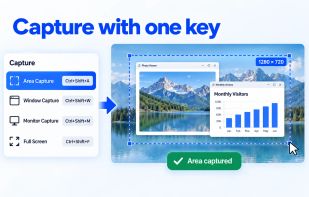
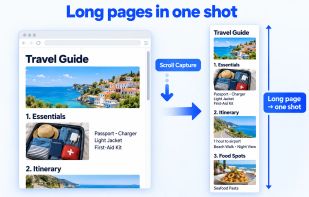
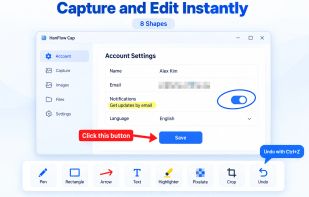
HanFlow Cap captures a region, window, monitor or the full screen with one shortcut, including scrolling capture for long web pages. Mark up captures right away with pen, arrows, text, mosaic and crop. Record your screen with system audio and microphone, plus webcam overlay...
 South Korea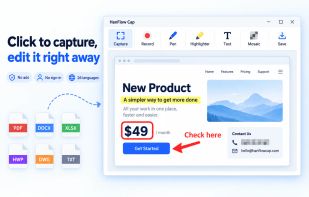


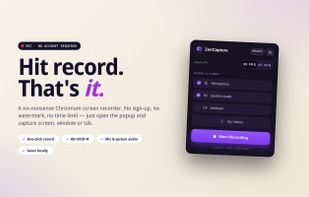
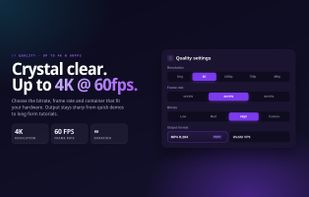
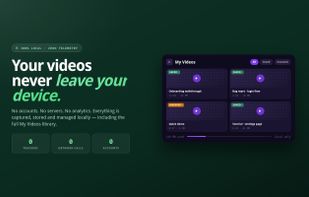
Free Chrome extension for screen recording with no time limit, no watermark, and no sign-up. All recordings stay on your computer.


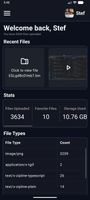
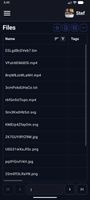
Zipline Android Client Application for a Diced/Zipline v4 ShareX Server to Upload, Download and Manage Files and Short URLs.


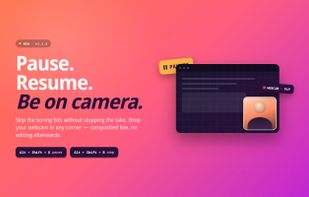
Chrome extension for recording screen, webcam, and audio. Capture screenshots, blur or highlight content, trim videos, add notes, auto-save to a dashboard, share via link, and organize files. Supports pause, resume, download, and is suitable for professional or personal use.
United States