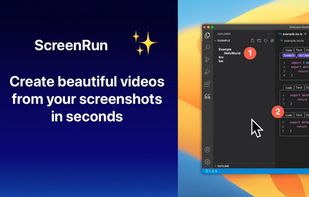
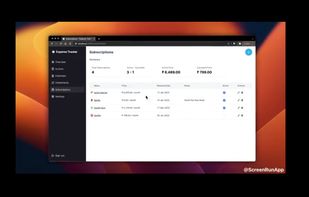
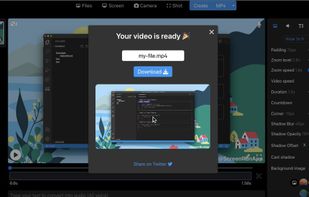
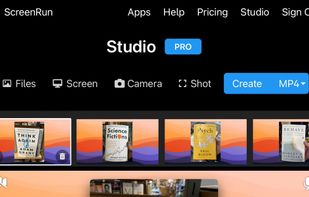
Create beautiful videos of your screenshots or screen recordings in seconds.



+1


ScreenFlow is not available for Windows but there are plenty of alternatives that run on Windows with similar functionality. The best Windows alternative is OBS Studio, which is both free and Open Source. If that doesn't suit you, our users have ranked more than 100 alternatives to ScreenFlow and loads of them are available for Windows so hopefully you can find a suitable replacement. Other interesting Windows alternatives to ScreenFlow are OpenScreen, Recordly, ScreenArc and Bandicam.
Create beautiful videos of your screenshots or screen recordings in seconds.

ScreenMix - Screen Recorder provides an easy, uncomplicated way of recording your desktop's screen and webcam sessions. Excellent for games and video stream recording, product demos, tutorials, webcam chats, and more!.
 Ukraine
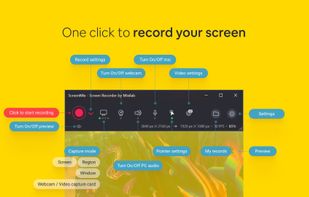
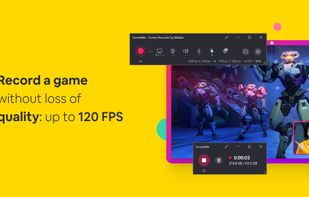

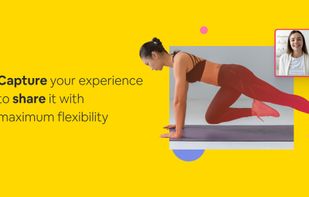


Record full screen or customized areas with webcam options. Annotate in real time, highlight cursor actions, and record both system and voiceover audio. Ideal for creating instructional videos, webinars, and presentations. Free for personal use, compatible with PCs.
 Cyprus
 EU
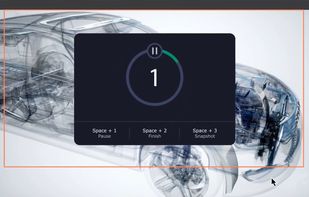
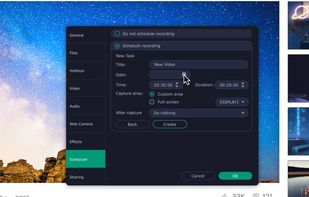
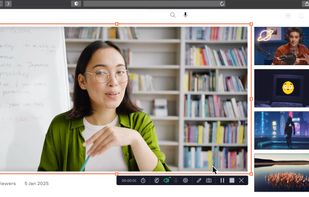


Wink is a Tutorial and Presentation creation software, primarily aimed at creating tutorials on how to use software (like a tutor for MS-Word/Excel etc). Using Wink you can capture screenshots, add explanations boxes, buttons, titles etc and generate a highly effective tutorial...
 India



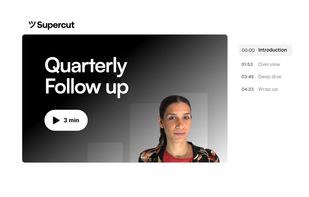
Turns screen recordings into branded, shareable videos with composite, multi-layout recording, background removal, auto-chapters, analytics, captions, comments, call-to-actions, permissions, fast app workflow, HD export, and multi-language support.
 United Kingdom
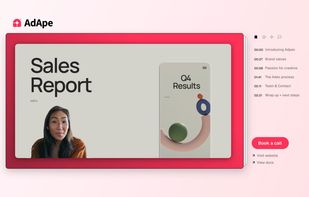
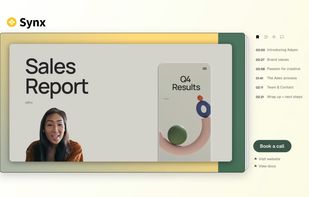



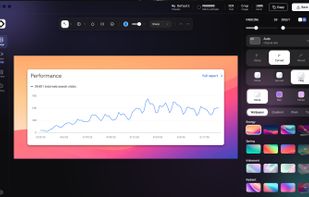
Beautiful screenshots with stunning backgrounds and powerful annotation tools. Create, edit, and share professional-quality screenshots with ease.
 PortugalEU


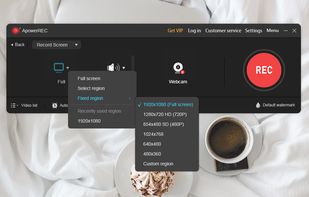
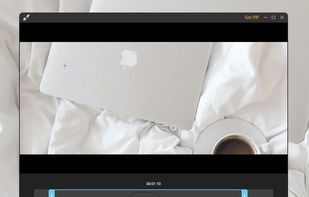
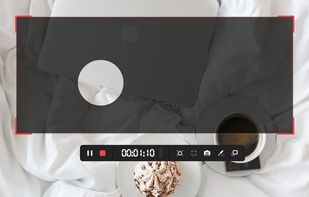
ApowerREC is a cross-platform app that's available on Windows, Mac, and iOS, you can easily use it for recording desktop activities, camera, system sound and microphone. It's also has annotation, video editor, task recording mode and more.
 Hong Kong
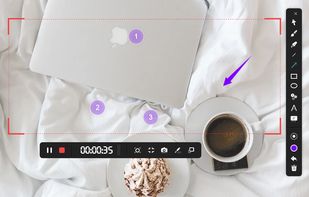


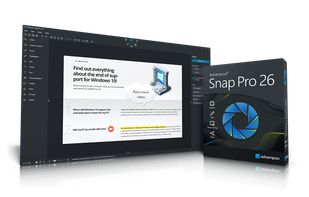
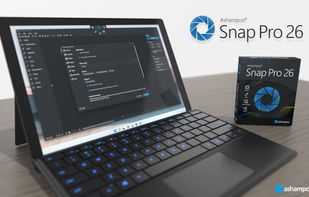
Capture screenshots or record videos with Ashampoo Snap’s efficient tools. Enjoy easy editing, multi-display support, OCR for 180 languages, and instant sharing capabilities. Revamp your projects with video cutting, annotations, and custom capture options.
 GermanyEU
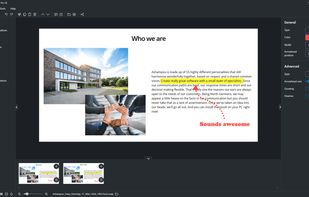


Fast, flexible, and easy-to-use screen recorder for gameplay, tutorials, product demos, and more. Record your screen, system audio, microphone, and camera in high-quality HD or 4K with smooth performance.
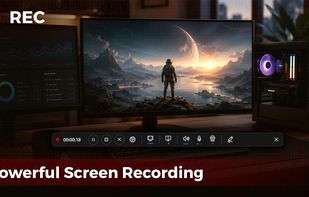
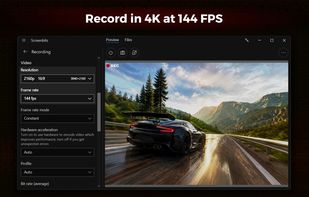


Boom is an AI screen recorder and video editor for async updates, demos and walkthroughs you share by link. It removes filler words and bad takes automatically, adds captions and dubs into 50+ languages.
PortugalEU

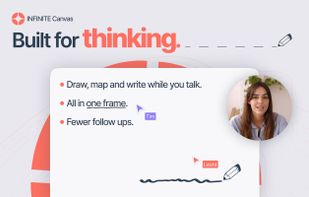
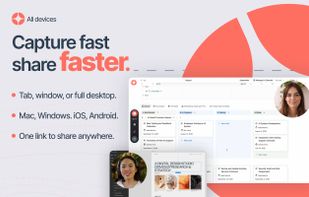


Free Cam is free screen recording software for Windows that lets you easily capture all or part of your screen, record your voice & mouse clicks, then edit your video and save it to your computer or share it instantly on YouTube.
 United States
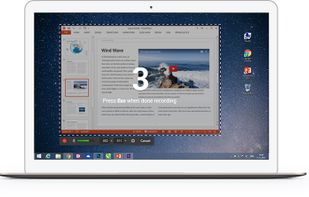

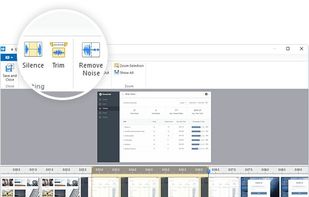


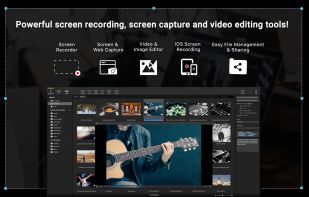
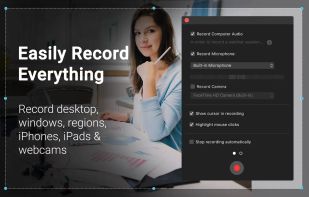
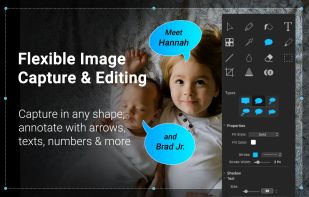
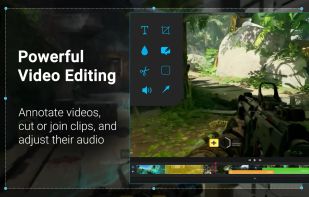
Capture HD video at 60 FPS, record iOS devices, and edit screen or image content with annotation, voiceover, and advanced file management. Includes fullscreen, selection, and web capture, quick sharing to cloud, FTP, YouTube, and fast search for Mac users.
India