Screen OCR Alternatives

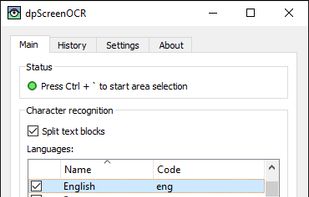
Screen OCR is described as 'Screen capture and character recognition tool. You can use Screen OCR in any way you are most comfortable with. It can be window selection, scrolling capture, simple cursor capture or rectangular selection' and is a screenshot capture tool in the photos & graphics category. There are more than 25 alternatives to Screen OCR for a variety of platforms, including Windows, Mac, Linux, Android and iPhone apps. The best Screen OCR alternative is Greenshot, which is both free and Open Source. Other great apps like Screen OCR are Snagit, Adobe Acrobat DC, ABBYY FineReader PDF and GImageReader.

Copy a direct link to this comment to your clipboard
Screen OCR alternatives page was last updated

Alternatives list

  1. TextSniper icon
     13 likes
    Copy a direct link to this comment to your clipboard

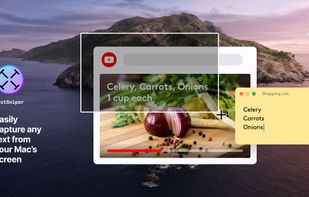
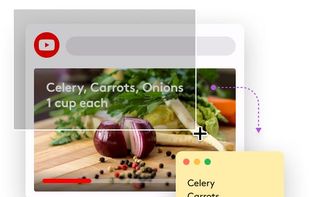
    TextSniper is a super useful app to quickly capture unselectable text. Use it to capture and recognize text from presentations, trainings, screencasts,images, pictures, webpages, video tutorials, photos, PDFs etc. Literally from anywhere on your mac's screen.

    54 TextSniper alternatives

    Cost / License

    • Pay once
    • Proprietary

    Platforms

    • Mac
     
  2. Text Grab icon
     6 likes
    Copy a direct link to this comment to your clipboard

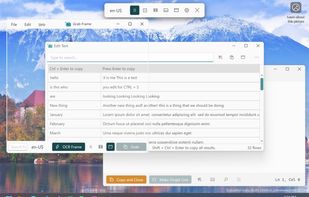
    Text Grab is a minimal optical character recognition (OCR) utility for Windows 10/11 which makes all visible text available to be copied.

    Cost / License

    • Free
    • Open Source

    Application type

    Platforms

    • Windows
     
  3. Copy a direct link to this comment to your clipboard

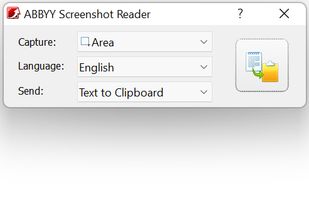
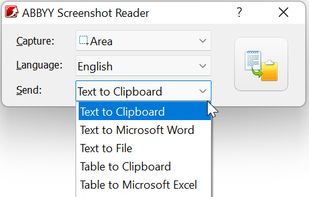
    Screenshot Reader is a smart OCR-screenshot application for capturing text and images from any area on your PC screen and extracting text from them or just saving as an image. Prize: 9.99 USD.

    62 ABBYY Screenshot Reader alternatives

    Cost / License

    • Pay once
    • Proprietary

    Application type

    Platforms

    • Windows
     
  4. Notebloc icon
     14 likes
    Copy a direct link to this comment to your clipboard

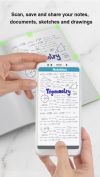
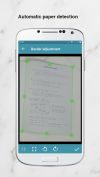
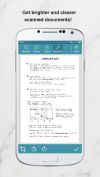
    Document scanner app. Free. Save and share as PDF or JPG.

    Cost / License

    • Freemium
    • Proprietary

    Platforms

    • Android
    • iPhone
    • Android Tablet
    • iPad
     
  5. Adobe Scan icon
     14 likes
    Copy a direct link to this comment to your clipboard

    The Adobe Scan scanner app turns your device into a powerful portable scanner that recognizes text automatically (OCR) and allows you to save to multiple file formats including PDF and JPEG.

    119 Adobe Scan alternatives

    Cost / License

    • Freemium (Pay once or Subscription)
    • Proprietary

    Platforms

    • Android
    • iPhone
    • Android Tablet
    • iPad
     
  6. CopyFish icon
     19 likes
    Copy a direct link to this comment to your clipboard

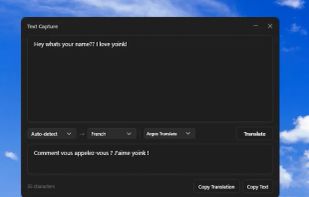
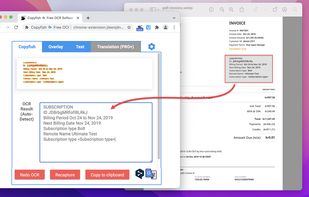
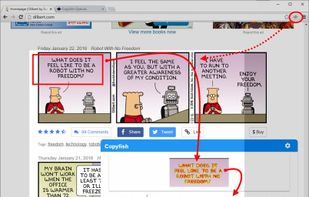
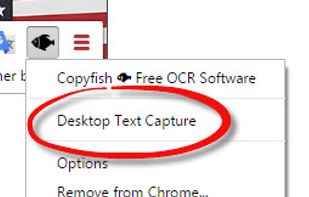
    Copy, paste and translate text from any image, video or PDF.

    84 CopyFish alternatives

    Cost / License

    • Free
    • Open Source

    Application type

    Platforms

    • Mac
    • Windows
    • Linux
    • Microsoft Edge
    • Google Chrome
    • Firefox
     
  7. Copy a direct link to this comment to your clipboard

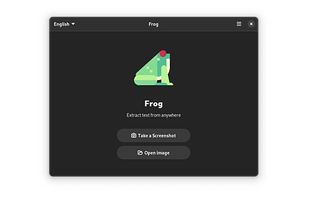
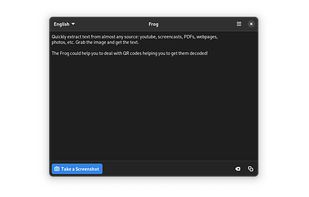
    Quickly extract text from almost any source: youtube, screencasts, PDFs, webpages, photos, etc. Grab the image and get the text.

    Cost / License

    • Free
    • Open Source

    Platforms

    • Linux
    • Flathub
    • Flatpak
    • elementary OS
     
  8. Google Stack icon
     1 like
    Copy a direct link to this comment to your clipboard

    Get rid of paper clutter with Stack. Stack is a PDF scanner, document organizer, and detail finder. All in one.

    105 Google Stack alternatives

    Cost / License

    • Free
    • Proprietary

    Alerts

    • Discontinued

    Platforms

    • Android
     
  9. TextShot icon
     1 like
    Copy a direct link to this comment to your clipboard

    TextShot is the ultimate tool for extracting text from images.

    Cost / License

    • Free
    • Proprietary

    Platforms

    • Mac
     
  10. Kaizen OCR icon
     2 likes
    Copy a direct link to this comment to your clipboard

    Kaizen OCR is a free, lightweight desktop app for Windows that lets you extract text from images, screenshots in seconds.

    Cost / License

    • Free
    • Proprietary

    Platforms

    • Windows
     
  11. Copy a direct link to this comment to your clipboard

    💥 Capture and share your ideas quickly and easily with Screenie - the ultimate screenshot tool for designers, developers, and anyone who needs to share information efficiently. Simply take a snap, annotate it, and copy it to the clipboard in seconds.

    Cost / License

    • Freemium (Subscription)
    • Proprietary

    Application type

    Platforms

    • Windows
     
You are at page 2 of Screen OCR alternatives