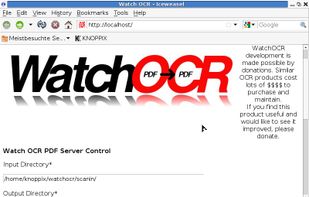
WatchOCR is an open source OCR server that creates searchable pdfs from images in a watched folder.
Cost / License
- Free
- Open Source
Platforms
- Linux


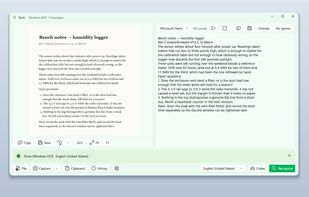
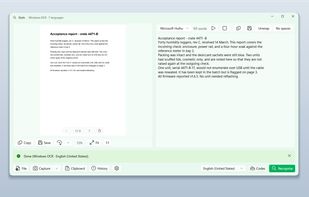
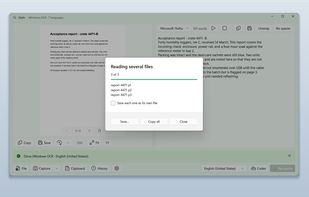
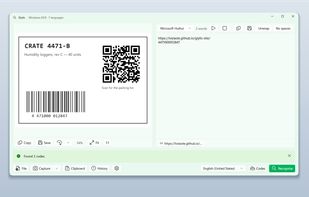
Apps similar to Screen OCR include Greenshot, which is open source with a free version. Other options are Spectacle, Snagit, Adobe Acrobat DC and NormCap. Screenshot Capture Tools like Screen OCR are a crowded field, with more than 50 alternatives for Windows, Mac, Linux, Android and iPhone.
WatchOCR is an open source OCR server that creates searchable pdfs from images in a watched folder.

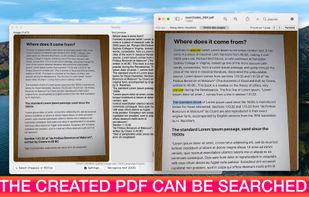
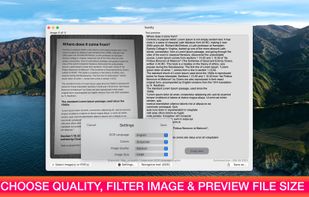
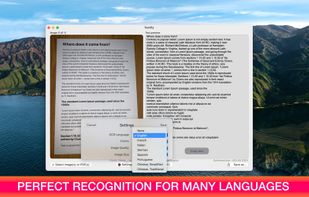
Text recognition finally made easy, super efficient and confidential (no server, your data stays on your device). Textify analyzes images, recognizes text, and creates PDF files with the text integrated such that the files are searchable. Or you can simply export to a .txt file.
 Belgium
 EU
EU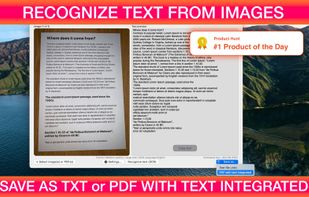

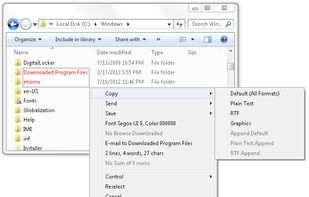
Kleptomania lets you select text anywhere on the screen, including areas that you cannot highlight with your mouse, such as columns of data from a word processor or error messages from any Windows program.

Boxoft Screen OCR is fast and easy-to-use software which helps to extract any area on your screen, recognize every character and then save as TXT file. Price: 27 USD. The smart tool enables you to select text from anywhere on the screen, including areas that you cannot highlight...
 China
China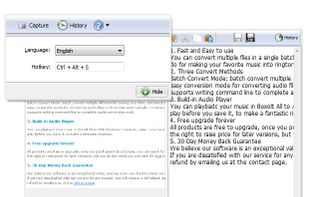


You can use Easy Screen OCR to capture a snapshot and start OCR process. this program will detect the text from the image and start OCR process immediately. You can extract the text to copy and paste in seconds.
China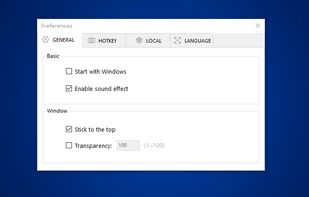
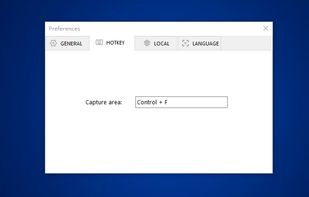
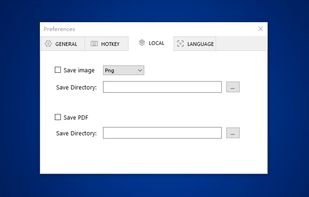
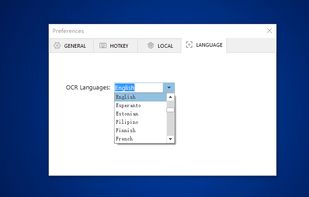


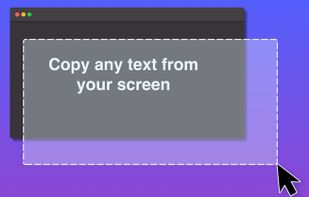
Ever needed to quickly grab text from an image, a non-selectable PDF, a video, or a website that blocks copying? Hawkr makes it effortless. With a simple keyboard shortcut, you can capture any text visible on your screen and have it instantly copied to your clipboard.
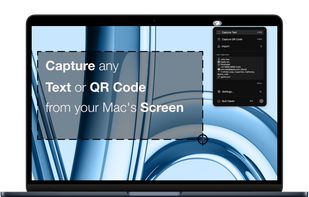


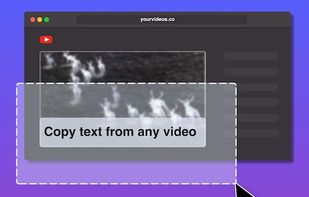
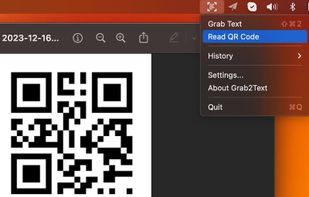


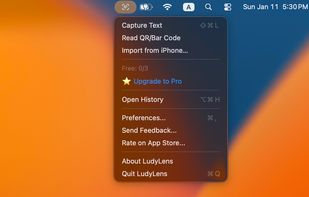
LudyLens is the fastest screen OCR app for Mac. Capture text from videos, images, PDFs, or any app. Pin it. Edit it. 100% on-device.
 United States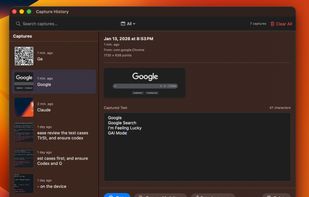


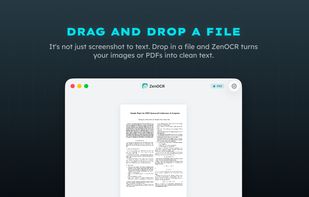
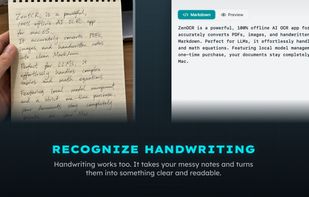
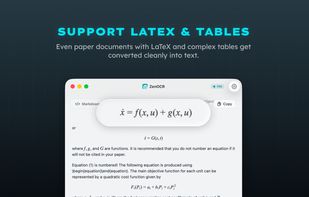
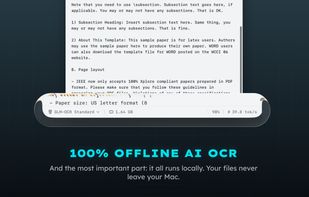
ZenOCR is a menu bar OCR app for macOS. Trigger it with a global shortcut to capture any part of the screen, or drag an image or PDF onto it, and it extracts the text instantly. It can convert PDFs to Markdown while preserving tables and math (LaTeX), which makes it handy for...


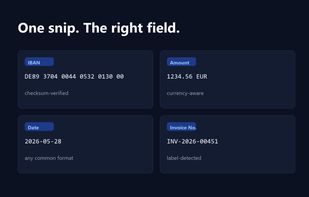
Snip2Field is a Windows utility for anyone who copies data off invoices and PDFs. Press a hotkey, drag a box over an IBAN, amount, date or invoice number, and it runs OCR on just that region and copies the result — no retyping.
 Taiwan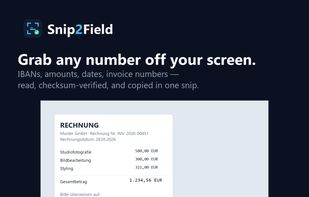


Glyfo turns pictures of words back into words. Drag a box around part of the screen with Alt+Z, open an image or a PDF with Ctrl+O, paste from the clipboard, or send a file over from Explorer, Photos or Snipping Tool.