Germany
 EU




Rufus formats USB drives and creates bootable USB sticks from ISO images, with BIOS/UEFI options and MS-DOS/FreeDOS support. Users appreciate its straightforward approach, though some seek alternatives that handle multiple ISOs or offer cross-platform compatibility.
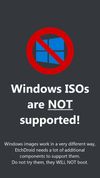
Ventoy leads as the top-ranked alternative, allowing users to boot multiple ISO files from one USB without repeatedly reformatting - just copy new ISOs onto the drive. balenaEtcher appeals to users wanting a simple interface with verification steps, though some report struggles with Windows ISO boot disks. UNetbootin ranks highly as an open-source option with Windows, Mac, and Linux versions.
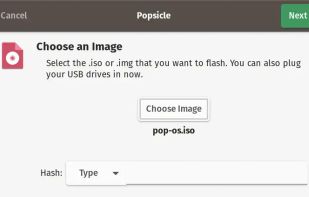
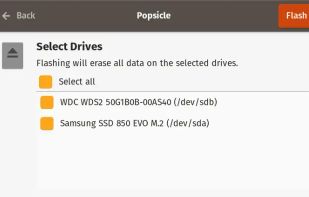
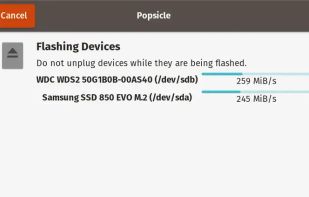
For specialized workflows, Popsicle can write one ISO image to multiple USB devices simultaneously with a simple click-driven workflow. These Rufus alternatives range from multiboot managers to straightforward image flashers, giving users flexibility in their bootable media creation approach.
Open source options dominate the bootable USB space, with YUMI exFAT, WinDiskWriter, and WoeUSB all offering transparent, community-built tools. Linux users have native support through YUMI exFAT and WinDiskWriter, while WoeUSB focuses specifically on creating Windows installer USBs from Linux systems.
For portable workflows, YUMI exFAT, WinDiskWriter, and dd can run from USB without installation - perfect for technicians who need tools on the go. Users seeking ad-free experiences will find clean interfaces in YUMI exFAT, WoeUSB, and dd without promotional distractions. The command-line tool dd provides the most minimal approach for advanced users who prefer direct ISO writing without graphical interfaces.
GermanyEU
MultiBootUSB is a software to create multi boot live Linux on a removable media i.e USB disk. It is similar to UNetbootin but many distros can be installed, provided you have enough space on the disk.


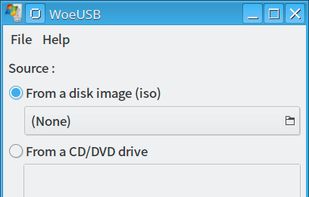
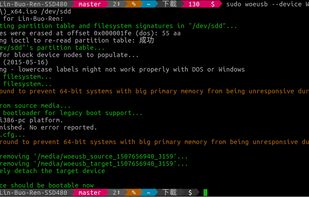
WoeUSB is a simple tool that enable you to create your own usb stick windows installer from an iso image or a real DVD. It is a fork of Congelli501 s WinUSB.


Flexible and configurable USB drive multiboot solution which also supports UEFI booting.


WinSetupFromUSB is a Windows program, which prepares multiboot USB flash or fixed disk to install any Windows versions since 2000/XP, boot various Linux and *BSD flavors, as well as many Windows, Linux, DOS based and other utilities. Since version 1.


 GermanyEU

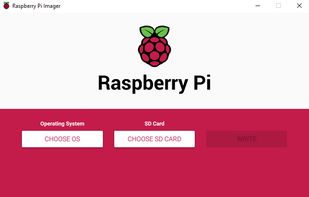
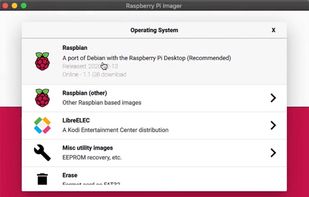
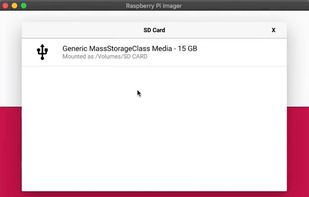
Use Raspberry Pi Imager for an easy way to install Raspberry Pi OS and other operating systems to an SD card ready to use with your Raspberry Pi.
 United Kingdom

USBImager is a really really simple GUI application that writes compressed disk images to USB drives and creates backups.


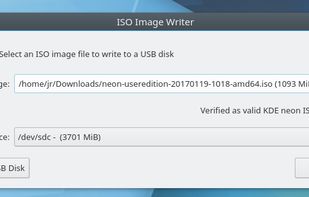
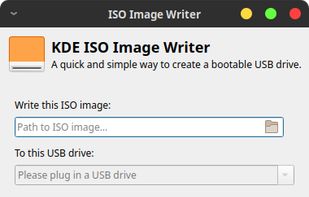
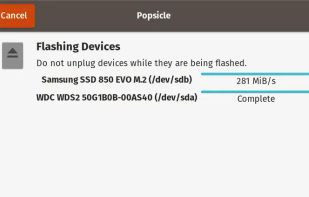
Write an ISO or other image to multiple USB devices all at once. Easily preparing a bunch of flash drives of your favorite OS with just a couple of clicks.
 United States


Enables writing files to CD, DVD, Blu-ray, BDXL, and M-Disc, supports boot, multisession, audio, and video discs, ISO creation, data backup, file recovery, spanning, command-line, and a stable multilingual interface for Windows systems.
 SpainEU


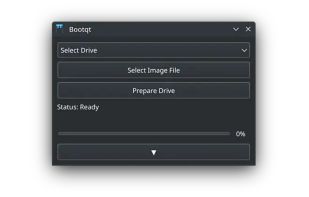
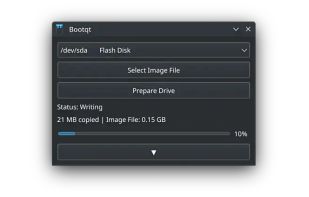
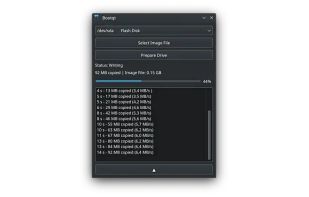
Bootqt is a simple app for making a bootable USB drive from an ISO or IMG file. It is written in Python and uses Qt technologies to provide an easy to use graphical user interface.


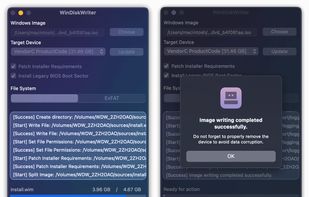
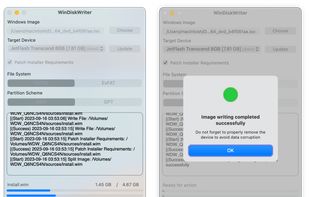
Prepare bootable USB drives for Windows on macOS with support for UEFI and Legacy BIOS modes. Patches Windows 11 to bypass TPM and Secure Boot requirements, requires just an image file and USB. Offers a quick, user-friendly process for PCs and Intel Macs.