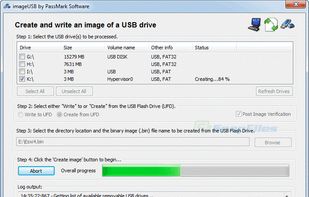
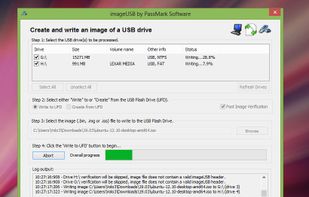
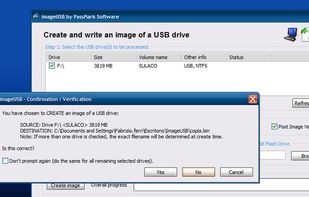
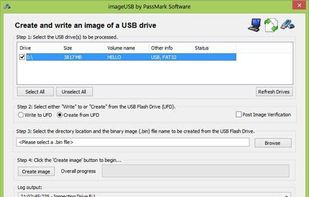
ImageUSB is a free tool for writing an image to multiple USB Flash Drives (or reading image from an UFD).
ImageUSB is designed for use with OSForensics.
Cost / License
- Free
- Proprietary
Application typeApplication types
Platforms
- Windows
 Australia



+1


Rufus formats USB drives and creates bootable USB sticks from ISO images, with BIOS/UEFI options and MS-DOS/FreeDOS support. Users appreciate its straightforward approach, though some seek alternatives that handle multiple ISOs or offer cross-platform compatibility.
Ventoy leads as the top-ranked alternative, allowing users to boot multiple ISO files from one USB without repeatedly reformatting - just copy new ISOs onto the drive. balenaEtcher appeals to users wanting a simple interface with verification steps, though some report struggles with Windows ISO boot disks. UNetbootin ranks highly as an open-source option with Windows, Mac, and Linux versions.
For specialized workflows, Popsicle can write one ISO image to multiple USB devices simultaneously with a simple click-driven workflow. These Rufus alternatives range from multiboot managers to straightforward image flashers, giving users flexibility in their bootable media creation approach.
Open source options dominate the bootable USB space, with YUMI exFAT, WinDiskWriter, and WoeUSB all offering transparent, community-built tools. Linux users have native support through YUMI exFAT and WinDiskWriter, while WoeUSB focuses specifically on creating Windows installer USBs from Linux systems.
For portable workflows, YUMI exFAT, WinDiskWriter, and dd can run from USB without installation - perfect for technicians who need tools on the go. Users seeking ad-free experiences will find clean interfaces in YUMI exFAT, WoeUSB, and dd without promotional distractions. The command-line tool dd provides the most minimal approach for advanced users who prefer direct ISO writing without graphical interfaces.
ImageUSB is a free tool for writing an image to multiple USB Flash Drives (or reading image from an UFD).
ImageUSB is designed for use with OSForensics.
Australia


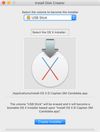
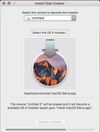
Install Disk Creator simplifies creating a bootable OS X installer.


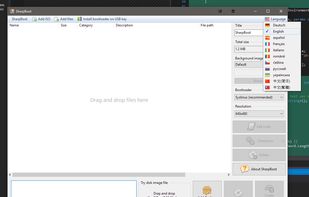
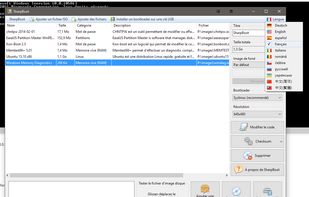
SharpBoot is a small utility for creating multiboot ISO or USB. You just need to drag-n-drop some iso files inside, and it automatically adds description and category (for supported ISO files, not shown in the screenshot). It uses Syslinux for the menu and bootloader.


This is a small utility tool that will help you format and create bootable flash drives for Windows 7/8. It can be useful if you want to create installation media from bootable ISOs and if you want to install Windows7/8 on a system that doesn't have a CD-ROM device installed.


DiskMaker X (formerly Lion DiskMaker) is an application built with AppleScript that you can use with many versions of OS X/macOS to build a bootable drive from OS X/macOS installer program (the one you download from the App Store).
 France
 EU
EU


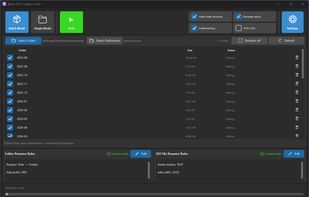
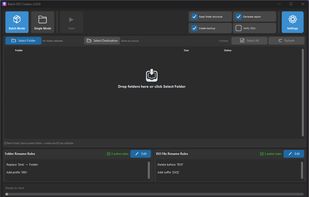
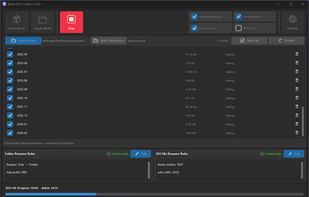
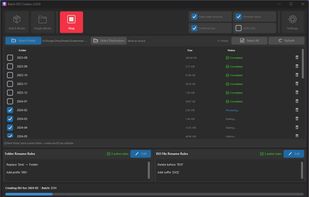
Batch ISO Creator is a Windows app for creating ISO files from folders with Batch Mode, Folder Mode, renaming rules, ISO Mounting, and an ISO Library.


USBWriter is tiny Windows tool that lets you write an image file directly to an USB drive. It requires no installation and depends on no bloated framework, it's just a little program that you may put on your desktop.
 BelgiumEU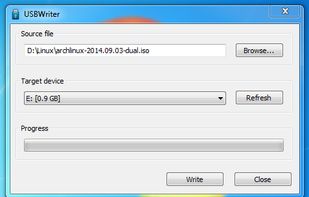


EasyBoot makes creating a bootable CD or bootable DVD a straightforward process. Whether you want to make a MultiBoot CD that starts up in your language or you need bootable CDs with the company logo, EasyBoot meets your requirements.
 China
China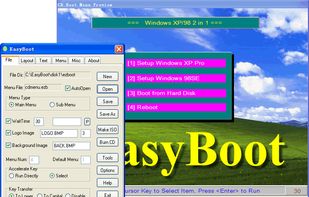

 HungaryEU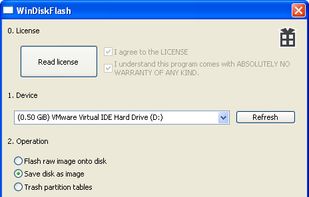
A USB ISO flashing program written for Linux. I noticed that there was no Rufus alternative for Linux, so I made one!

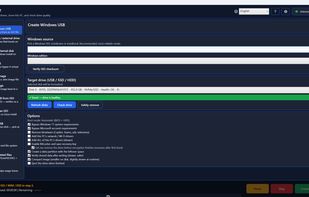
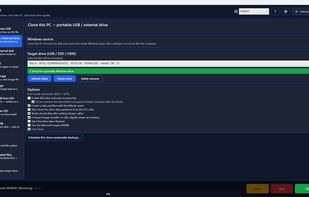
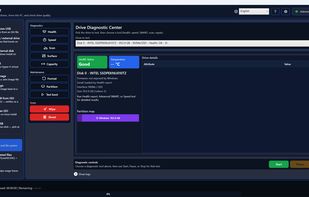
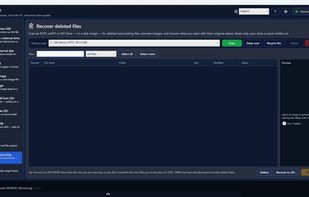
DriveForge is a free, open-source Windows tool that puts the disk jobs people normally need four separate programs for into a single portable executable. There is no installer: one file, about 80 MB, nothing written to Program Files, and nothing to uninstall.