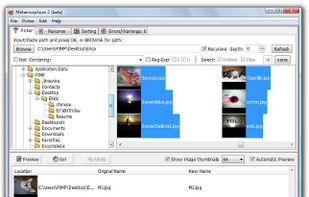
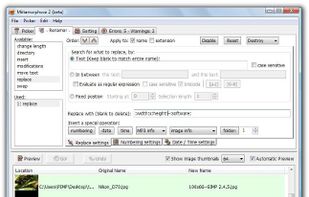
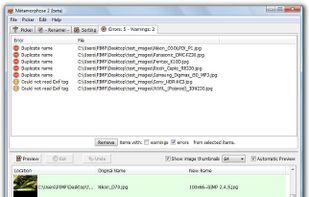
Better File Rename for Windows is the most versatile and easiest file renaming application on the market.

ReNamer is described as 'Batch file and folder renaming with meta tag support, RegEx, rule sets, prefix, suffix, case change, extension handling, and Unicode compatibility' and is a very popular File Renamer in the file management category. There are more than 50 alternatives to ReNamer for a variety of platforms, including Windows, Mac, Linux, BSD and Web-based apps. The best ReNamer alternative is Bulk Rename Utility. It's not free, so if you're looking for a free alternative, you could try Bulk Rename Utility or Ant Renamer. Other great apps like ReNamer are Rename Master, F2, Rename X Pro and Simplest File Renamer.
Better File Rename for Windows is the most versatile and easiest file renaming application on the market.

Flexible Renamer is a powerful file/folder renaming utility,that supports Wildcards and Regular-Expressions. It offers a Window Explorer style interface with UNICODE support and large variety of renaming options.


Transform your file management with intelligent, automated file renaming powered by AI. Perfect for designers, developers, and content creators.


PowerRenameExt is a cross-platform bulk renaming tool conceived as a powered-up version of Microsoft's PowerRename tool (part of the PowerToys suite), with extra added functionality such as the ability to use functions in order to compute the replacements, which in turn...


Digital camera owners, music lovers, and those who have lots of files theyd like to organize will like Flash Renamer, a batch file renaming utility that makes it easy to rename large numbers of files at once but that also does much more, such as adding or subtracting spaces...


With Rename Expert you can quickly and easily rename files and folders. The program offers a variety of useful features to create meaningful names. For instance, you can automatically rename files using metadata (e.g.


Renamer is a batch file renaming app for macOS that allows you to rename lots of files quickly and conveniently. You'll love the beautiful user interface, the useful new enhancements that make batch file renaming even easier, and of course the many ways to rename files.


Renaming files or folders can be very cumbersome, especially if you want to rename a high number of files. But it is not necessary to click on every single file individually, make some changes just to take the same procedure at the next file!.

Rename-It! can rename in seconds multiple files, that can be in different folders. It is incorporated in the Windows Shell (via Explorer's context menu).


Thunar Bulk Renamer included in the default installation of the XFCE Desktop Environment as part of the Thunar file manager and available as a stand-alone installation in others. It saves the configuration between sessions, and has a very simple to use GUI interface.