


Whether you're a morning lark or night owl, SunsetScreen allows you to set the time of the sunset and sunrise, so you can have full control over your sleep cycle.
Cost / License
- Paid
- Proprietary
Application type
Platforms
- Windows
 United Kingdom
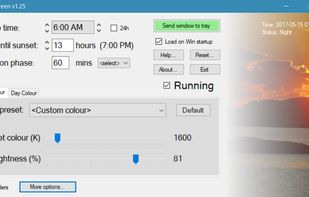

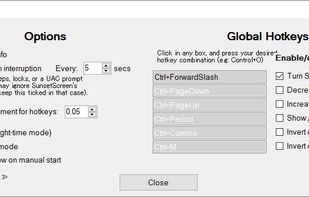



Whether you're a morning lark or night owl, SunsetScreen allows you to set the time of the sunset and sunrise, so you can have full control over your sleep cycle.
United Kingdom
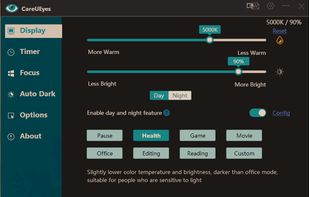
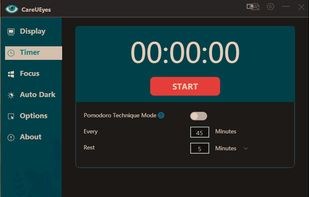
CareUEyes is a very simple but useful program when it is about your eye care. The program comes with a very simple and clean interface and needs to technical knowledge. Even a novice computer user can download and use it easily.


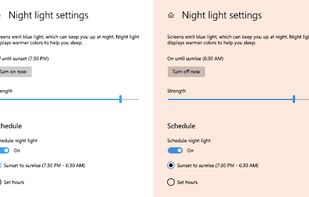
To schedule Night Light so it turns on automatically, select Start > Settings > System > Display > Night light > Night light settings.


Screen dimming software that allows you to control the brightness of your screens as well as external monitors.
 United States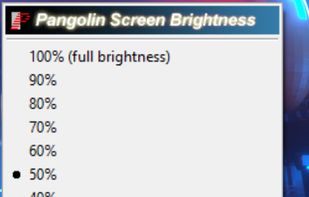


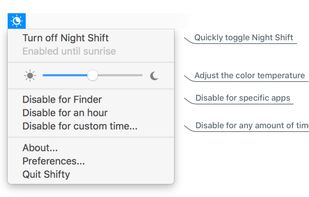
Shifty was made to expand the capabilities of the built in Night Shift feature in macOS. You can disable Night Shift for specific apps and custom time periods. It also provides easy access to a slider to fine tune your color temperature.


Trouble Sleeping? Device screen too bright even on the lowest brightness setting? Want to give your phone a warm look instead of that eye straining blue gaze you see at night? EasyEyes is the solution. By changing your device's color temperature, EasyEyes reduces eye strain...


NightTone makes your screen more comfortable, enjoyable and healthier by shifting the colors of your display to a warmer, eye-friendly palette. It makes you sleep and feel better.
 Romania
 EU
EU


Free software for eye protection and more! It protects your eyes while you are working on the computer. Eye Saver has three main functions: blue light filter; eliminates the invisible flickering of the display backlight; reminds you to take breaks;
United Kingdom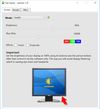
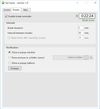


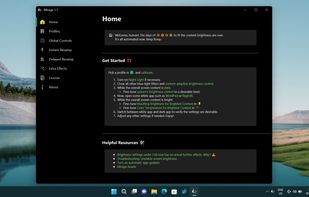
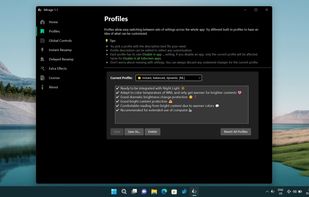
World's first instantaneous content-aware brightness control app that let your screen’s brightness and color temperature adapt instantly and automatically to provide the most optimal viewing experience for your eyes.


 Denmark


