


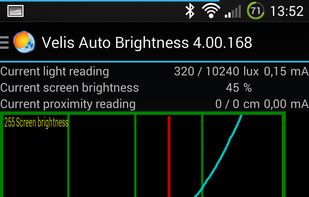
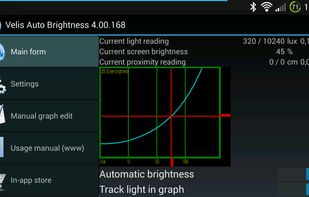
Velis Auto Brightness is a pretty powerfully adjustable auto-brightness app for your android device.
Cost / License
- Freemium
- Proprietary
Platforms
- Android
- Android Tablet



+2
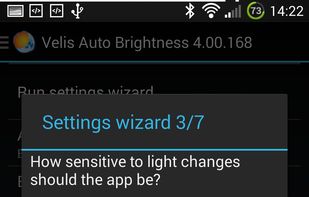


Velis Auto Brightness is a pretty powerfully adjustable auto-brightness app for your android device.
Small GTK GUI application to set contrast, brightness and gamma for wayland compositors which support the wlr-gamma-control protocol extension. Basically this is the example from here: https://github.com/swaywm/wlroots/blob/master/examples/gamma-control.

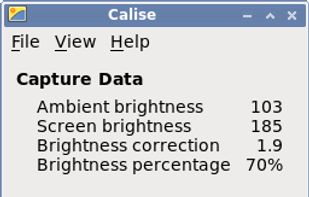
A Python program that calculates ambient brightness and sets screen's correct backlight using a camera.

This advanced Windows app allows you to alter the screen shading according to the time of day, which is great if you work outside the normal hours, or if you need a lift in the afternoon. You can set the colour tints and your awake and sleep times.
 India
India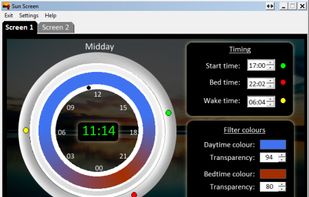

Synchronize your external monitor brightness with built-in display. Application reads current brightness of your built-in display and passes it to external monitors via DDC interface. You can adjust brightness by menu in system status bar.


Nocturne is simple app for switching a computer to night vision mode. It has a few tricks up its sleeve: color correction, window shadow toggling, and background removal.
 United States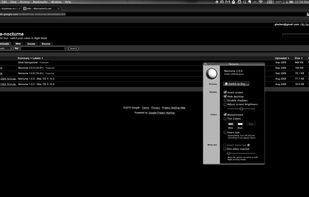


Night Screen is created for those people who spend a lot of time at night working.
Limit your exposure to energy-efficient lighting before bed. In addition to the LED screens in your electronics, energy-efficient lighting emits a lot of blue light.
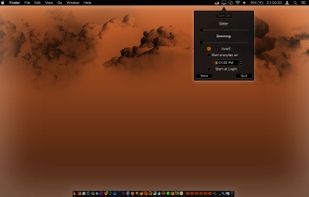
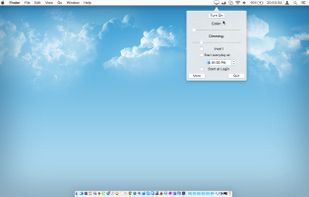
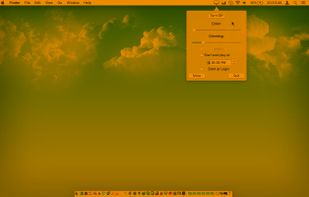
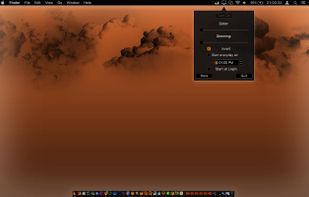


Lumen - magic auto brightness based on screen contents. You control Lumen simply by using your brightness keys - it'll automatically learn your preferences.
United States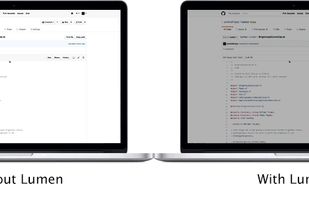


 Romania
 EU
EU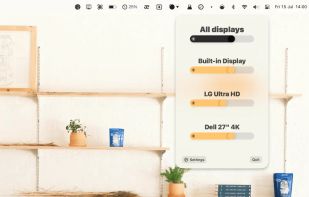

Setting the color temp of the screen really only requires about 40 lines of C (80 or so all inclusive). sct is a crude utility which does roughly that. I’d say exactly that, but some of the calculations aren’t actually exact.


