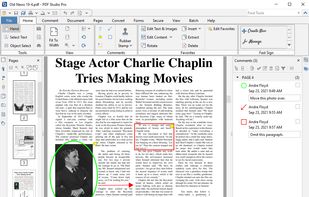
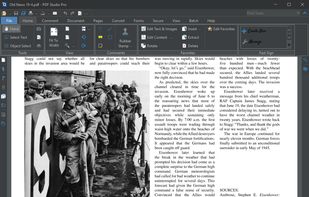
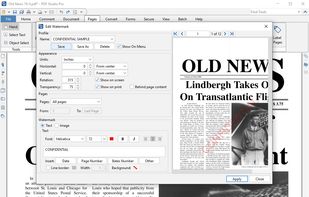
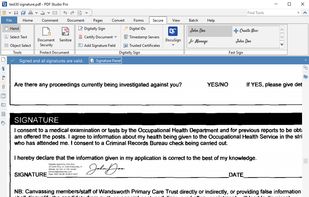
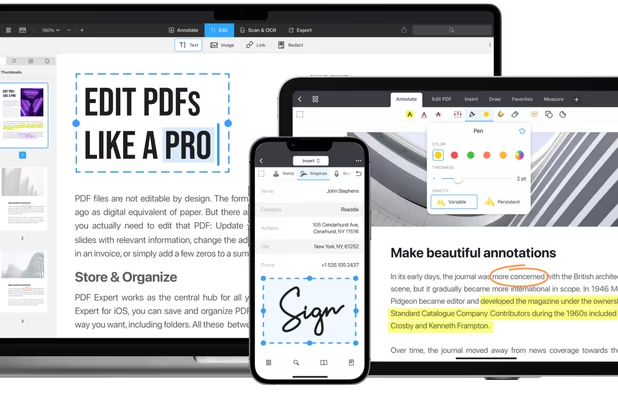
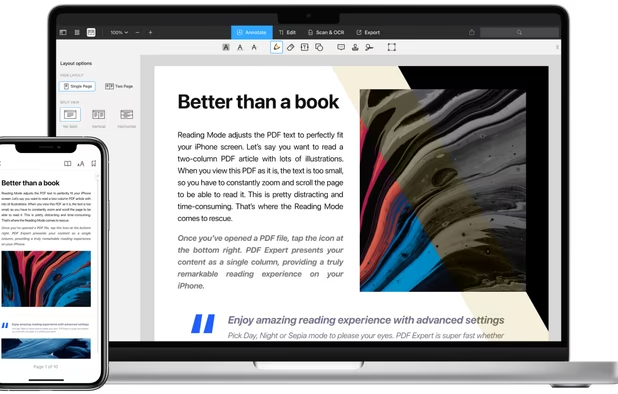
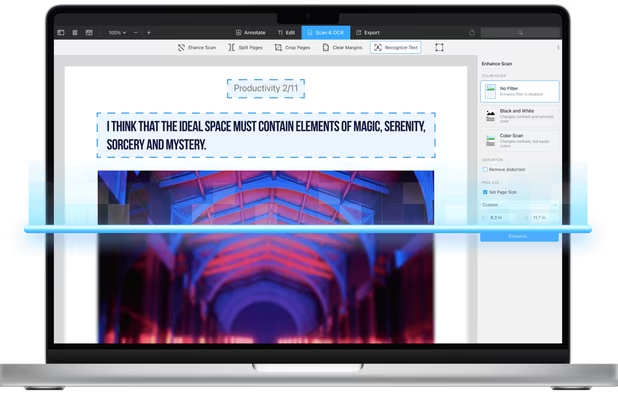
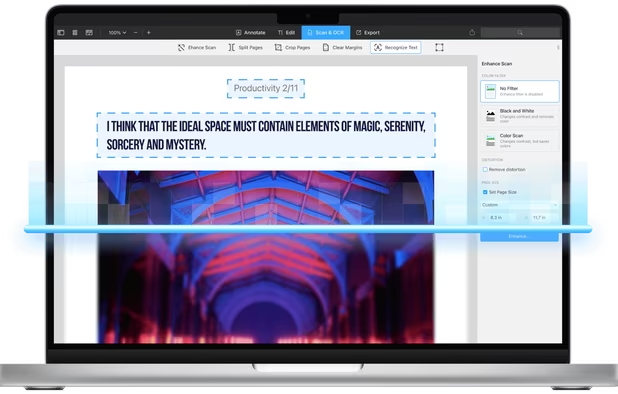
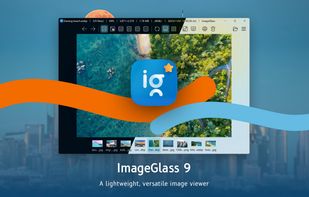
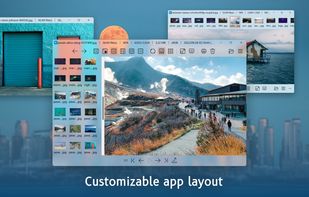
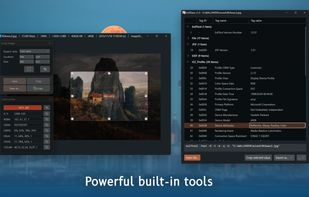
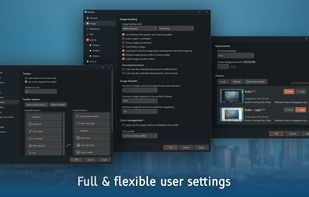
A feature-rich, simple-to-use app seamlessly integrated with a clean, minimal and modern user interface.
Cost / License
- Freemium (Pay once or Subscription)
- Open Source (GPL-3.0)
Application typeApplication types
Since
- Since 2014
 Vietnam



+1


There are many alternatives to Preview for Mac if you are looking for a replacement. The best Mac alternative is ImageGlass, which is both free and Open Source. If that doesn't suit you, our users have ranked more than 100 alternatives to Preview and loads of them are available for Mac so hopefully you can find a suitable replacement. Other interesting Mac alternatives to Preview are PdfCraft, XnView MP, nomacs and ImageMagick.
A feature-rich, simple-to-use app seamlessly integrated with a clean, minimal and modern user interface.
Vietnam
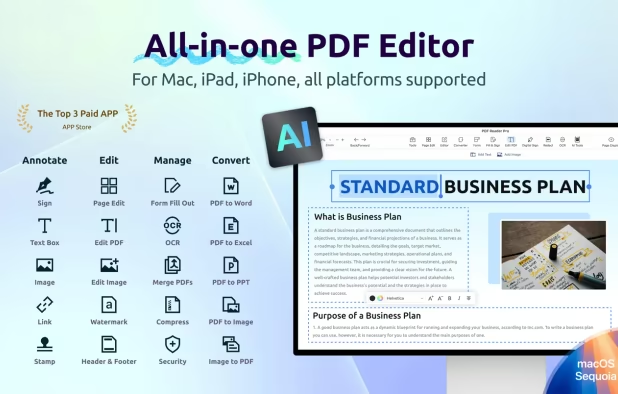
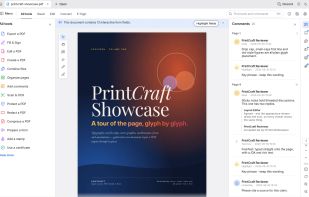
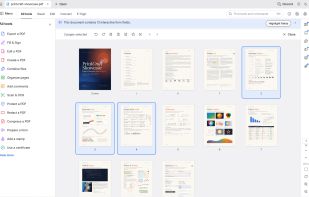
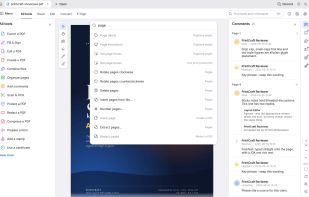
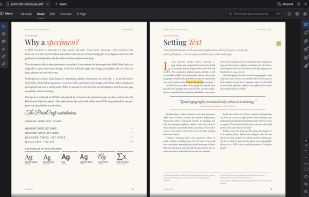
Read, organize, combine, split and secure PDFs in a fast, native app written in Rust from the ground up. No account, no telemetry, no cloud.
 United States


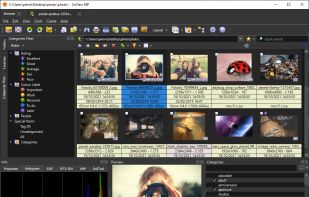
Comprehensive photo management software for viewing, batch converting, editing and resizing images and creating thumbnail sheets.
 France
 EU
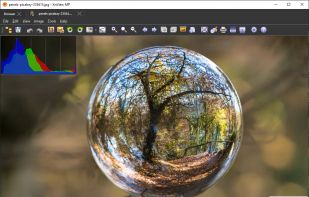
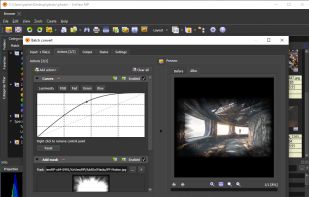


nomacs is a free, open source image viewer, which supports multiple platforms. You can use it for viewing all common image formats including RAW and psd images.
 GermanyEU


ImageMagick is a software suite to create, edit, and compose bitmap images. It can read, convert and write images in a variety of formats (about 100) including GIF, JPEG, JPEG-2000, PNG, PDF, PhotoCD, TIFF, and DPX.
United States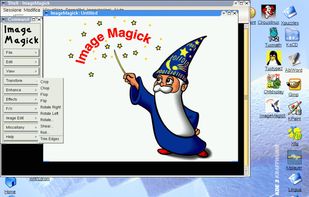


Fast and lightweight Qt-based image viewer with support for Windows, macOS, and Linux. Features include multiple format support, customizable interface, GIF playback, high-resolution display compatibility, and efficient navigation through keyboard shortcuts.
United States
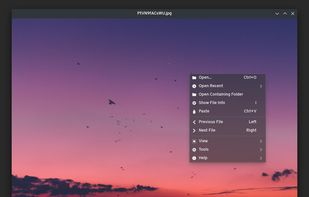
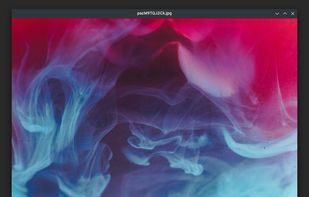

PicView is a fast, free and fully customizable picture viewer for macOS and Windows 10/11. It supports virtually all image file types, including (animated) WEBP, (animated) GIF, SVG, AVIF, HEIC, PSD and many others.
 DenmarkEU


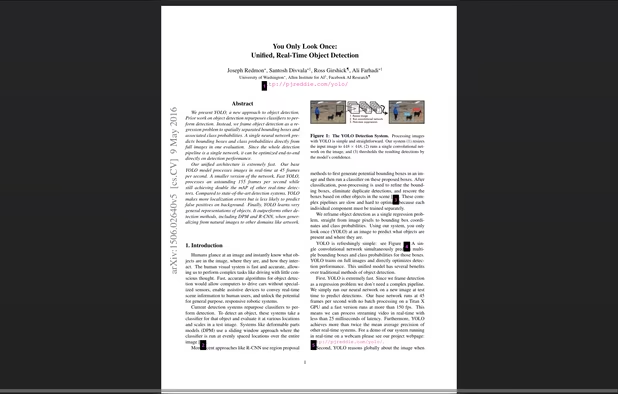
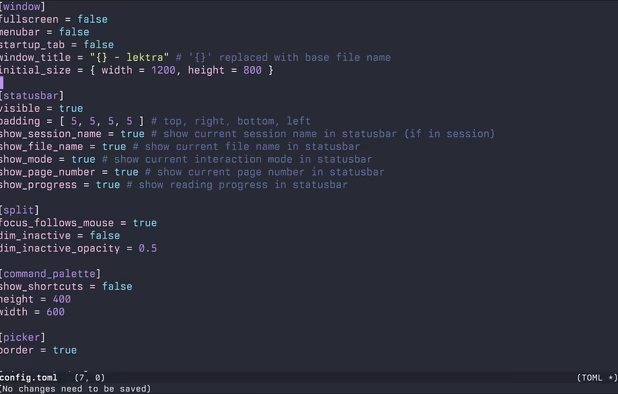
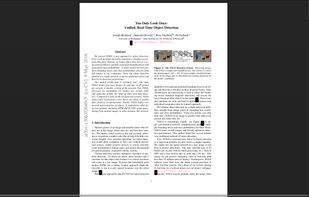
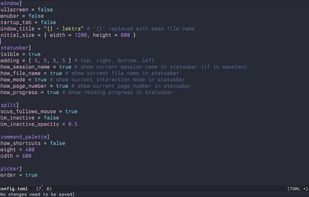
High-performance viewer for documents and images offering split tabs, customizable single or book layouts, portals for side-by-side sections, instant search, line highlight, annotation tools, link hints, searchable highlights, session management, and TOML config.
 SpainEU

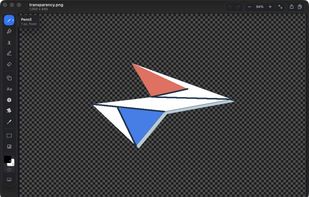
MS Paint for the Mac. Native, free and open source: blank canvas at any size, drop one image onto another, crop, and mark up screenshots.
United States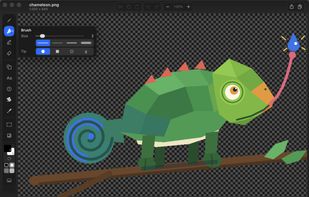
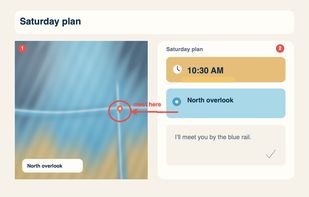


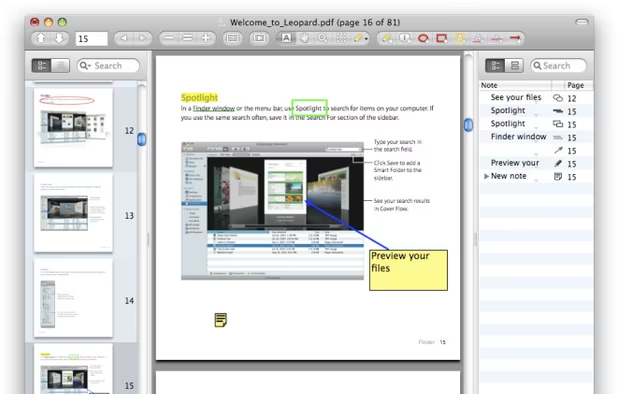
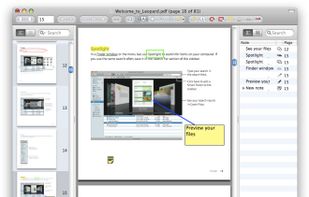
PDF viewer for macOS supports scientific papers, annotations, highlights, bookmarks, split view, exporting notes, AppleScript, multiple annotation types, bibliography integration, full-screen, search, and compatibility with various macOS versions.


Read, annotate, and highlight PDFs, fill interactive forms with saved input, underline or strike through text, manage bookmarks, sync files from cloud services, and share documents. Compatible with Preview and Adobe Acrobat annotations, supporting extensive iOS features.
 Ukraine
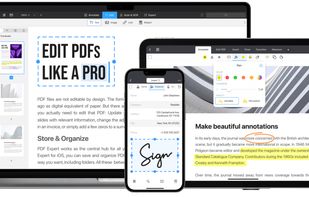
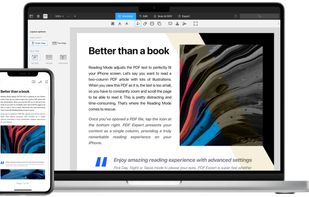


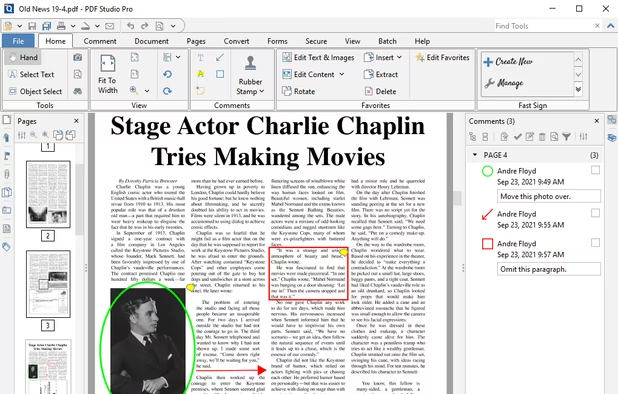
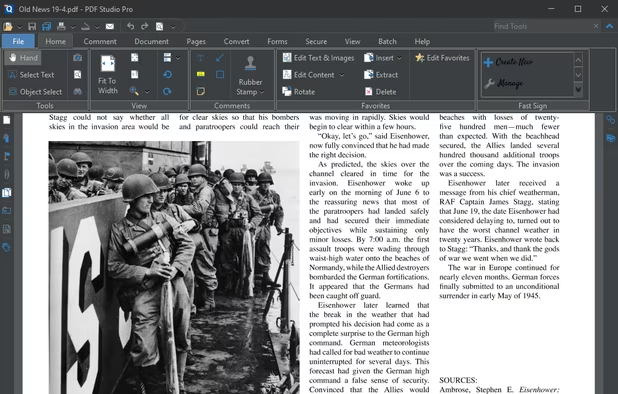
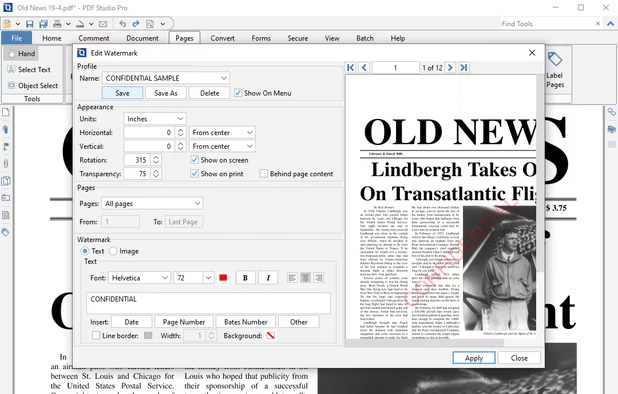
Create, Convert, Review and Edit PDF Documents on Windows, macOS, and Linux.
United States