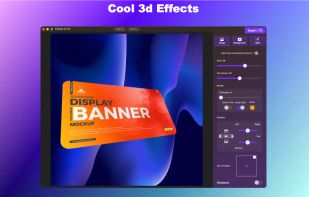
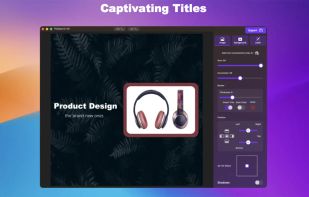
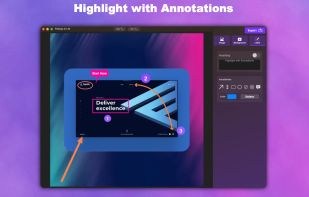
Capture, Customize, and Share Effortlessly with PixEase. We understand the value of your time, which is why we've designed our app to make the process of creating stunning visuals quick and seamless.





PicPick is not available for Mac but there are plenty of alternatives that run on macOS with similar functionality. The best Mac alternative is Greenshot, which is both free and Open Source. If that doesn't suit you, our users have ranked more than 100 alternatives to PicPick and loads of them are available for Mac so hopefully you can find a suitable replacement. Other interesting Mac alternatives to PicPick are Flameshot, macshot, Ksnip and Snagit.
Capture, Customize, and Share Effortlessly with PixEase. We understand the value of your time, which is why we've designed our app to make the process of creating stunning visuals quick and seamless.

Capture the whole page or any portion, annotate it with rectangles, circles, arrows, lines and text, one-click upload to share.
 United States



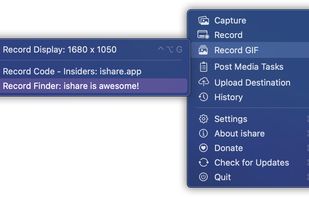
The definitive screen capture utility for macOS, designed with simplicity and efficiency in mind.


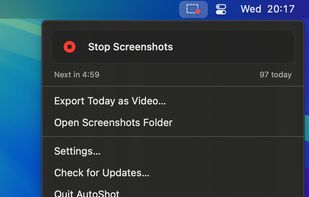
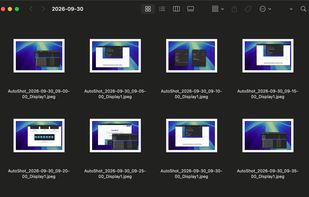
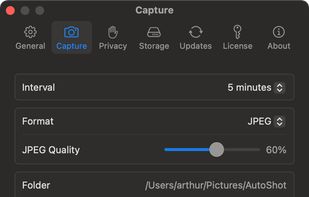
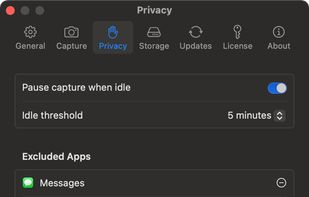
Menu bar app for Mac that takes a screenshot of every display on a timer, sorts them into a folder per day, and turns any day into a timelapse video.


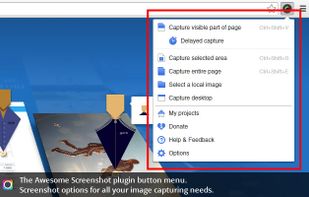
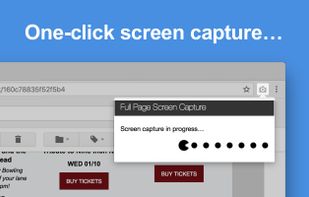
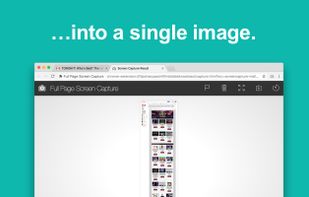
The simplest way to take a full page screenshot of your current browser window. Click on the extension icon (or press Alt+Shift+P), watch the extension capture each part of the page, and be transported to a new tab of your screenshot where you can download it as an image or PDF...
United States


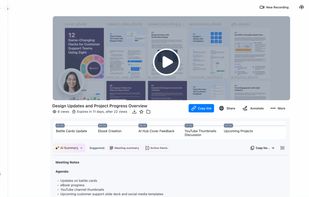
Enables screen and webcam capture, detailed video and screenshot editing, organized meeting notes, AI-powered transcription, and cloud-based instant sharing of annotated visual content via direct links or drag-and-drop integration with communication apps on Windows and Mac.
United States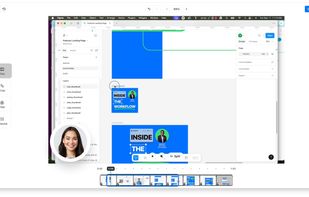
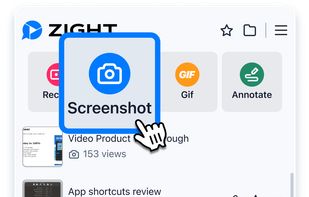
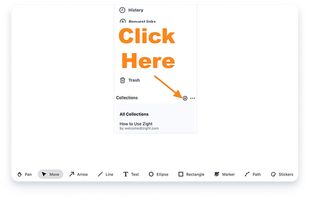


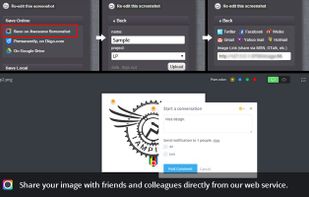
Monosnap allows you to save screenshots easily, conveniently, and quickly, sharing them with friends and colleagues at once.
 Cyprus
 EU


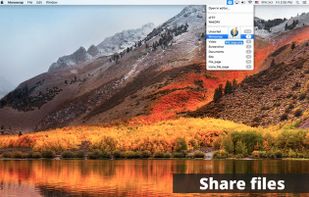


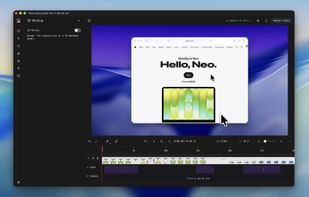
Screenshot and screen recorder app for macOS. One app instead of four. Capture multiple windows, annotate, zoom, add transitions, and drop your recording onto a 3D MacBook with a simulated lens. Everything stays local.
 Australia
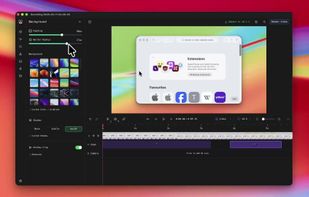
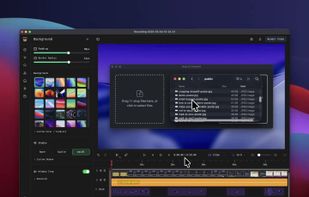
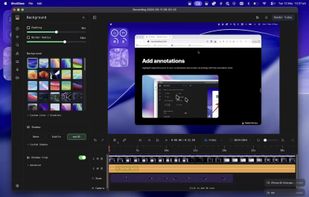

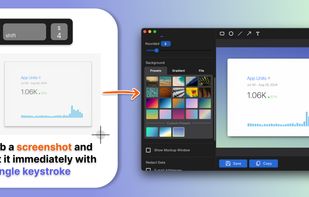
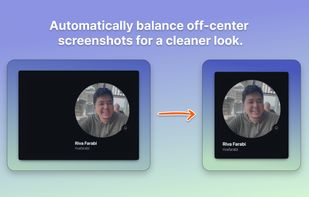
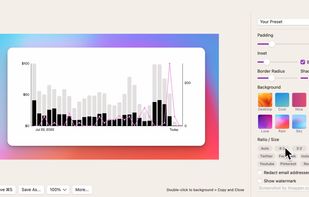
Capture and balance screenshots instantly with auto background colors, sensitive info redaction, text selection, custom shortcuts, social media sizing, history, presets, and compressed images in a native macOS app, supporting annotations and sharing.
 Singapore
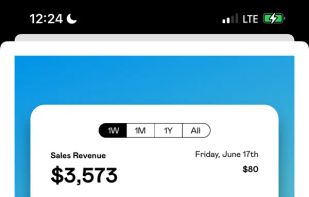
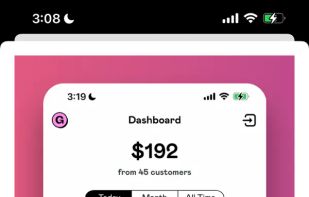


Capture your screen, windows, or regions on macOS, record with audio, edit screenshots and videos using built-in tools like shapes, blur, and redaction, export in various formats with multiple quality presets, enjoy ad-free usage, offline access, and no registration.
 GermanyEU
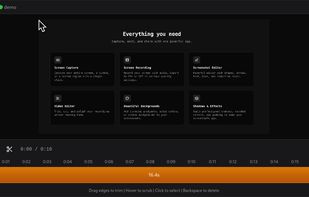


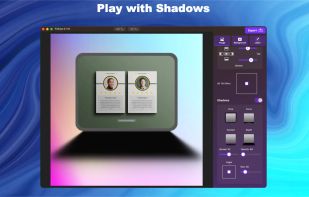
Beautiful screenshots with stunning backgrounds and powerful annotation tools. Create, edit, and share professional-quality screenshots with ease.
 PortugalEU
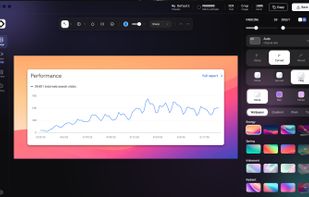


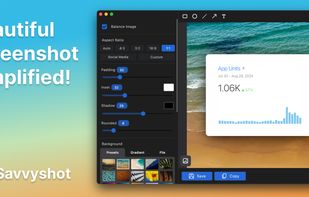
Capture attention with stunning screenshots! Savvyshot, a lightweight app for Windows and MacOS, lets you instantly edit, auto-align, and create shareable screenshots—no design skills or complicated tools needed. Make your screenshots shine effortlessly! ?🚀.
 Indonesia