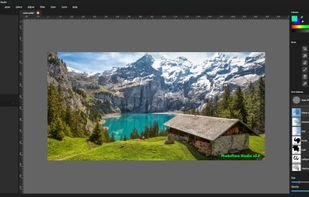
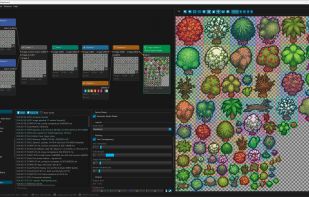
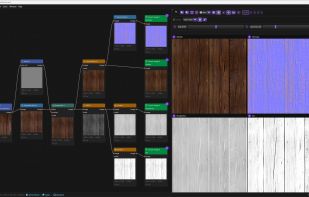
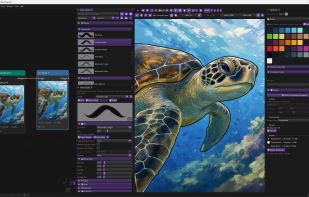
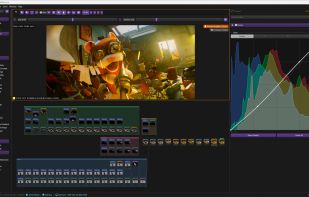
Gimel Studio is a non-destructive, 2D image editor focused on simplicity, speed, elegance and usability.
- Global



Apps similar to PhotoGIMP include GIMP, which is free and open source. Other options are Krita, Adobe Photoshop, Affinity and Paint.NET. There's no shortage of Image Editors like PhotoGIMP, with more than 25 alternatives for Windows, Mac, Linux, the web and iPad.
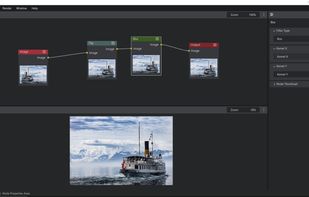
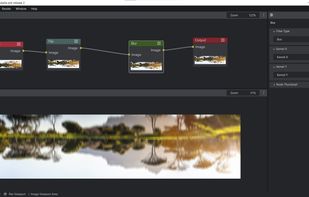
Gimel Studio is a non-destructive, 2D image editor focused on simplicity, speed, elegance and usability.

Build non-destructive image pipelines with 99 composable nodes. One graph produces every color variant, every format, every export, automatically.
 United States


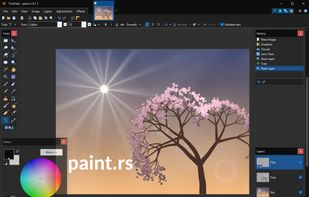
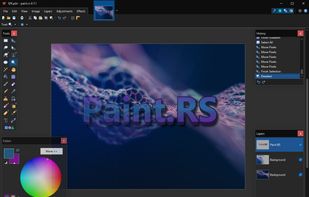
This is a cross-platform reimplementation of Paint.NET, designed with full feature parity including dozens of ported plugins. On top of that, it adds its own features like Snap, healing and editable text, it also supports plugins from Photocraft and Lightcraft.
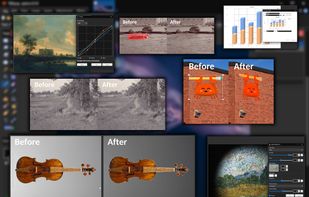


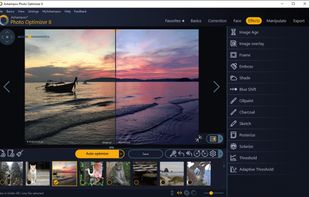
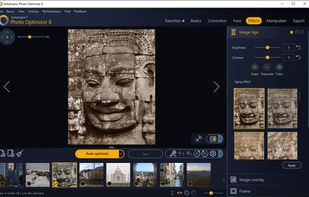
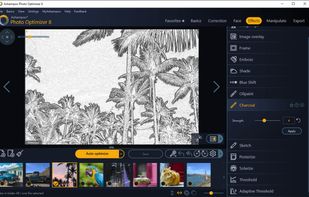
Ashampoo Photo Optimizer 8 enhances your photos at the click of a button! The program fully automatically adjusts colors, contrasts and exposure settings to perfection for individual images or entire collections.
 Germany
 EU

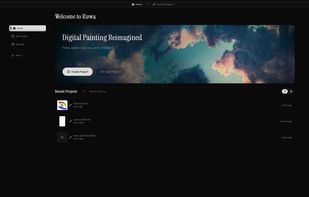
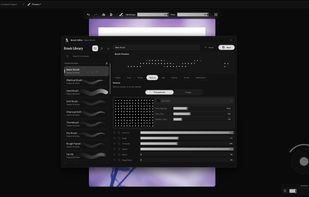
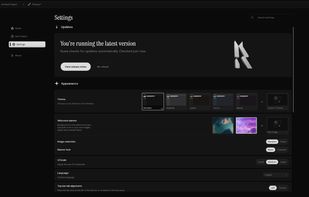
Ruwa is a free and open-source desktop application for digital painting and illustration on Windows. It combines a focused, customizable interface with a flexible brush system designed for both simple sketching and more detailed artwork.
 Russia
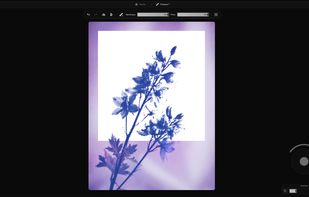

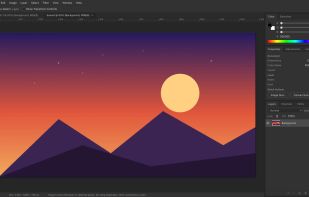
A free, full-featured image editor that runs entirely in your browser. Layers, masks, blend modes, adjustment layers, smart objects, text and filters — with PSD import and export, and on-device AI selection. Nothing is uploaded; your files never leave your device.
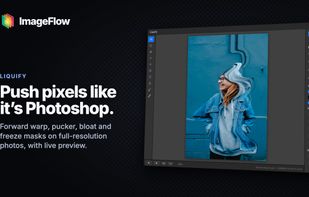
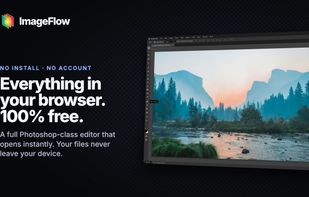
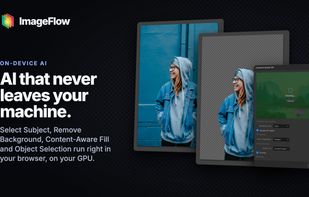
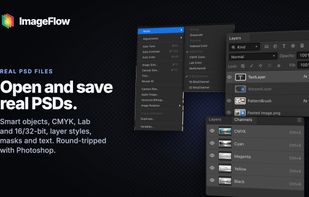


AlterPhoto is powerful photo editor and image manipulation tool for Windows. It combines ease of use with powerful editing features powered by computer vision and generative AI. This program will become an indispensable tool for both photographers and graphic designers.
 CyprusEU
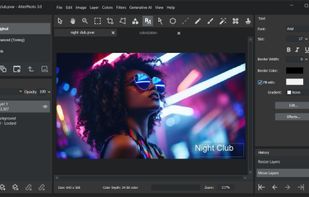

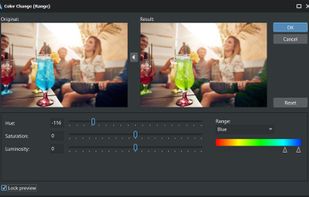
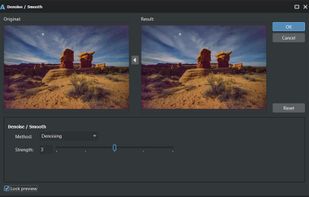


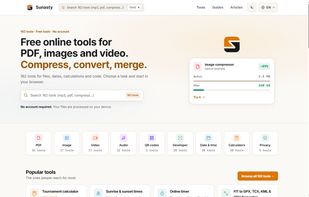
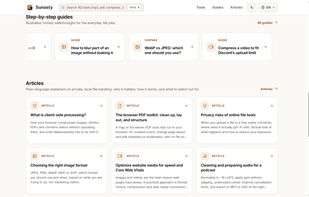
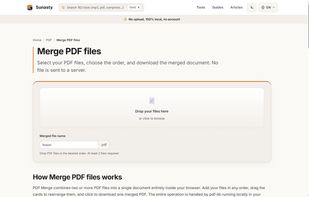
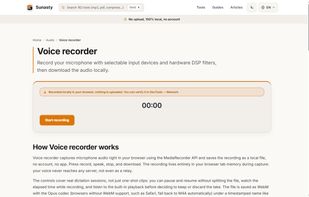
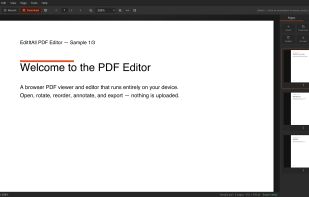
Free browser-based PDF, image, video, audio, QR code, and developer tools that process files locally on your device without uploads.
 FranceEU


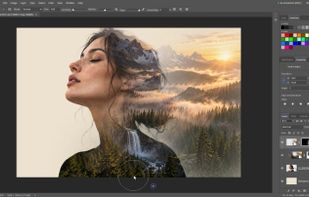
PhotoVim is a free photo editor that runs in your browser and follows Photoshop's menus, panels and shortcuts, so Photoshop users can work without relearning. No install and no account are needed to edit.
 South Korea
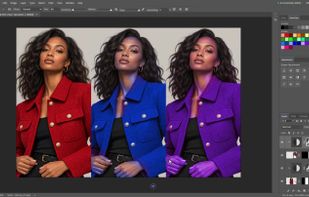
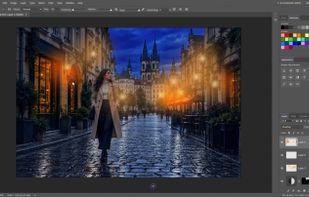
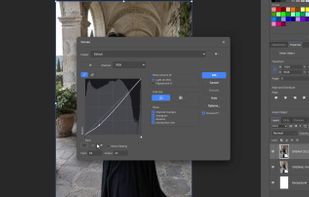


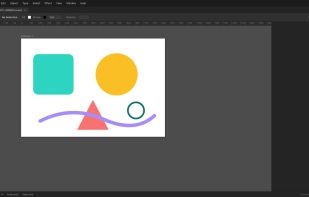
A free, private browser suite for editing photos, vectors, PDFs, spreadsheets, documents and presentations, plus converting and compressing images locally without uploads or sign-up.
United States

 United States



Non-destructive editing with layers, blend modes, advanced tablet-responsive brushes, curated brush sets, multi-document interface, OpenRaster native save, broad image format support including EXIF, modern UI with dark mode, one-time licence, and cross-platform.
 United Kingdom