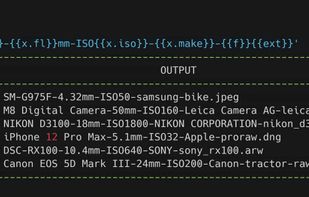
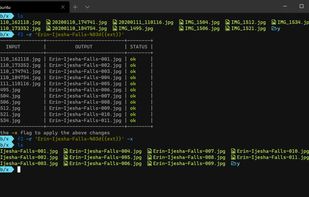
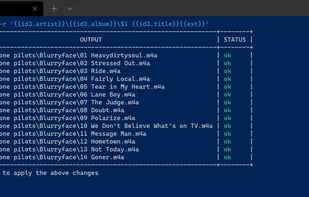
- F2 helps you organise your filesystem through batch renaming so that your files and directories can have a consistent naming scheme.
Platforms
- Mac
- Windows
- Linux




PFrank has been discontinued. Similar apps include Bulk Rename Utility, which is free for personal use. Other options are Ant Renamer, ReNamer, Advanced Renamer and Rename X Pro. You're spoiled for choice with File Renamers like PFrank: we list more than 50 alternatives for Windows, Mac, Linux and the web.

Batch tool for renaming files and folders with preview, undo, unlimited customizable operations, recursive subdirectory support, regular expressions, metadata handling, full unicode compatibility, multilingual filename management, and multi-platform use.
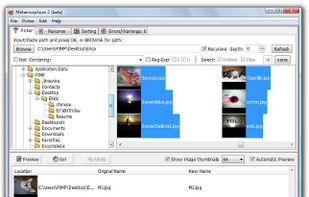
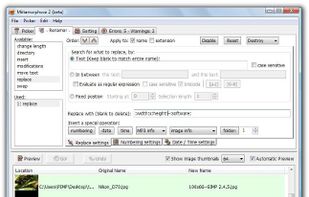
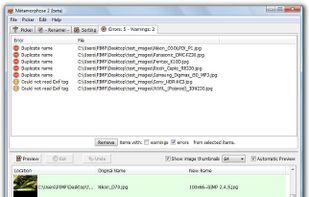


Renaming files or folders can be very cumbersome, especially if you want to rename a high number of files. But it is not necessary to click on every single file individually, make some changes just to take the same procedure at the next file!.
 Germany
 EU
EU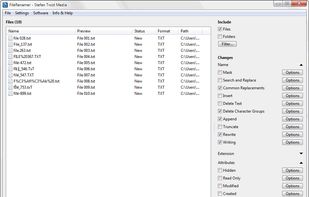


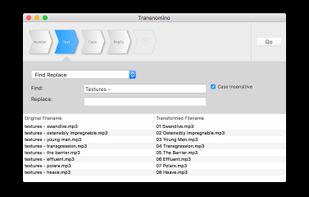
NameChanger is designed for the sole purpose of renaming a list of files.
Add the files through the GUI or drag and drop files directly onto the App. These original filenames show up in the Original Filename column. Grayed out rows indicate files that you do not have permissio.
 United States


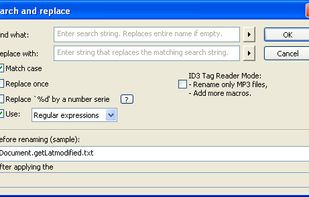
Flexible Renamer is a powerful file/folder renaming utility,that supports Wildcards and Regular-Expressions. It offers a Window Explorer style interface with UNICODE support and large variety of renaming options.
 Japan
Japan
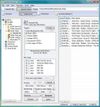


Name Mangler is designed to make it super easy to rename batches of files—anywhere from a few to tens of thousands—in one quick operation.
 AustriaEU


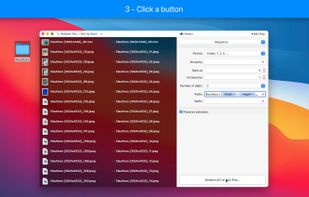


A batch rename utility for the Mac. Rename many files at once, simple, powerful... and it's free.
 NetherlandsEU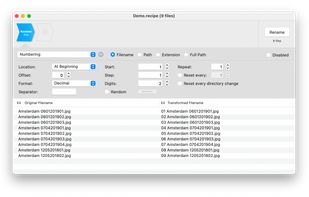
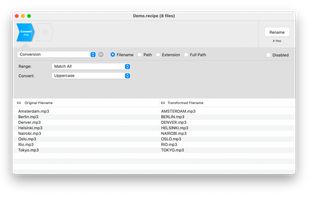
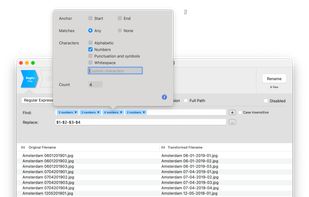


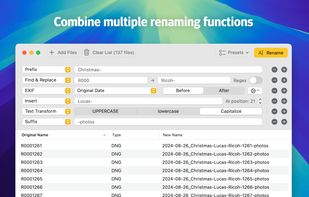
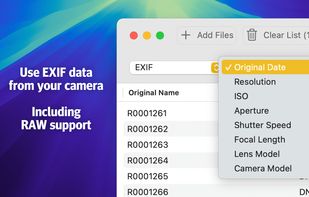
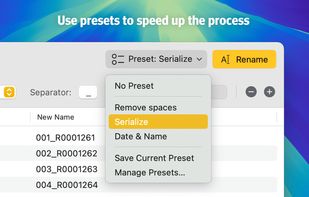
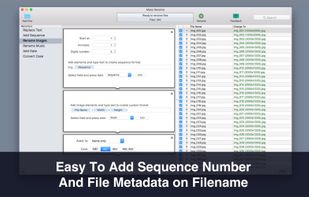
Batch file renaming utility offering instant preview, 15 renaming categories, EXIF and ID3 metadata support, drag-and-drop, multi-step actions, reusable presets, regular expressions, droplets for automation, text file import, and conflict resolution.
 LuxembourgEU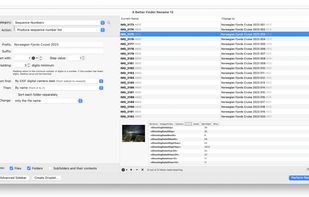
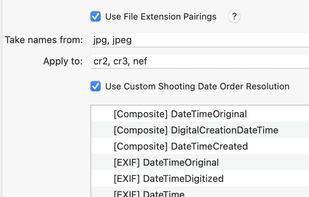
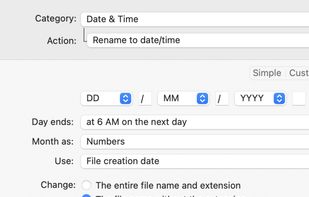
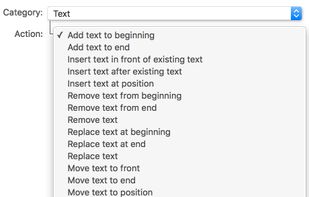


An easy-to-use and fast utility that will help you to batch rename multiple files on your Mac.
 GreeceEU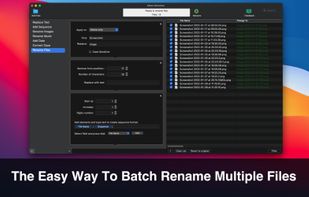

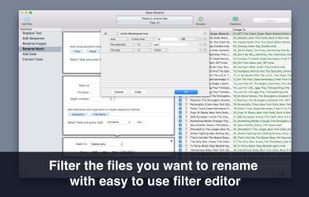


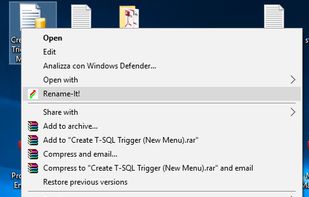
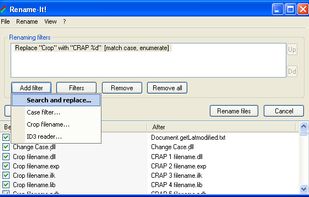
Rename-It! can rename in seconds multiple files, that can be in different folders. It is incorporated in the Windows Shell (via Explorer's context menu).
 Canada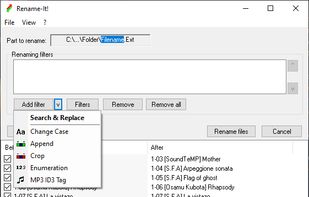


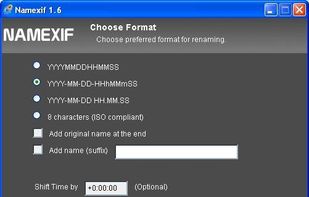
Namexif is a free software to rename photos by date and time based on EXIF.


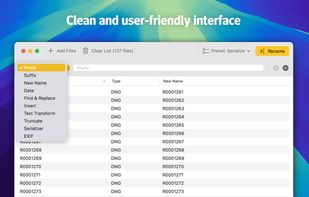
Batch rename your files. Add a prefix, a suffix, replace some characters, truncate, or capitalize the words. Or put some EXIF data in your file names. You name it!.
NetherlandsEU