





A Better Finder Rename
17 likes
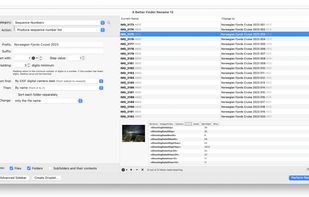
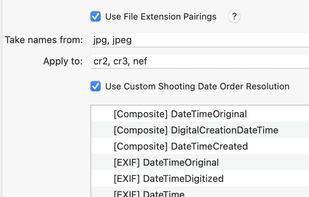
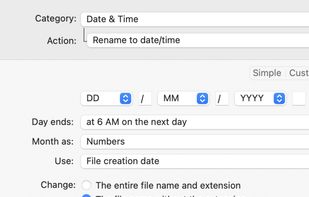
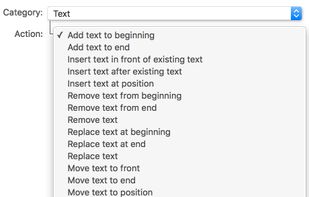
Batch file renaming utility offering instant preview, 15 renaming categories, EXIF and ID3 metadata support, drag-and-drop, multi-step actions, reusable presets, regular expressions, droplets for automation, text file import, and conflict resolution.

Cost / License
- Pay once
- Proprietary
Application typeApplication types
 EU
EUPlatforms
- Mac


+10


Features

Highlights All activities
A Better Finder Rename News & Activities
Recent activities
 juergenkoller added A Better Finder Rename as alternative to Distill AI
 Samir_Ricly added A Better Finder Rename as alternative to Ricly
 TylerSedacca added A Better Finder Rename as alternative to PixelRank
 vivenario added A Better Finder Rename as alternative to ReTitle
 Mathias Schneider added A Better Finder Rename as alternative to ADELVO COMMANDER
 archyv added A Better Finder Rename as alternative to Archyv
- frankreiff liked A Better Finder Rename
 KharaApps added A Better Finder Rename as alternative to Stamped
- frankreiff updated A Better Finder Rename
 Bowler added A Better Finder Rename as alternative to rsk.rename


Developed by
 Frank Reiff
 Licensing
Proprietary and Commercial product.Pricing
One time purchase (perpetual license) ranging between $30 and $1500.Alternatives
74 alternatives listedBadge
Get an embeddable badge for A Better Finder RenameSupported Languages


Comments and Reviews
Powerful with a decent UI.
Wish they had a windows version