
Cost / License
- Free
- Open Source (GPL-3.0)
Application type
Platforms
- Linux
- Wayland

K


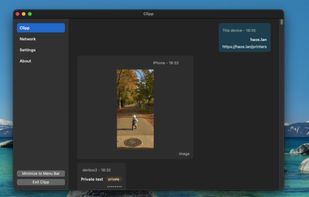
Clipp is a free, open source, peer-to-peer clipboard sync utility for Windows, macOS, and iOS, with a terminal-only client for Linux. It is built for devices you trust, on a network you control, sharing clipboard text and images without routing your clipboard through the cloud.
 United States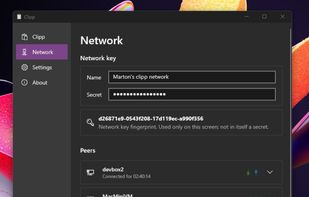


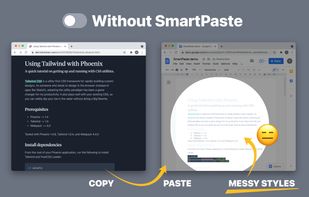
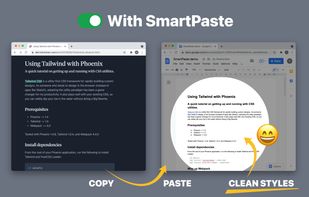
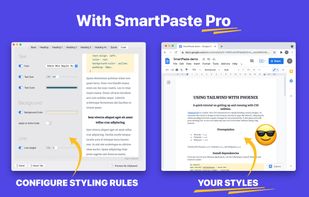
Copy-paste nicely styled text to apps like GMail and Google Docs without learning new shortcuts.


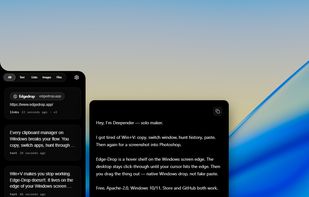
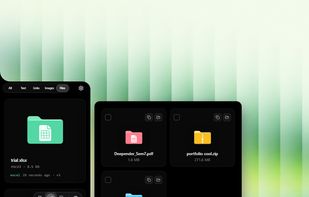
Hover-activated clipboard shelf for Windows. It hides on your screen edge, springs open when your cursor nears it, and lets you drag files and images straight into any app. Free and open source.



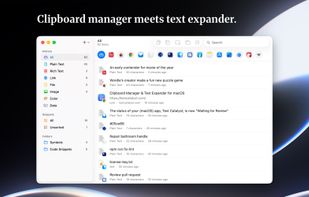
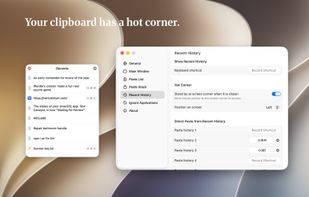
Text Catalyst is a clipboard manager and text expander in one native Mac app. Everything you copy is saved and searchable. Everything you type often becomes a snippet that expands anywhere — all without your hands leaving the keyboard.
United States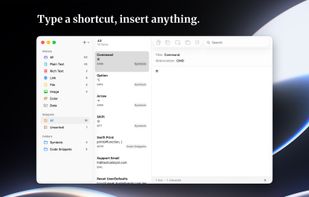
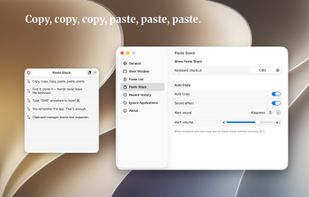


Notes & Clipboard History for Dynamic Island - With Dynamic Island Notes, you always have your notes at your fingertips thanks to Dynamic Island Integration and can easily copy them.




A lightweight, minimal, and fast clipboard manager for macOS built with Python and PySide6.

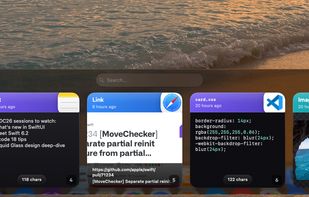
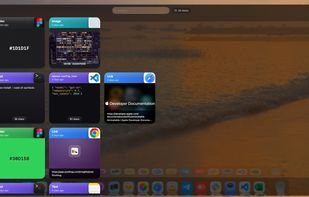
A native macOS clipboard manager that turns everything you copy into a searchable, visual timeline — including your screenshots.
 Denmark
 EU
EU


ClipCapsule is a minimalist clipboard manager for Linux. It supercharges your productivity by allowing you to manage and switch clipboard entries using only keyboard shortcuts—no mouse or GUI required.


PasteIt is a clipboard manager for Windows 10/11 which keeps track of everything you copy and paste, lets you organize it with tabs of favorites.
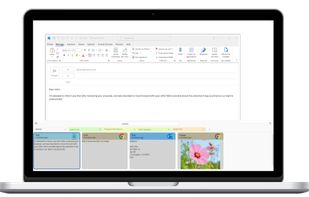



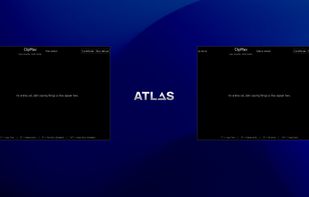
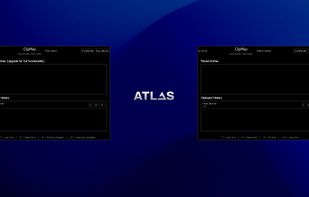
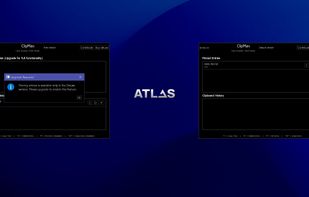
ClipMax is a next-generation clipboard manager that enhances productivity by automating, organizing, and integrating copied content with AI.


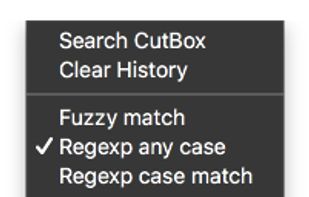
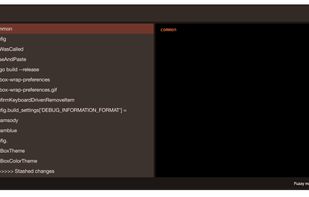
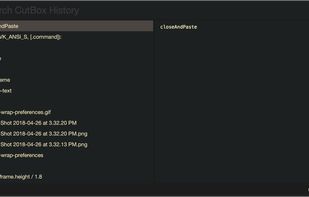
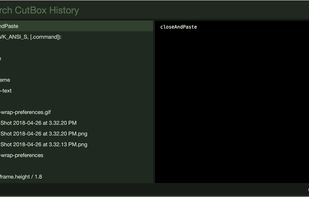
Pasteboard history for macOS done right. Using the proven UI style of Alfred, Spotlight etc. Use fuzzy searching to find what you want to paste.


 Nigeria


