Cost / License
- Free
- Open Source (MIT)
Application typeApplication types
Since
- Since 2016
GitHub
- GitHub stars: 19.4k
 Sweden
 EU





The best free alternative to OBS Studio is OpenScreen, which is also Open Source. If that doesn't suit you, our users have ranked more than 100 alternatives to OBS Studio and loads of them are free so hopefully you can find a suitable replacement. Other interesting free alternatives to OBS Studio are Recordly, GPU Screen Recorder, SimpleScreenRecorder and Bandicam.
SwedenEU
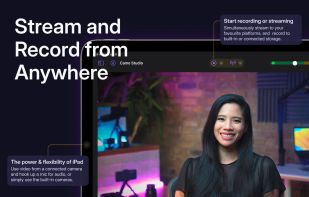
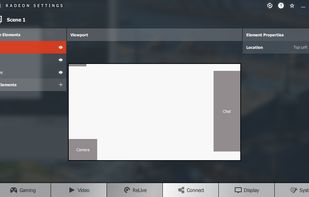
Start a stream or record your next video in a few taps – hone your scenes, connect a camera, and start creating with ease.
 United Kingdom
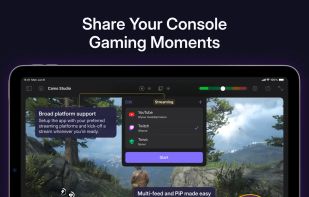
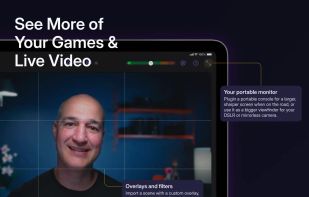
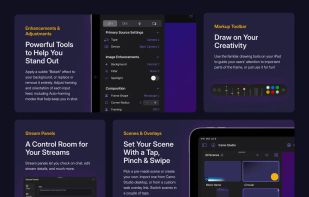


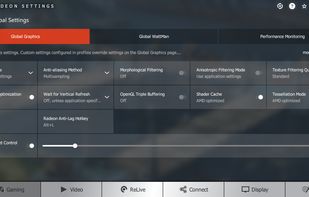
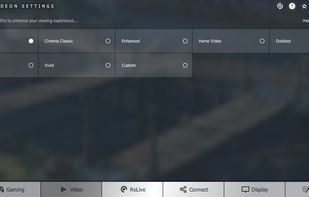
Capture, stream and share your greatest moments and gaming wins with Radeon ReLive. Modify settings quickly, conveniently, and play seamlessly with the easily accessible in-game toolbar. Express yourself in bold new ways with custom scene layouts.
 United States


 China
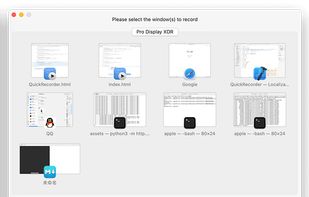
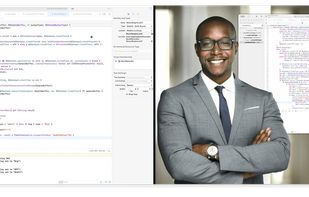


An award-winning minimal screen recorder for Windows.
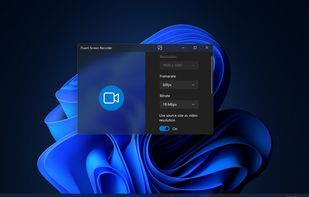


Debut is a screen capture and video recording software that records videos from your screen, webcam or other video devices.
 Australia
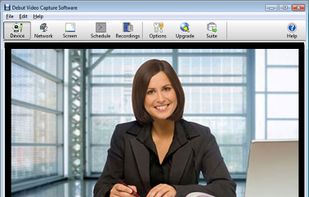
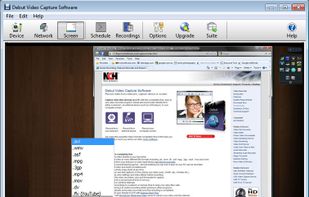
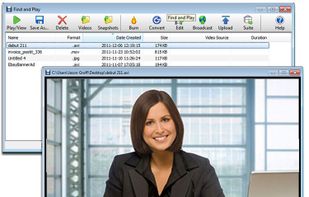
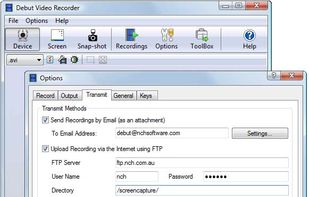


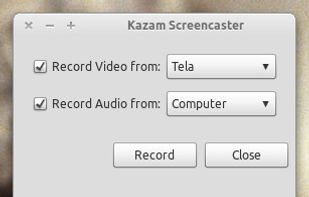
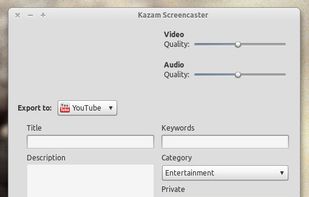
Kazam is a simple screen recording program that will capture the content of your screen and record a video file that can be played by any video player that supports VP8/WebM video format.



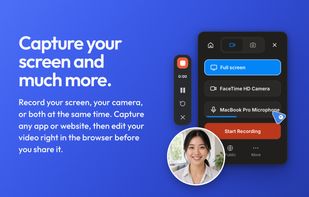
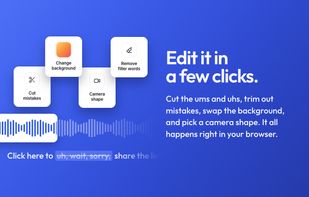
Open-source screen recorder with instant share links, self-hostable on your own Cloudflare account.
 Uzbekistan




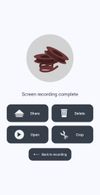
Android application for capturing and streaming the screen, audio, or both. It can record playback audio from other apps on Android 10 or later without root, although vendors may restrict some sources. The project is maintenance-only, with bug fixes possible but few new features.




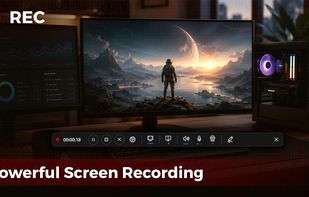
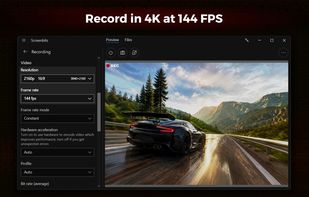
Fast, flexible, and easy-to-use screen recorder for gameplay, tutorials, product demos, and more. Record your screen, system audio, microphone, and camera in high-quality HD or 4K with smooth performance.


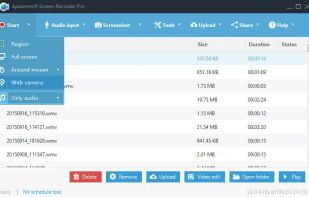
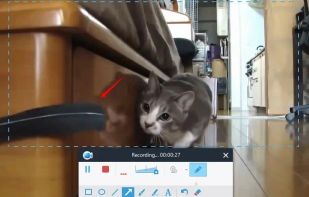
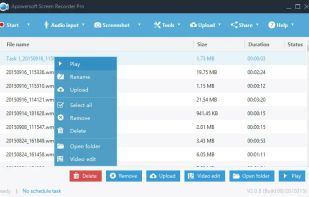
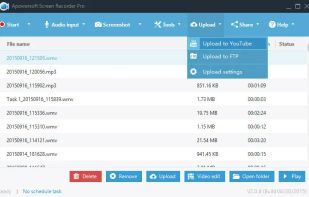
Apowersoft Screen Recorder captures screen and audio activity, saving it as WMV video files. It includes a converter for transforming WMV files into formats like AVI, MP4, FLV, SWF, and more. The software records PC screen activity with audio, webcam videos, external device...
 Hong Kong

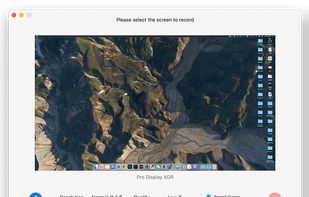
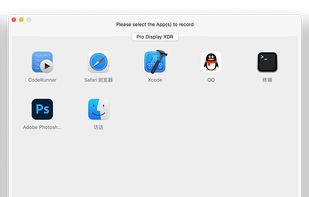
Native macOS screen recording and editing with auto-zoom following every action, built-in editor for quick trims, super-fast Metal-accelerated 4K export, no subscription, customizable backgrounds, movable camera overlay, shadow effects, and AI-driven features.
 Canada