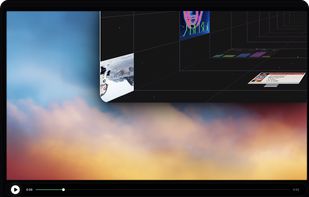
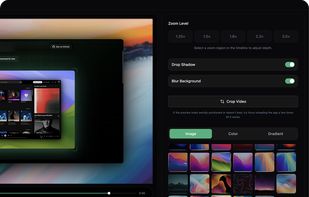
Open-source, no-cost screen recorder with no watermarks, supporting entire screen or app capture, manual zoom, smooth pan, custom backgrounds, cropping, motion blur, and direct use in browser for product demos, tutorials, and commercial purposes.



+1





The best Screen Recorder alternative to OBS Studio is OpenScreen, which is both free and Open Source. If that doesn't suit you, our users have ranked more than 100 alternatives to OBS Studio and loads of them are Screen Recorders so hopefully you can find a suitable replacement. Other interesting Screen Recorder alternatives to OBS Studio are Recordly, GPU Screen Recorder, SimpleScreenRecorder and Bandicam.
Open-source, no-cost screen recorder with no watermarks, supporting entire screen or app capture, manual zoom, smooth pan, custom backgrounds, cropping, motion blur, and direct use in browser for product demos, tutorials, and commercial purposes.

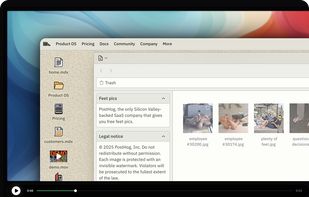
Free open-source screen recorder for macOS and Windows featuring auto-zoom, smooth cursor animations, MP4 and GIF export, timeline trimming, speed changes, annotations, frame styling options, advanced audio capture, and substantial OpenScreen modifications.
 Australia


This is a screen recorder that has minimal impact on system performance by recording a monitor using the GPU only, similar to shadowplay on windows.


SimpleScreenRecorder is a Linux screen recorder that supports X11 and OpenGL. It is easy to use, feature-rich, and has a Qt-based graphical user interface. It can record the entire screen or part of it, or record OpenGL applications directly.
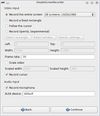
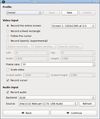


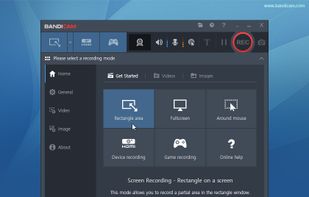
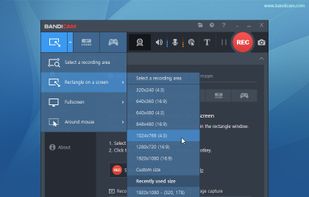
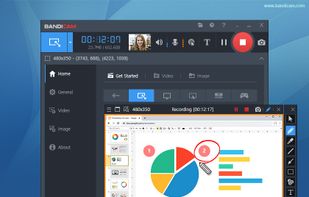
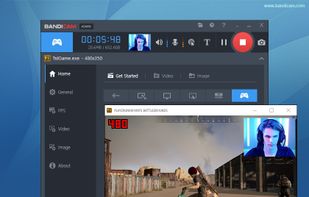
Bandicam is a lightweight screen recorder for Windows that can capture anything on your PC screen. Also, it makes it possible to record a certain area on a PC screen, or capture a game.
 South Korea

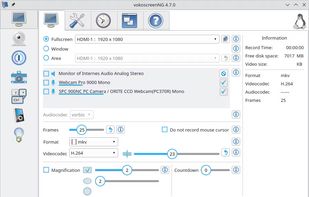
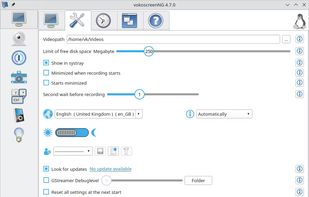
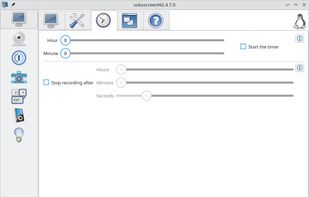
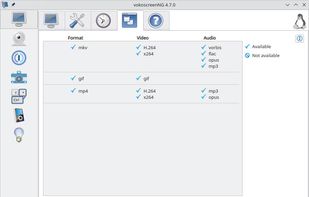
VokoscreenNG is a user friendly screencaster for Linux and Windows. It is a continuation of the now discontinued Vokoscreen project that has been totally rewritten from scratch using Qt and GStreamer.
 Germany
 EU


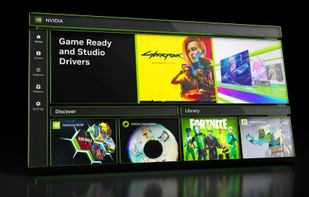
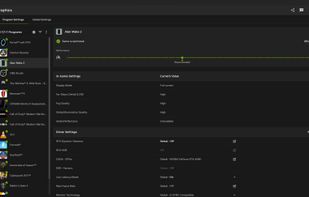
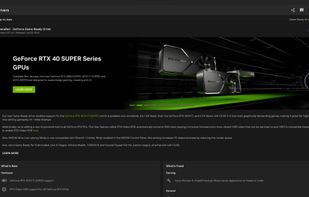
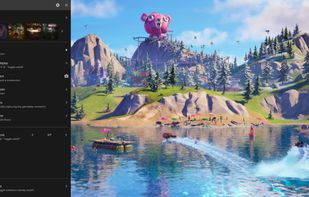
The NVIDIA app updates your PC with the latest drivers and technology, optimizes games and applications through a unified GPU control center, provides recording tools via in-game overlay, and highlights the latest NVIDIA tools and software.
 United States


This all-in-one solution offers screen and webcam recording, video editing, and chroma key features, producing stunning HD-quality content easily shareable on platforms like YouTube and Screencast.com. Designed for training, presentations, and more, it supports H.264 format and compact file sizes.
United States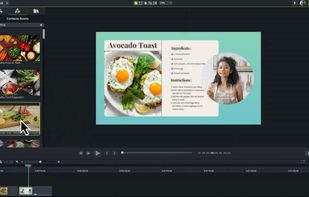

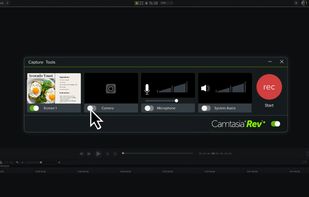
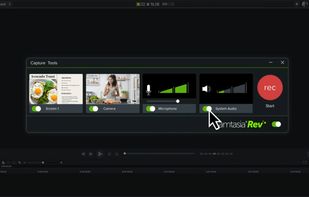


Capture your screen in an intuitive and straightforward way without distractions.
 Philippines
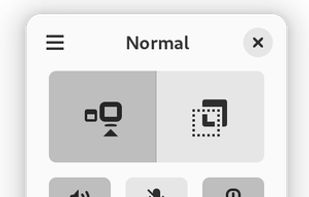
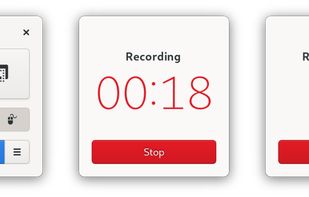


Comprehensive streaming studio encompassing scenes setup, cross-platform compatibility, multi-output recording, advanced audio management, and import tools, suitable for gaming, events, and communication integration through screen captures.
 Hong Kong
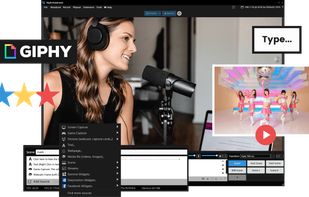
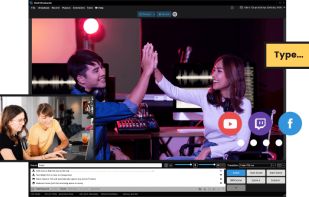
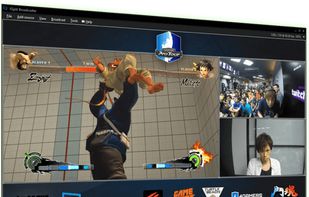
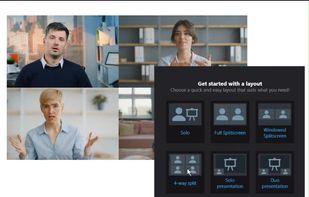


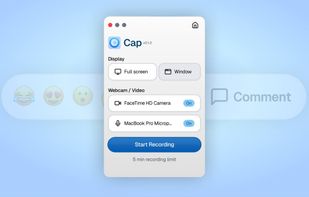
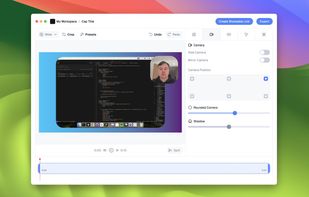
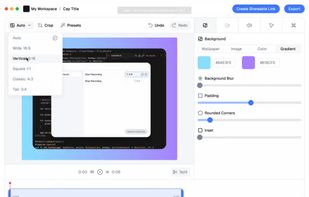
Open-source tool for screen and camera capture with 4K recording, timeline editor, instant sharing via links, privacy controls, no signup, multiple layouts, custom branding, cursor options, threaded comments, self-hosting, and paid AI-powered features available.
United States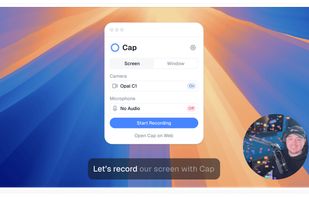


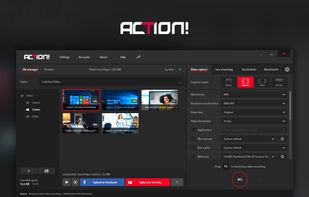
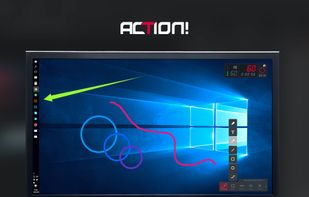
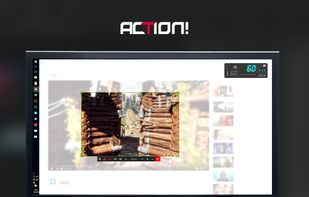
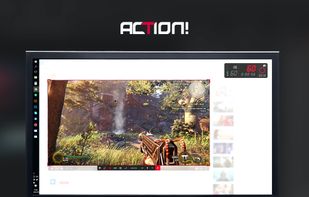
Action! enables HD, 4K, HDR10, and 8K streaming and recording, integrates fps displays, webcams, and live audio commentary. With overlays, monitoring tools, and benchmarking features, it offers a multifaceted solution for gaming capture.
 PolandEU