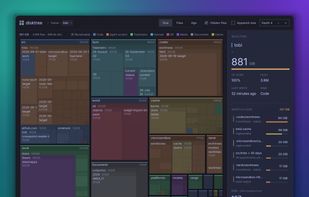
DiskSweep allows you to easily see which files and folders are taking up the most disk space and delete the unnecessary ones to free up space.
Cost / License
- Free
- Proprietary
Platforms
- Windows
 United States
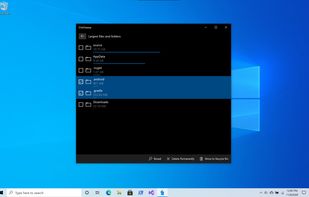


Apps similar to OmniDiskSweeper include WinDirStat, which is free and open source. Other options are WizTree, Baobab Disk Usage Analyzer, TreeSize and SquirrelDisk. Disk Usage Analyzers like OmniDiskSweeper are a crowded field, with more than 50 alternatives for Mac, Windows and Linux.
DiskSweep allows you to easily see which files and folders are taking up the most disk space and delete the unnecessary ones to free up space.
United States
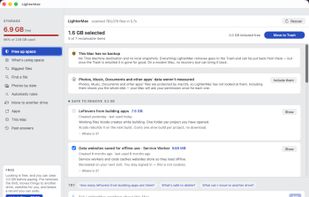
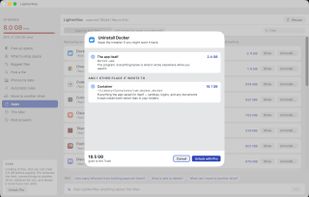
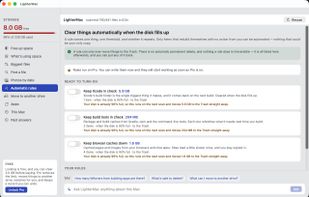
LighterMac opens up the “System Data” your Mac won't explain and tells you, item by item, what each thing is and what happens if you delete it (“Xcode rebuilds it on the next build”, “this may be your only copy”).



Running out of disk space? Flint helps you understand exactly where your storage goes across cloud services and take back control. Flint scans your cloud storage folders and shows a clear visual breakdown of all files — what's stored locally on your Mac and what lives only...
 Ukraine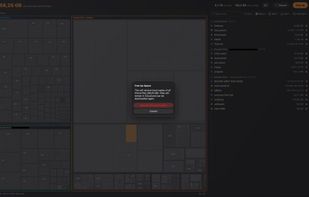
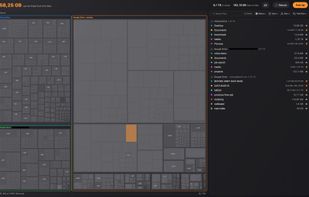
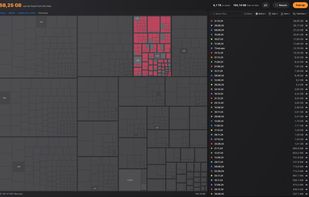


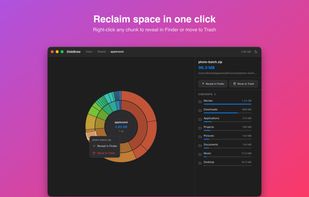
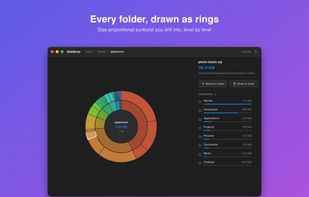
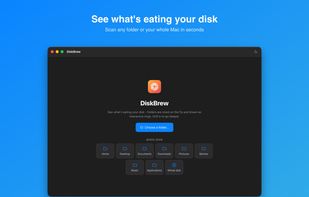
DiskBrew visualizes your disk space so you can see exactly what's taking up storage — including the mysterious "System Data" — and reclaim it safely. DiskBrew is included in every getapps.cafe subscription.
United States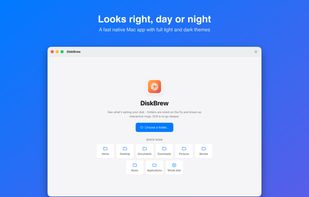


 Indonesia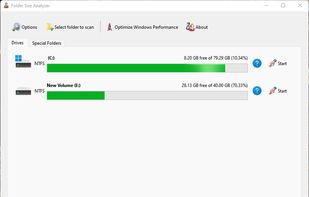


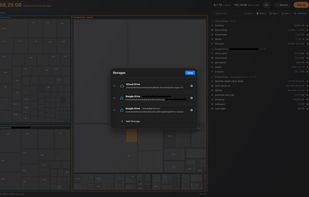
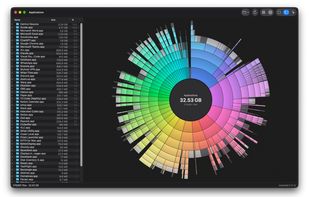
Native macOS disk analyzer that scans folders and space, presenting file-type treemaps or ring charts beside a Finder-style outline. It can reveal items, send them to Trash after confirmation, flag caches and build output, and offer an optional read-only JSON CLI.
 Canada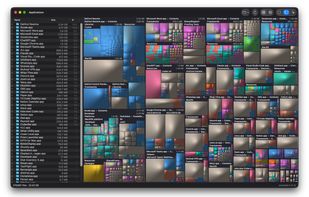


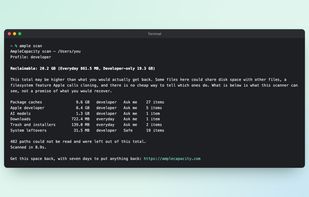
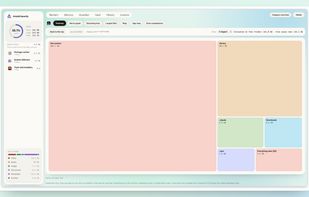
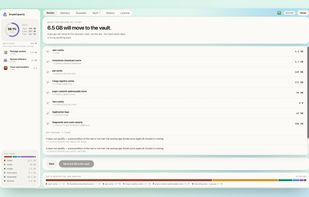
Mac storage analyzer that identifies rebuildable caches, container disks, model downloads, installers, app data, backups and iCloud media. It explains each item before moving it to a recovery vault, supports seven-day restoration, and uses one-time pricing.
 India
India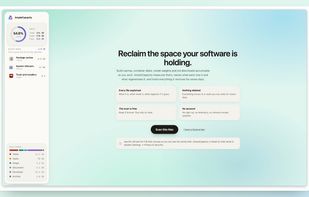

 Ukraine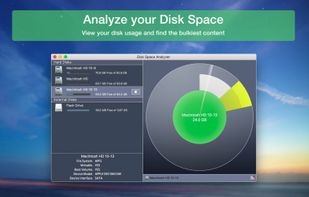
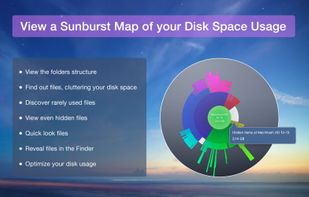
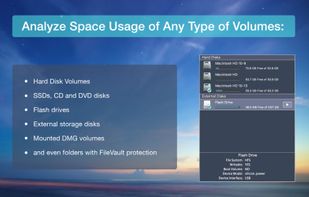
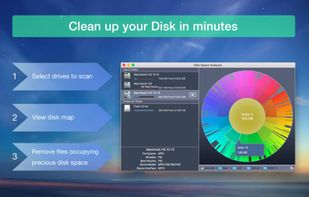


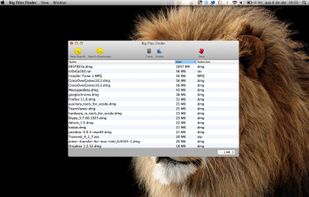
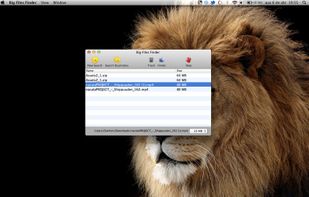
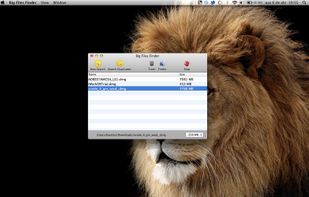


Help you to view at a glance all the folders, files inside them and the space occupied by them on your system
 China
China

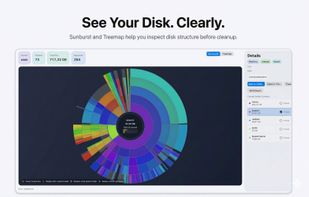
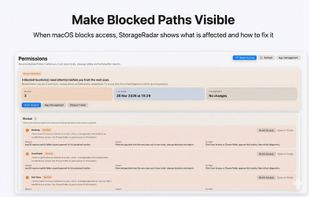
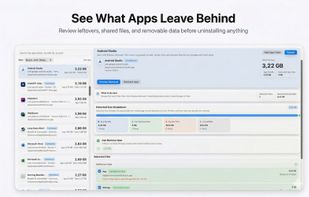
StorageRadar maps your disk, shows blocked paths instead of hiding them, lets you dry-run cleanup, and compares what changed over time. Scan data stays local, while analytics and diagnostics remain separately controllable in settings.
 Thailand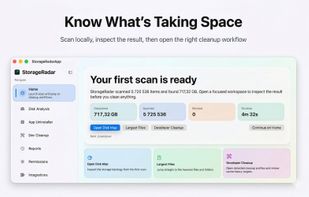


Find what is filling a disk, mark what should go, and remove it — with the volume's free space in view the whole time.
Canada