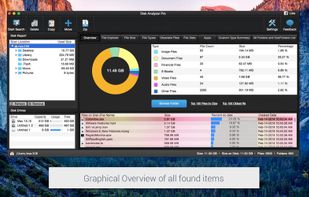
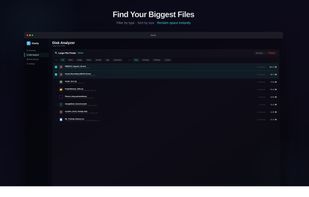
Disk analyzer pro is the best disk space management software and storage analyzer which helps in managing and handling hard disk space and running your PC with the highest speed.
Cost / License
- Paid
- Proprietary
Application type
Platforms
- Mac
- Windows


Apps similar to OmniDiskSweeper include WinDirStat, which is free and open source. Other options are WizTree, Baobab Disk Usage Analyzer, TreeSize and SquirrelDisk. Disk Usage Analyzers like OmniDiskSweeper are a crowded field, with more than 50 alternatives for Mac, Windows and Linux.
Disk analyzer pro is the best disk space management software and storage analyzer which helps in managing and handling hard disk space and running your PC with the highest speed.

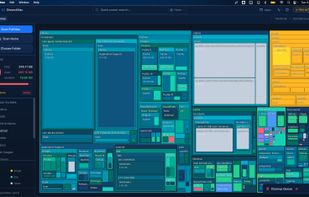
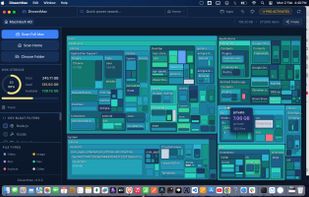
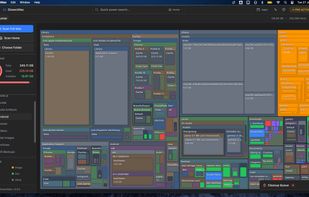
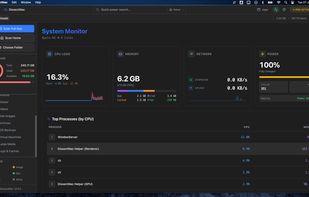
DissectMac is a native, privacy-first macOS utility that uses an interactive treemap to visualize storage, allowing users to reclaim gigabytes in seconds through deep app uninstallation and real-time system monitoring.


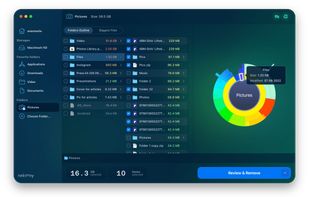
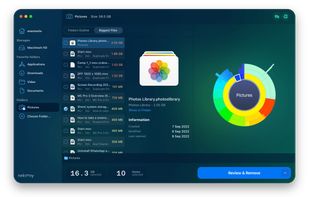
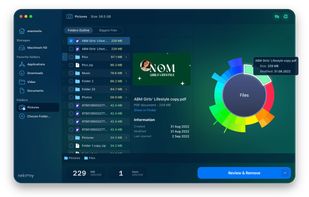
Disk Space Analyzer allows you to easily find and remove the bulkiest content for your Mac or external storage. You can see your Mac disk usage, find folders that take up the most space, and manage hard drive space by moving or removing files.
 Ukraine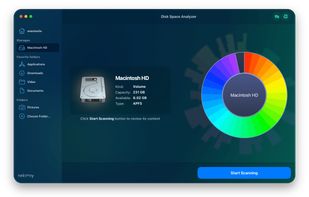

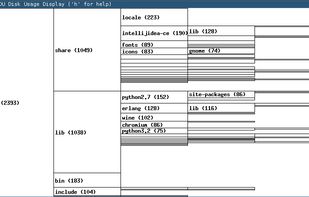
Disk usage or other tree data display program. Typical usage: du -xm / | xdu -n
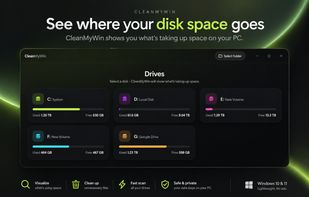
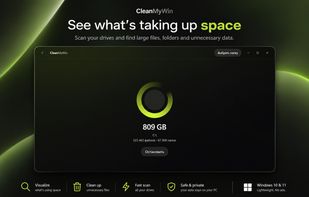
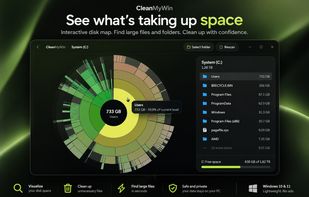


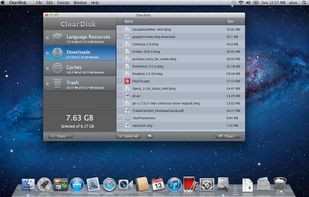
ClearDisk is a Mac OS X utility designed to clean the hard disk of unnecessary files which clog up the disk space. The goal of ClearDisk is just to find unused files on your computer and remove them. ClearDisk saves your time by cleaning your disk in a fast and intuitive manner.
Ukraine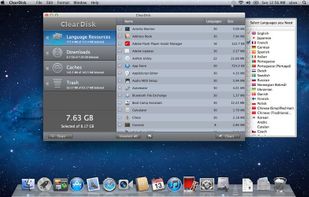


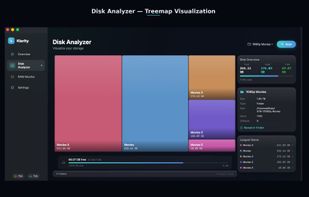
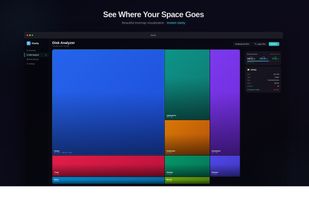
Klarity is a disk space analyzer for macOS that shows where your storage went as a treemap: every file and folder is a rectangle sized to scale, so the biggest items are visible at a glance instead of being found one folder at a time.
 India
India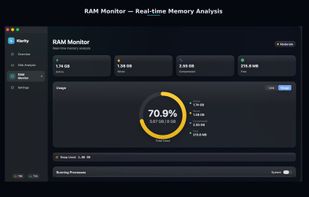

 Canada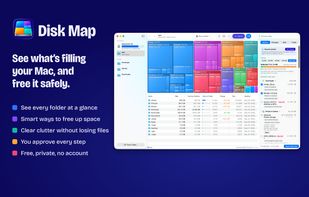

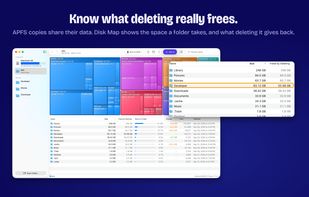



"DiskMapper is a remarkable utility that frees up megabytes and megabytes of hard disk space - quickly and easily by showing you a useful, graphical, color-coded map of your hard disk. DiskMapper lets you quickly delete or compress programs and files you dont need or rarely...
 United States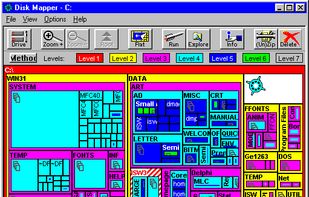


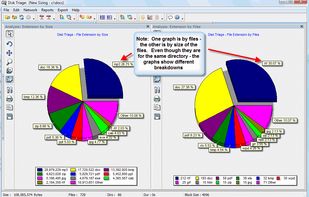
The most powerful disk space sizing and analysis utility there is! Answering the Who/What/Where/When of your Disk Space.



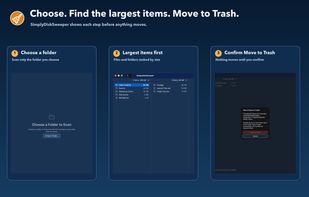
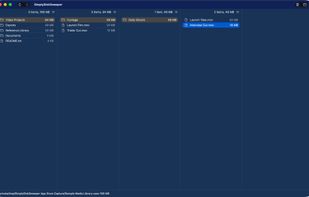
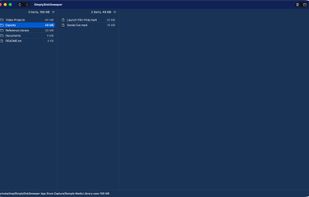
SimplyDiskSweeper is a sandboxed macOS disk-space utility for folders you choose. It ranks accessible files and folders by allocated size in a Finder-like hierarchy. You select what to remove, then confirm before macOS moves those items to Trash.

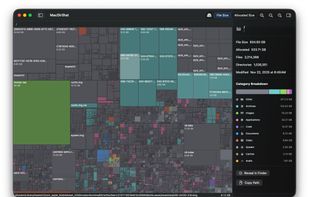
MacDirStat is a free, open-source disk space analyzer for macOS, inspired by WinDirStat. It scans a drive or folder and draws every file as a color-coded rectangle sized by its disk usage, so the biggest files and folders stand out at a glance.
United States