Mole AlternativesOnly apps categorised as Disk Usage Analyzers

The best Disk Usage Analyzer alternative to Mole is BleachBit, which is both free and Open Source. If that doesn't suit you, our users have ranked more than 50 alternatives to Mole and 19 are Disk Usage Analyzers so hopefully you can find a suitable replacement. Other interesting Disk Usage Analyzer alternatives to Mole are Glary Utilities, Baobab Disk Usage Analyzer, TreeSize and DiskUsage.

filter to find the best alternatives

Mole alternatives are mainly Disk Usage Analyzers, but if you're looking for System Cleaners or Software Uninstallers you can filter on that. You can also filter by region, for example EU-based alternatives if you prefer software developed in the European Union. These are just examples - use the filter bar below to find more specific alternatives to Mole.
Copy a direct link to this comment to your clipboard
Mole alternatives page was last updated

Alternatives list

  1. BleachBit icon
     902 likes

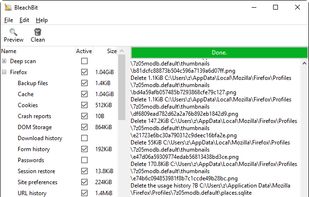
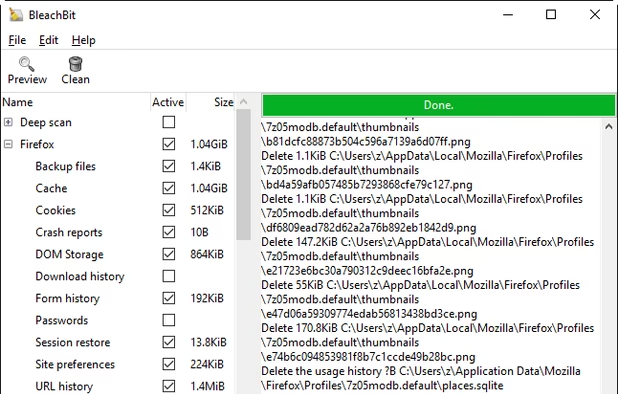
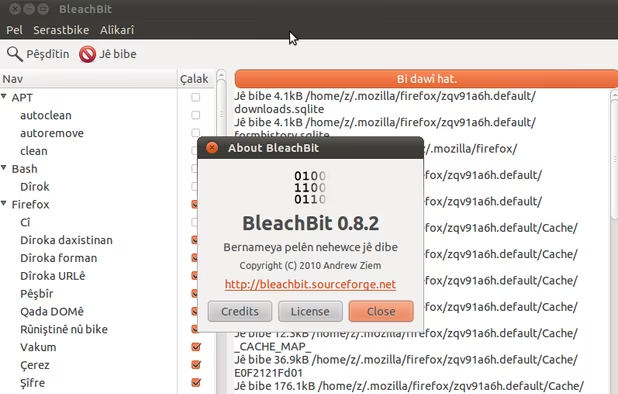
    BleachBit deletes unnecessary files such as cache and cookies to enhance privacy and disk space efficiency on Linux and Windows. It supports numerous applications including web browsers, office suites, and multimedia tools.

    166 BleachBit alternatives

    Cost / License

    Platforms

    • Windows
    • Linux
    • Flathub
    • PortableApps.com
     
  2. Glary Utilities icon
     412 likes

    Offers a suite of powerful tools to optimize your Windows PC performance with features like registry and disk cleaning, privacy protection, and internet speed optimization, designed for both novices and professionals, and available in 23 languages for global accessibility.

    237 Glary Utilities alternatives

    Cost / License

    • Freemium
    • Proprietary

    Platforms

    • Windows
     
  3. Powerful GNOME application that provides in-depth disk usage analysis with graphical representation. It supports scanning of volumes, specific directories, and network folders, offering insights into space allocation both locally and remotely.

    90 Baobab Disk Usage Analyzer alternatives

    Cost / License

    • Free
    • Open Source

    Application type

    Platforms

    • Mac
    • Linux
    • BSD
    • Flathub
    • FreeBSD
    • GNOME
    • Homebrew
     
  4. TreeSize icon
     303 likes

    Comprehensively analyze disk space usage with TreeSize across local, network drives, and mobile devices. Features include folder sizes, subfolders, file counts, NTFS compression rates, interactive 3D charts, and the ability to target large, temporary, and duplicate files, even via MTP and WebDAV.

    100 TreeSize alternatives

    Cost / License

    • Freemium
    • Proprietary

    Platforms

    • Windows
    • PortableApps.com
     
  5. DiskUsage icon
     83 likes

    DiskUsage provides a way to find out which files and directories on the SD card of your Android phone are consuming the most space. It displays diagram with directories/subdirectories proportional to their size. Users are allowed to zoom in to look at specific directory content.

    Cost / License

    Application type

    Platforms

    • Android
    • Android Tablet
     
  6. DaisyDisk icon
     116 likes

    Analyzes disk usage with an intuitive sunburst map, locating and previewing large or unused files across any mounted disk, with drag-and-drop management, fast scanning, real-time updates as files are removed, system integration, and support for various file systems.

    96 DaisyDisk alternatives

    Cost / License

    • Paid
    • Proprietary

    Application type

    Platforms

    • Mac
     
  7. AVG PC TuneUp icon
     143 likes

    Enhance PC performance by boosting speed and freeing up disk space. Features include Turbo Mode, Program Deactivator, and battery savers like Economy Mode—plus tools to manage startups and clean registries effectively.

    180 AVG PC TuneUp alternatives

    Cost / License

    • Paid
    • Proprietary

    Platforms

    • Windows
     
  8. Quitty icon
     6 likes

    Comprehensive macOS utility featuring real-time monitoring of CPU, RAM, disk, and network, advanced automated cleaning, storage analysis with file visualization, duplicate management, file recovery, task automation, and a suite of optimization tools.

    Cost / License

    • Free
    • Open Source (MIT)

    Platforms

    • Mac
     
  9. Fixes Windows errors, cleans drives, removes unused files, optimizes performance by stopping background processes, improves privacy by clearing cookies, checks for malware, manages vulnerabilities, alerts to missing updates, and securely deletes files.

    Cost / License

    • Freemium
    • Proprietary

    Platforms

    • Windows
     
  10. WinCleanCat icon
     1 like

    Free, open-source Windows disk cleanup tool. Clean system junk, scan large files, detect duplicates, and analyze disk space. Single portable file under 70MB. No ads, no bundleware, no background processes. Built with .NET 8 + WPF. Supports 6 languages and 10+ themes.

    Cost / License

    • Free
    • Open Source (MIT)

    Platforms

    • Windows
     
  11. iBoostUp icon
     2 likes

    Has your Mac become slow and unresponsive? Has it lost some of the zing it used to have? Are you getting unexpected crashes and error messages? Is your Macbook getting hot and the fan running constantly?

    Cost / License

    • Free
    • Proprietary

    Platforms

    • Mac
     
12 of 19 Mole alternatives