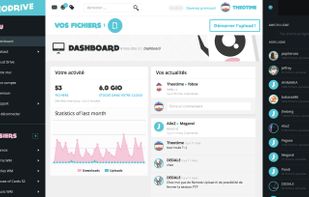
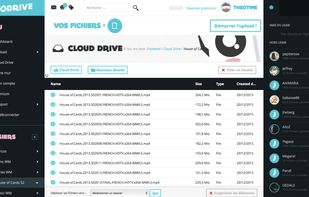
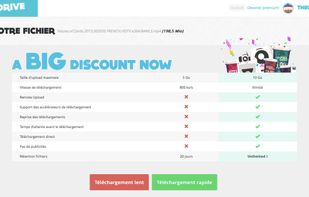
JEODRIVE is a free file hosting service. Our file size max is 10GB, you can download at 1500 ko/s for free member. All is unlimited for all premium member.
Cost / License
- Freemium
- Proprietary
Alerts
- Discontinued
Platforms
- Online



+1


MediaFire is described as 'The simple solution for uploading and downloading files on the internet. It focuses on providing a positive experience for downloaders, but does not offer an affiliate program for uploaders' and is a very popular Cloud Storage service in the backup & sync category. There are more than 100 alternatives to MediaFire for a variety of platforms, including Web-based, Windows, Mac, iPhone and Android apps. The best MediaFire alternative is Dropbox, which is free. Other great apps like MediaFire are Google Drive, MEGA, Filen and Proton Drive.
JEODRIVE is a free file hosting service. Our file size max is 10GB, you can download at 1500 ko/s for free member. All is unlimited for all premium member.

2Shared is a large and absolutely free storage for any sorts of files. Clear and simple rules work here: if you’ve got files you want to share, just upload them to 2shared, and the world will get to know about them.



Share files in an easy way. One, two, three and its Sent!
Instructions:


 United States





SandCage is a file processing, hosting and delivery service. It helps you deliver more scalable and better performing sites which require less resources and development time.
United States
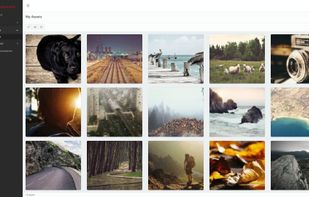


Hornetdrive: A fully encrypted online file storage service.
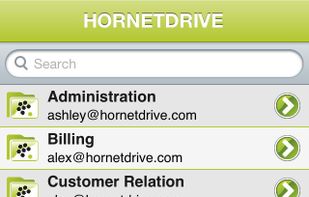
Ubiquitous: All files stored in HORNETDRIVE can be accessed platform-independently, from mobile devices or from home, online or offline, using HORNETDRIVE client software. Next to a client for Windows, Mac OS X and.
 Germany
 EU
EU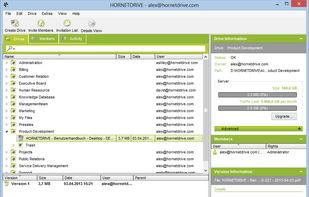


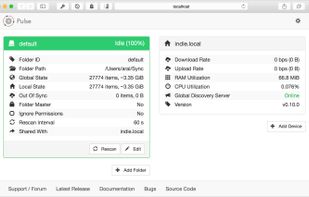
Pulse, officially-sanctioned fork of Syncthing , is a free, secure, and distributed file synchronisation engine.
 United Kingdom


There are many things that make our service great, we've list a few of them below. We're pro-privacy, none of your images will be shared with anyone you haven't shared the link with.