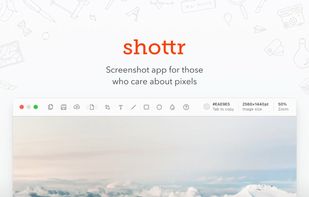
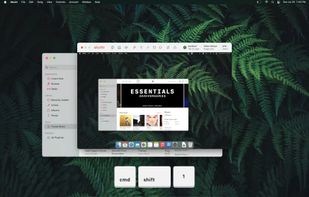
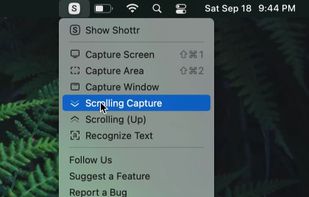
Shottr is a compact screenshot app designed for pixel precision and optimized for macOS Silicon devices.
Cost / License
- Freemium
- Proprietary
Application type
Platforms
- Mac
 United States




Lightshot has been discontinued. Similar apps include ShareX, which is free and open source. Other options are Greenshot, Flameshot, FastStone Capture and PicPick. Screenshot Capture Tools like Lightshot are a crowded field, with more than 100 alternatives for Windows, Mac, the web, Linux and iPhone.
Shottr is a compact screenshot app designed for pixel precision and optimized for macOS Silicon devices.
United States
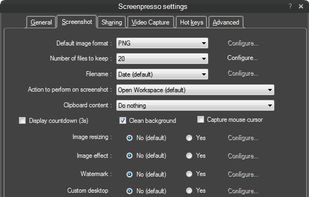
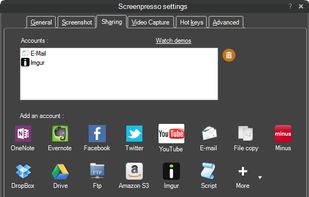
Comprehensive screenshot and screencast tool offering full-screen, window, or region captures with a built-in editor. Supports cropping, resizing, labels, and effects, with integration for popular services. Free version includes some branding and is limited to 15s screen casts.
 France
 EU
EU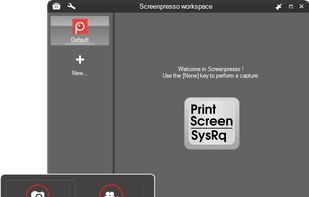


Save anything you see online - including text, links and images - into your Evernote account with a single click.
United States


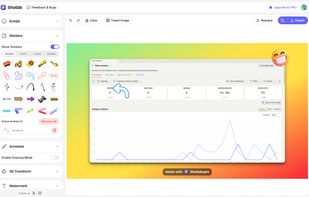
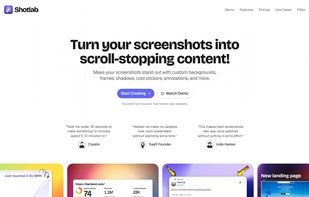
ShotLab is a lightweight screenshot editor built for creators, indie hackers, and marketers who want better engagement without spending hours on design.
 India
India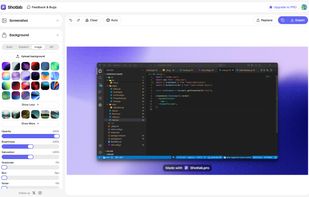


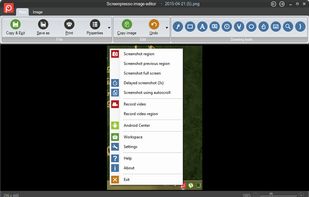
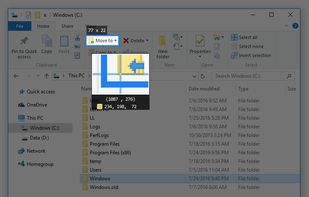
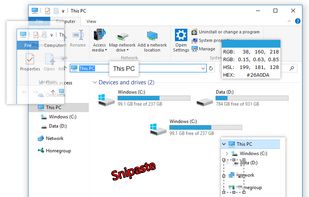
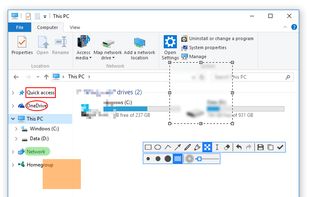
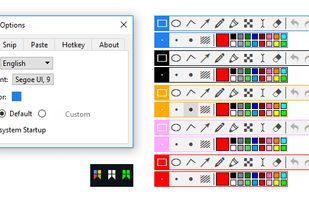
Snipaste is a simple but powerful snipping tool, and also allows you to pin the screenshot back onto the screen. Snip. Then paste. Free. Customizable. Portable.


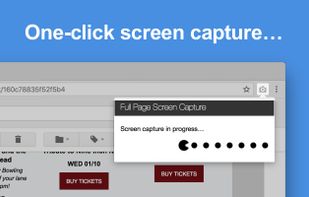
Capture full web page screenshots in Firefox, Chrome, Opera, Pale Moon or Internet Explorer Quick screenshots and annotations!
 Russia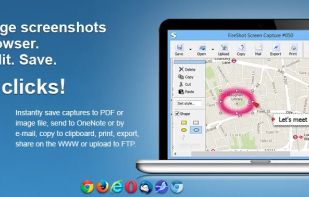
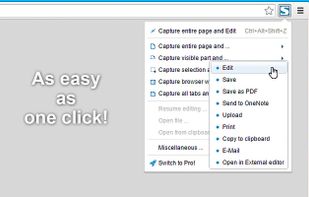


Gyazo lets you instantly grab the screen and upload the image to the web. You can easily share on Chat, Social, Email, or anywhere!
United States


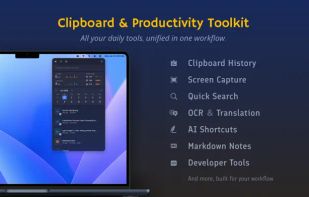
Frset is an all-in-one macOS productivity app combining clipboard management, screenshots, OCR, translation, AI shortcuts, and useful utilities in one place.
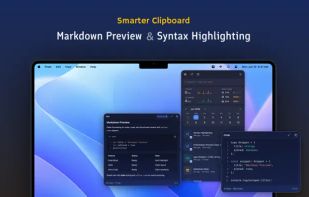
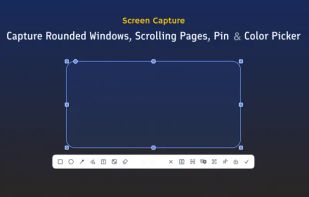
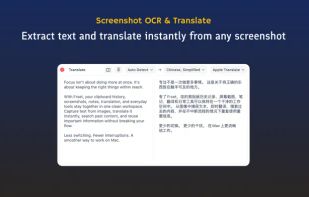


Privacy-focused screenshot utility with local-only storage, capture and post-editing, precision tools like rulers and color picker, grouping, collage and card creation, full history, an intuitive interface, and no cloud or login required for secure offline workflows.
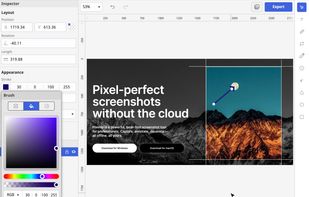
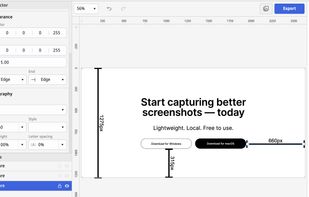
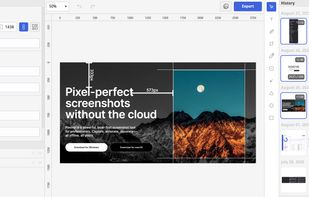
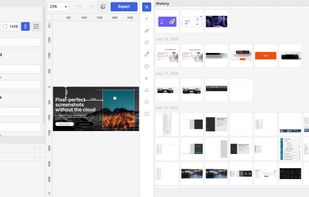


Capture full and partial screenshots, record screen or webcam videos with extensive editing tools, including annotations, video conversion to gif/mp4, and sharing options. Create step-by-step guides enhanced by AI, save in multiple formats, and utilize cloud storage integration.
United States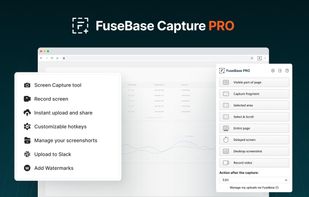
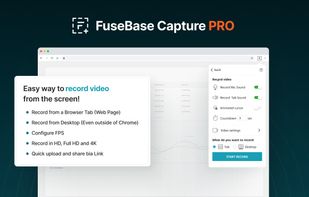
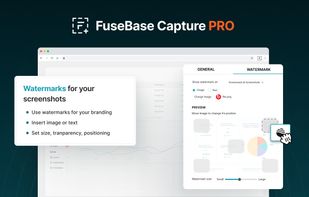
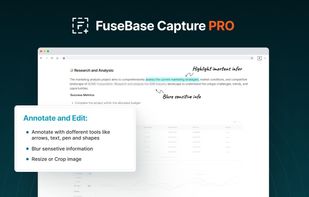


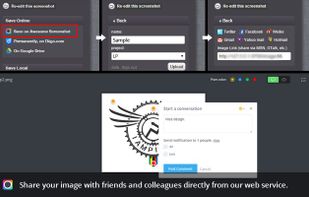
Capture the whole page or any portion, annotate it with rectangles, circles, arrows, lines and text, one-click upload to share.
United States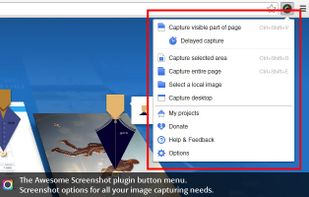



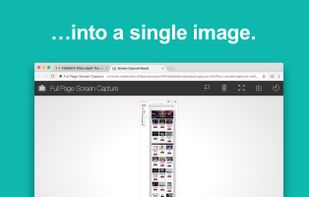
The simplest way to take a full page screenshot of your current browser window. Click on the extension icon (or press Alt+Shift+P), watch the extension capture each part of the page, and be transported to a new tab of your screenshot where you can download it as an image or PDF...
United States