


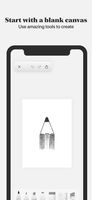
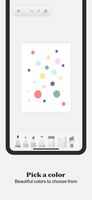
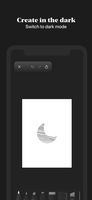
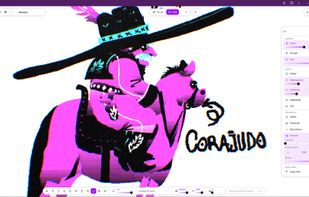
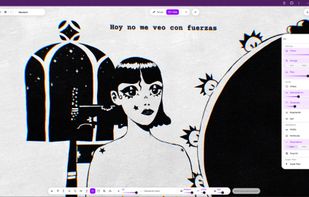
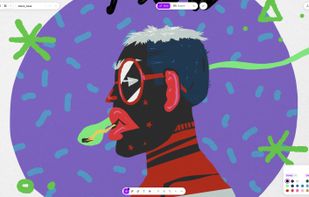
- Charcoal is incredibly easy to use: Just create or open a sketch and start drawing. There are no layers, properties panels or confusing settings. Instead, Charcoal features rich tools and beautiful color palettes.




Apps similar to Krita include GIMP, which is free and open source. Other options are Adobe Photoshop, Paint.NET, Affinity and PhotoCraft. There's no shortage of Digital Painting Tools like Krita, with more than 100 alternatives for Windows, Mac, Linux, the web and Android.
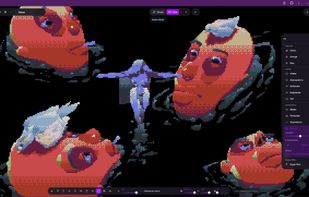
Diorame is a drawing tool that runs in the browser. You draw in 2D, layer by layer, and each layer sits at its own distance. Switch to Cinema mode and you can move a camera through your own drawing: what you drew far stays far, with no 3D setup.
 Spain
 EU


VanceAI provides AI enhancing, upscaling, sharpening, denoising, background removing, and more, with only one click to free your hands from complicated photo processing. All AI tools are available across Windows, macOS, Android, and iOS.
 China


ImEditor is a simple image editor, supporting PNG, JPEG, WEBP, BMP, and ICO file types. It offers several tools to easily modify an image.


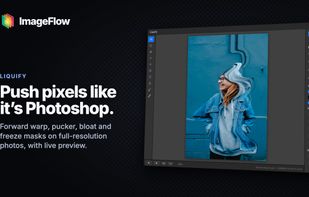
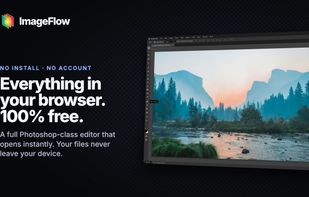
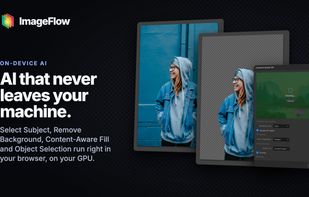
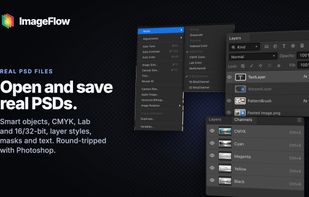
A free, full-featured image editor that runs entirely in your browser. Layers, masks, blend modes, adjustment layers, smart objects, text and filters — with PSD import and export, and on-device AI selection. Nothing is uploaded; your files never leave your device.


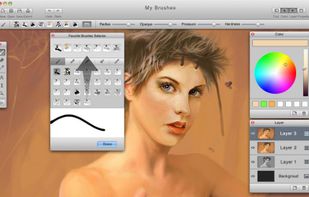
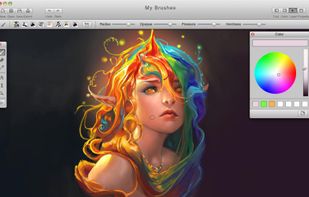
MyBrushes Paint for Mac app allows you to paint on infinite canvas and PLAYBACK whole drawing.
 United States


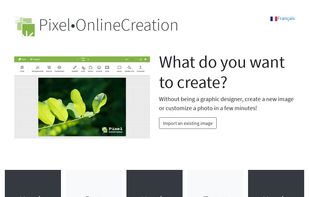
Pixel•OnlineCreation is a unique website where you can edit and create anything as easily as clicking on buttons.
 FranceEU
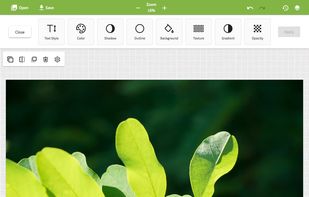


This app was jointly developed by Huawei and the China Academy of Art (CAA), and provides an immersive digital painting experience, with expressive brush strokes to reproduce a pen-on-paper effect on screen.
China


Artipic is a multi-platform image editing system that allows you to quickly and easily edit, retouch, compose and distribute your pictures and photos.
 SwedenEU

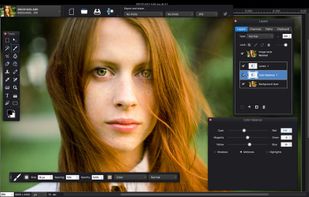


Paint 3D is a free, beginner-friendly 2D and 3D design app for Windows 10 and 11, originally developed by Microsoft. It lets you create 2D drawings and 3D models using brushes, shapes, stickers, textures, and a built-in 3D model library — all without needing design experience.
United States


Luminance Studio is a Pixarra product in the Studio series with a focus on painting with luminance for both natural media and design style of artwork.
United States




 Czechia

