


Secure, cost-effective remote access and support for your computer, from your desktop or mobile device.
Cost / License
- Paid
- Proprietary
Application type
Platforms
- Mac
- Windows
- Linux
- Android
- iPhone
- Android Tablet
- iPad
- Raspberry Pi
 United Kingdom



+4


K


Apps similar to kmsvnc include RustDesk, which is open source with a free version. Other options are TeamViewer, AnyDesk, Remmina and Chrome Remote Desktop. Remote Desktop Tools like kmsvnc are a crowded field, with more than 50 alternatives for Windows, Mac, Linux, Android and iPhone.
Secure, cost-effective remote access and support for your computer, from your desktop or mobile device.
United Kingdom
FreeRDP is a free implementation of the Remote Desktop Protocol (RDP), released under the Apache license. Enjoy the freedom of using your software wherever you want, the way you want it, in a world where interoperability can finally liberate your computing experience.
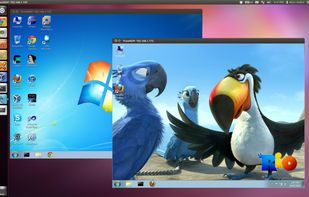
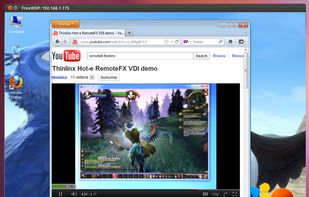
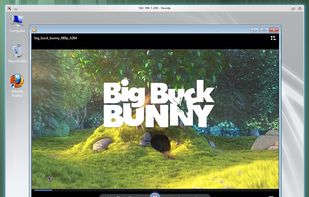
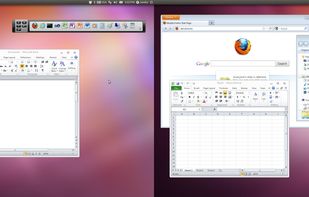


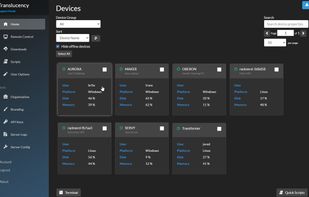
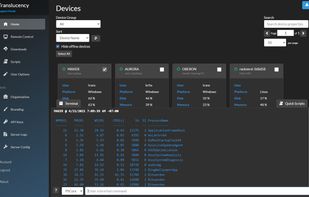
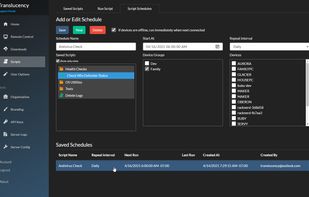
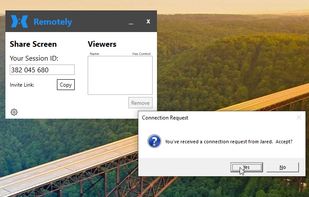
Remotely is a free and open-source remote desktop, remote scripting, and rich auto-complete to maximize your IT support efficiency.


IT teams often juggle a patchwork of RDP (Remote Desktop Protocol) apps, SSH (Secure Shell) clients, and scattered password vaults. Remote Desktop Manager (RDM) turns that sprawl into one searchable inventory—complete with Windows, macOS, Linux, and mobile clients—so technicians...
 Canada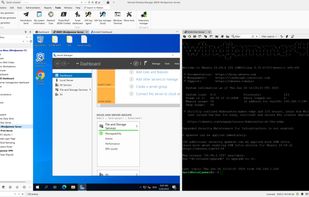


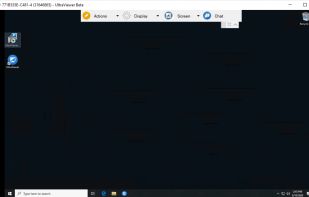
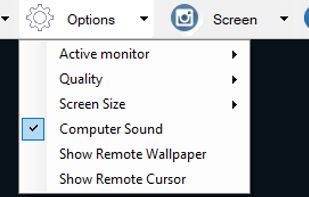
Remote control and support tool for Windows offering screen monitoring, chat, and file transfer, allowing users to assist clients, share files, manage multiple sessions, while partners oversee and manage permissions during support.
 Vietnam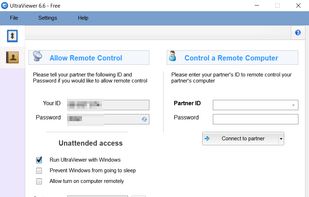
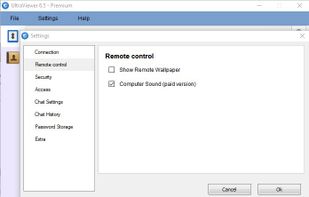


Easy to start, easy to join and with no downloads for viewers, connecting for external presentations, sales demos, and ad hoc get-togethers means you get work done and get on with it.
 United States




A VNC/SSH Client for the GNOME Desktop
United States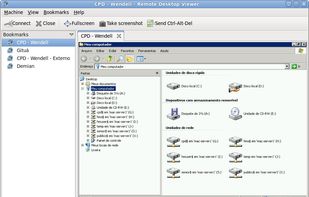


Remote Utilities is a remote PC access program for connecting to a remote PC over LAN or via the Internet. The program is used by system administrators, home users and helpdesks for remotely managing PCs in their corporate or home network, or providing customer support.
United States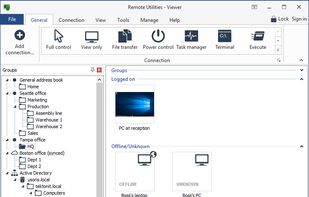
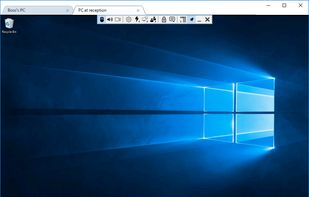
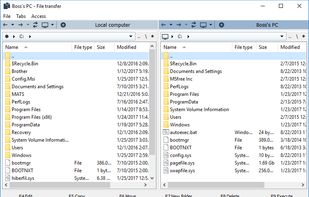
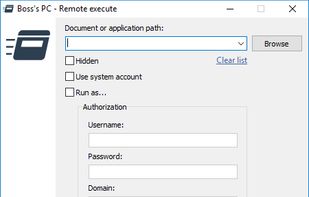


xrdp provides a graphical login to remote machines using Microsoft Remote Desktop Protocol (RDP). xrdp accepts connections from a variety of RDP clients:


For developers, screen sharing shouldn’t be optimized for low bandwidth or presenting some slides. It should be high definition, that you still can read the tiny font of your colleague. No more, “wait a minute, the stream isn’t updating”.


A user-friendly, open-source, cross-platform solution, that allows controlling of remote computers. It can be used as an alternative to various commercial remote desktop and assistance products.

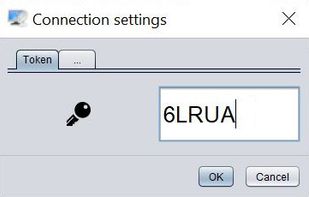


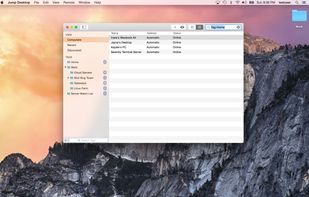
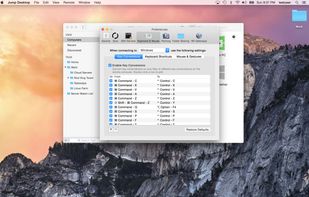
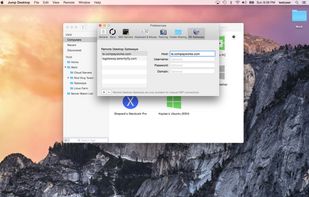
Jump Desktop is a remote desktop client that lets you securely connect to other computers. Connect to as many computers as you want. Monitor all sessions at once with Live Preview. Filter computers by keyword or connection details using live search.
United States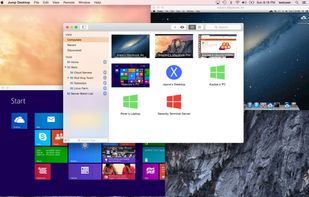


 Germany
 EU
EU


