Jumpdf Alternatives

Jumpdf is described as 'Keyboard-focused PDF viewer for documents where one needs to jump between different sections of the document frequently' and is a PDF Reader in the office & productivity category. There are more than 50 alternatives to Jumpdf for a variety of platforms, including Windows, Mac, Linux, Android and iPhone apps. The best Jumpdf alternative is SumatraPDF, which is both free and Open Source. Other great apps like Jumpdf are Okular, Foxit PDF Reader, Evince and MuPDF.

Copy a direct link to this comment to your clipboard
Jumpdf alternatives page was last updated

Alternatives list

  1. Xodo icon
     71 likes
    Copy a direct link to this comment to your clipboard

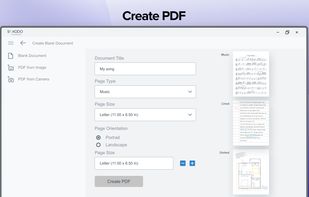
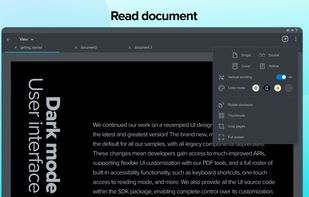
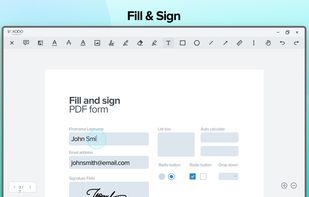
    Xodo is the ultimate cross-platform PDF viewer and annotator. Powerful, fast, and optimized for all phones and tablets, Xodo makes it easy to access, edit, share, sync, manage, sign, and more.

    115 Xodo alternatives

    Cost / License

    • Subscription
    • Proprietary

    Application types

    Platforms

    • Windows
    • Online
    • Android
    • iPhone
    • Chrome OS
    • Android Tablet
    • iPad
    • Google Chrome
     
    • Xodo is the most popular Web-based alternative to Jumpdf.

    • Xodo is Paid and ProprietaryJumpdf is Free and Open Source
    • Xodo is LightweightJumpdf is not according to our users
  2. KDAN PDF icon
     185 likes
    Copy a direct link to this comment to your clipboard

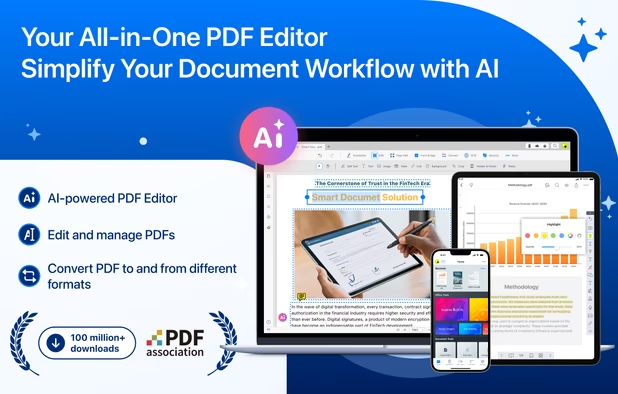
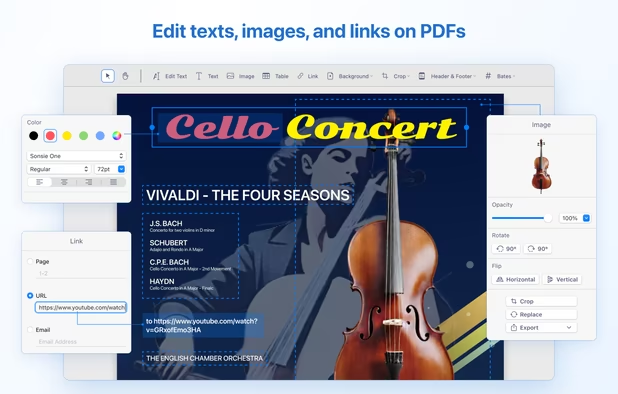
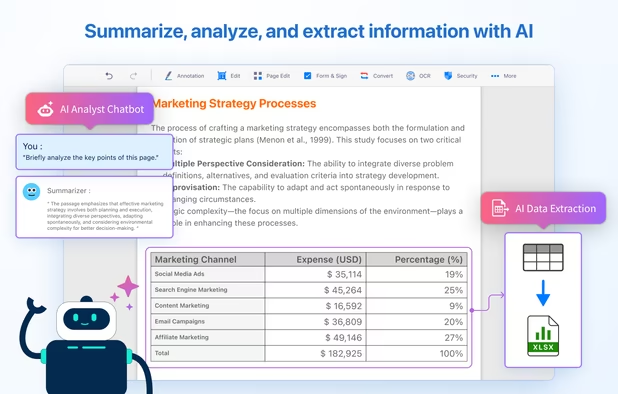
    Comprehensive solution for editing, signing, form filling, OCR scanning, commenting, converting, and redacting PDFs, with AI-driven analysis and content extraction, data export to spreadsheets, text-to-speech, seamless use across desktop and mobile, and batch processing.

    260 KDAN PDF alternatives

    Cost / License

    • Freemium (Subscription)
    • Proprietary

    Application types

    Platforms

    • Mac
    • Windows
    • Android
    • iPhone
    • Android Tablet
    • iPad
     
  3. Skim icon
     92 likes
    Copy a direct link to this comment to your clipboard

    PDF viewer for macOS supports scientific papers, annotations, highlights, bookmarks, split view, exporting notes, AppleScript, multiple annotation types, bibliography integration, full-screen, search, and compatibility with various macOS versions.

    85 Skim alternatives

    Cost / License

    • Free
    • Open Source

    Application type

    Platforms

    • Mac
     
  4. Atril icon
     15 likes
    Copy a direct link to this comment to your clipboard

    Atril is a simple multi-page document viewer. It can display and print PostScript (PS), Encapsulated PostScript (EPS), DJVU, DVI, XPS and Portable Document Format (PDF) files. When supported by the document, it also allows searching for text, copying text to the clipboard...

    Cost / License

    • Free
    • Open Source

    Platforms

    • Linux
    • BSD
     
  5. zathura icon
     45 likes
    Copy a direct link to this comment to your clipboard

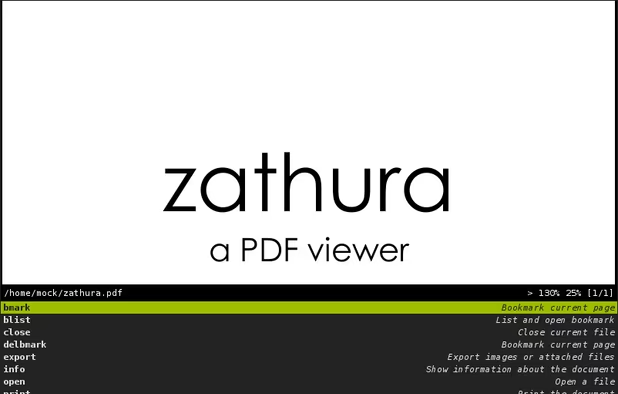
    Zathura is a highly customizable and functional document viewer. It provides a minimalistic and space saving interface as well as an easy usage that mainly focuses on keyboard interaction.

    69 zathura alternatives

    Cost / License

    • Free
    • Open Source

    Application types

    Platforms

    • Mac
    • Linux
    • BSD
    • MacPorts
    • Homebrew
     
  6. Copy a direct link to this comment to your clipboard

    Universal Viewer is an advanced file viewer for wide range of formats. Supported file formats are:

    Cost / License

    • Freemium (Pay once)
    • Proprietary

    Application types

    Alerts

    • Discontinued

    Platforms

    • Windows
     
  7. qpdfview icon
     44 likes
    Copy a direct link to this comment to your clipboard

    qpdfview is a Qt-based tabbed document viewer using the Poppler library for PDF rendering and CUPS for printing. Support for the DjVu and PostScript formats can be added via plugins.

    Cost / License

    • Free
    • Open Source

    Application type

    Platforms

    • Linux
    • Haiku
    • Qt
     
  8. Copy a direct link to this comment to your clipboard

    In version 8, Google Chrome introduced a free PDF viewer, installed by default. While this plug-in lacks many features of the Adobe Acrobat Plug-in, it is much faster and lighter, and updates with the browser rather than an external utility.

    Cost / License

    • Free
    • Proprietary

    Application type

    Platforms

    • Mac
    • Windows
    • Linux
    • Google Chrome
     
You are at page 2 of Jumpdf alternatives