


+5


Apps similar to Helix include Notepad++, which is free and open source. Other options are Visual Studio Code, Sublime Text, VSCodium and Vim. You're spoiled for choice with Text Editors like Helix: we list more than 100 alternatives for Windows, Linux, Mac, Android and the web.

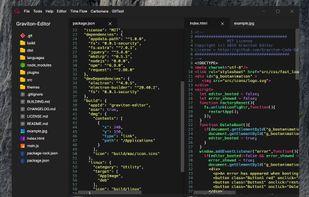
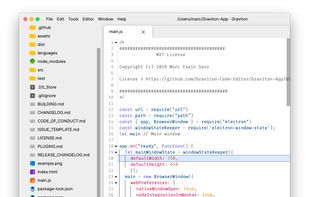
Graviton Code Editor is a minimalist, cross-platform editor focused on speed, customization and productivity.
 Spain
 EU


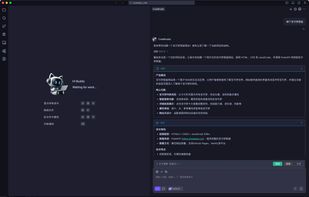
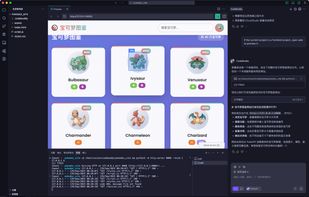
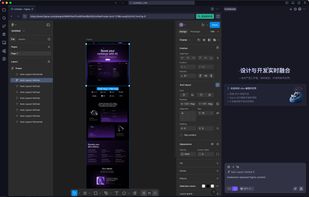
CodeBuddy IDE is built to create a symbiotic environment where product, design, development, and deployment flow into one another without friction. By embedding AI deeply into every step—from requirement planning and product design to coding and go-live—it delivers a one-stop...
 China





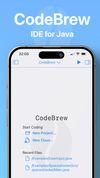
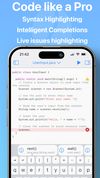
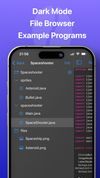
Unleash the power of Java coding on your iPhone or iPad with CodeBrew - the ultimate Java Integrated Development Environment designed for developers on the go. Dive into the world of seamless coding, whether you're a seasoned pro or just starting your programming journey.


KillerShell puts a file browser, a terminal and a text editor in one window, on one tab strip and one set of keys, so you stop alt-tabbing.
 United States
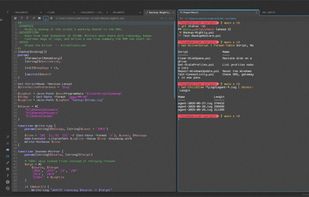
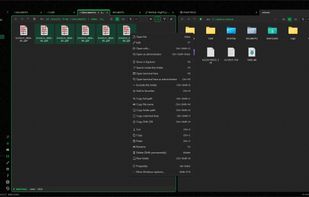
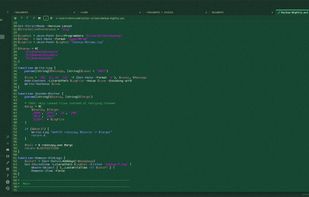
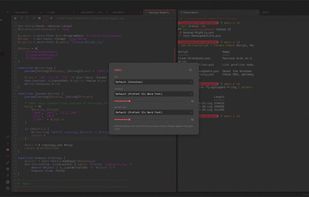


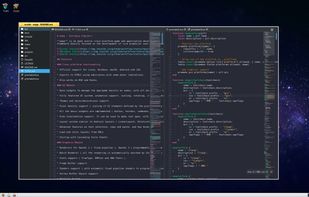
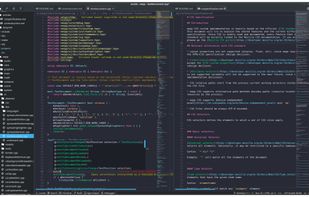
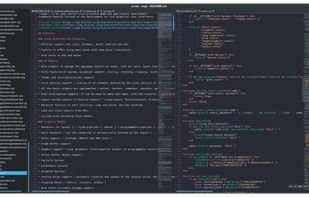
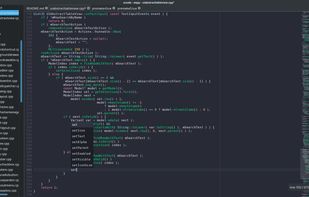
Lightweight multi-platform code editor with hardware-accelerated GUI, customizable minimalist interface, syntax highlighting for 50+ languages, terminal and LSP support, plugin extensibility, unlimited editor splits, persistent project state, and portable, ad-free use.


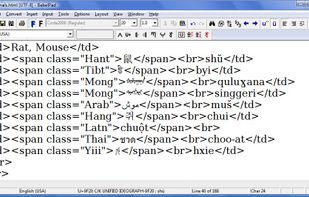
BabelPad is a free Unicode text editor for Windows that supports the proper rendering of most complex scripts, and allows you to assign different fonts to different scripts in order to facilitate multi-script text editing.
 United Kingdom


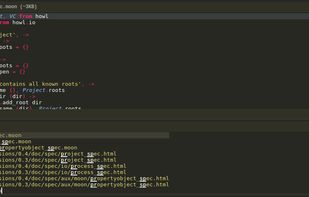
Howl is a general purpose editor that aims to be both lightweight and fully customizable. It is built on top of the very fast LuaJIT runtime, and can be extended in either Lua or Moonscript. It has a minimalistic UI driven mainly by the keyboard.


PlainForge opens, edits, and saves local files with a focus on privacy, control, and productivity. No ads, no tracking, no login, and no internet permission.








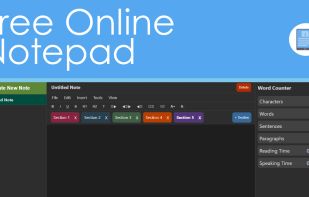
A lightweight, distraction-free notepad with instant access, no registration or ads, auto-saves notes locally, supports manual export, and works seamlessly on modern browsers and mobile devices while prioritizing privacy with a clean interface and dark mode.
 Türkiye