





KillerShell
1 like
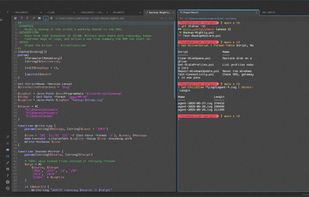
KillerShell puts a file browser, a terminal and a text editor in one window, on one tab strip and one set of keys, so you stop alt-tabbing.

Cost / License
- Free
- Open Source (GPL-3.0)
Application type
Platforms
- Windows


Features
Highlights All activities
KillerShell News & Activities
Recent activities
 Paul added KillerShell as alternative to Kuu
 Paul added KillerShell as alternative to vidrio
 Steve Riley added KillerShell as alternative to MTPuTTY (Multi-Tabbed PuTTY), Termix and Console
 Steve Riley added KillerShell as alternative to Termux
 Steve Riley added KillerShell as alternative to gedit and ForceTerm
 Steve Riley added KillerShell as alternative to foot, Q-Dir, File Explorer, Zasper and 3 more
 Steve Riley added KillerShell as alternative to ExplorerXP, Tess, TextMate, Far Manager and 2 more
 Steve Riley added KillerShell as alternative to ReTerminal
 Steve Riley added KillerShell as alternative to Edit and Termora
 Steve Riley added KillerShell as alternative to Saladin, ST - Simple Terminal and Wave Terminal


Developed by
 SteveTheKiller
 Licensing
Open Source (GPL-3.0) and Free product.Written in
Alternatives
89 alternatives listedBadge
Get an embeddable badge for KillerShellSupported Languages

AlternativeTo Categories
File Management, Office & Productivity, DevelopmentGitHub repository
- 16 Stars
- 0 Forks
- 2 Open Issues
- Updated


No comments or reviews, maybe you want to be first?