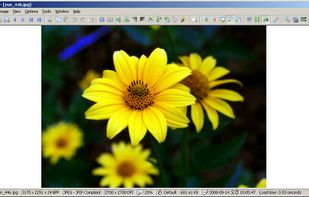

Compact and efficient image application offering viewing, editing, and conversion with batch processing, multi-language support, plugin extensibility, and ad-free operation suitable for Windows and portable use.
 Bosnia & Herzegovina


+9





Apps similar to GPicView include IrfanView, which is free for personal use. Other options are ImageGlass, XnView MP, nomacs and qView. Image Viewers like GPicView are a crowded field, with more than 50 alternatives for Windows, Linux, Mac, iPhone and iPad.
Compact and efficient image application offering viewing, editing, and conversion with batch processing, multi-language support, plugin extensibility, and ad-free operation suitable for Windows and portable use.
Bosnia & Herzegovina
A feature-rich, simple-to-use app seamlessly integrated with a clean, minimal and modern user interface.
 Vietnam
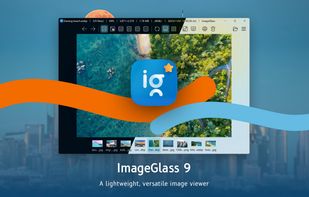
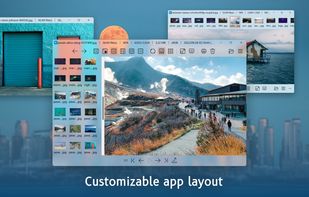
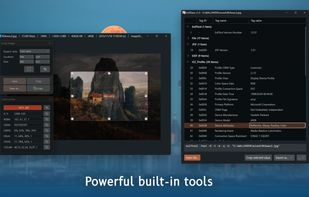
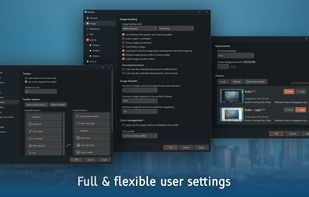


Comprehensive photo management software for viewing, batch converting, editing and resizing images and creating thumbnail sheets.
 France
 EU
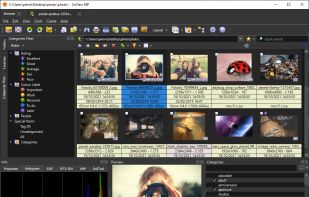
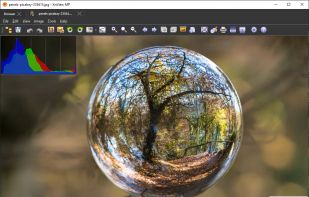
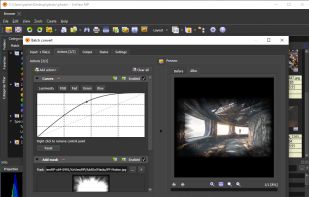


nomacs is a free, open source image viewer, which supports multiple platforms. You can use it for viewing all common image formats including RAW and psd images.
 GermanyEU


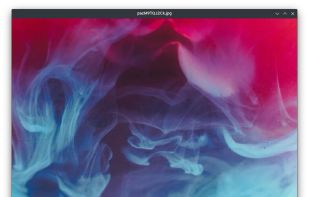
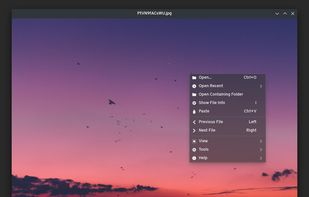
Fast and lightweight Qt-based image viewer with support for Windows, macOS, and Linux. Features include multiple format support, customizable interface, GIF playback, high-resolution display compatibility, and efficient navigation through keyboard shortcuts.
 United States

XnView Classic is an efficient image viewer, browser and converter for Windows with built-in support for over 500 image formats.
FranceEU


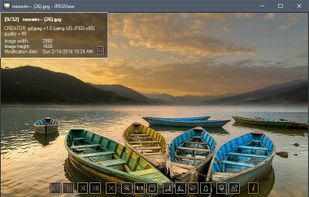
Lightweight Simple Image Viewer with Slide show feature, Resize and Lossless-cut, Color correction, Rename, Multi-language and more...



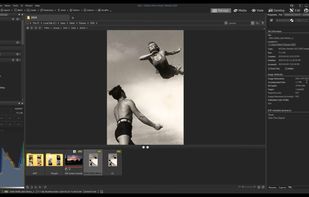
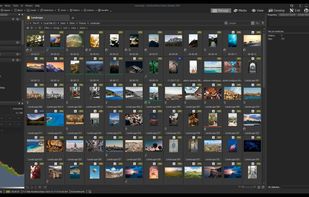
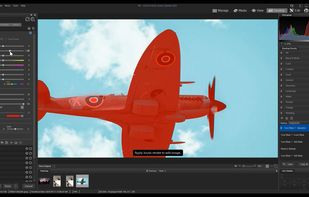
Offers organization, viewing, and editing tools for digital images, supports over 700 RAW formats, enables metadata embedding and syncing, dynamic category and keyword filters, workflow optimizations, non-destructive edits, detailed image preview, and sharing options.
 Canada
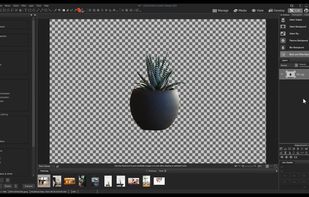


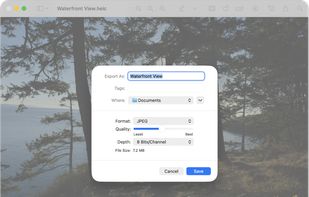
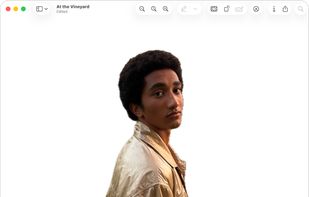
Native macOS app for viewing, annotating, and editing images and PDFs, featuring tools for cropping, rotating, resizing images, rearranging pages, full-screen viewing, markup, document merging, batch conversion, and export in multiple formats.
United States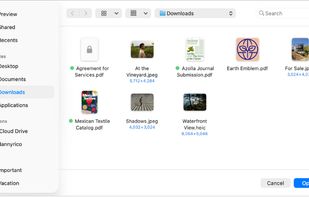


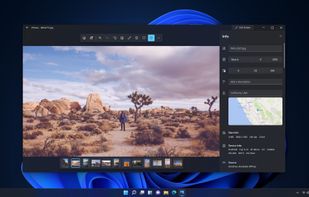
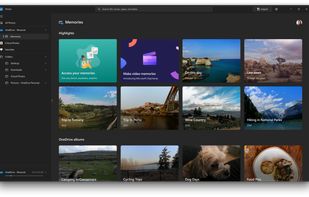
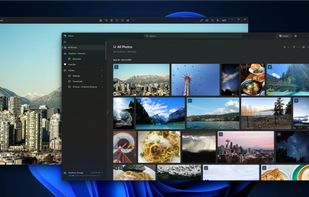
You can use the Photos app to view or edit photos and videos in your Pictures library and on OneDrive, and to import photos and videos. The Photos app includes a wide range of editing options to enhance your photos, from automatic fixes to advanced adjustments.
United States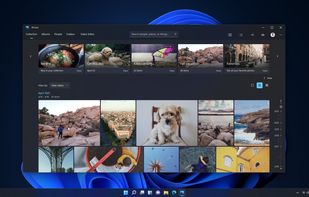


 South Korea