Screenshot and annotation tool that runs in your web browser, with free capture apps for Mac, Windows, Linux, Chrome and Firefox.
 United States
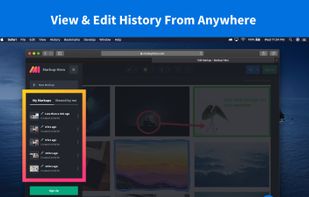

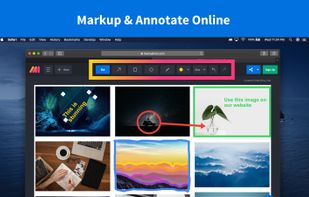

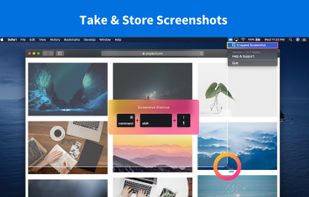

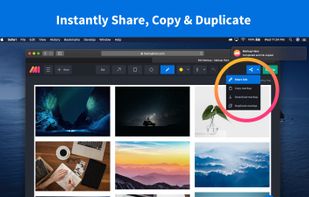


The best Screenshot Capture alternative to Flameshot is ShareX, which is both free and Open Source. If that doesn't suit you, our users have ranked more than 100 alternatives to Flameshot and loads of them are Screenshot Capture Tools so hopefully you can find a suitable replacement. Other interesting Screenshot Capture Tool alternatives to Flameshot are Greenshot, Snipping Tool, Ksnip and macshot.
Screenshot and annotation tool that runs in your web browser, with free capture apps for Mac, Windows, Linux, Chrome and Firefox.
United States
A macOS app for capturing, annotating and sharing screenshots. Quickly add comments, highlight what matters or blur any sensitive content. Upload screenshots to Google Drive or Dropbox. Copy screenshots to the clipboard and paste them directly into Slack, Skype, Jira, Trello and...


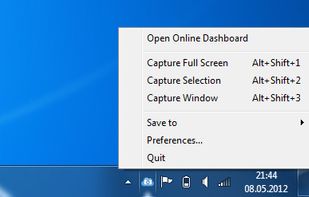
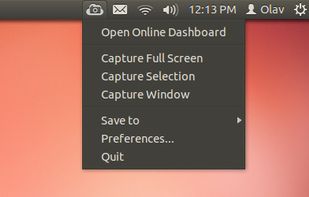
ScreenCloud is an easy to use screenshot sharing application. Take a screenshot using one of the 3 hotkeys or simply click the ScreenCloud tray icon. You can choose where you want to save your screenshot.

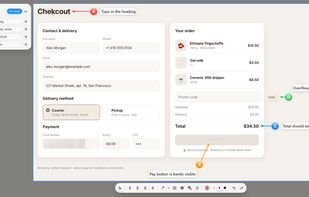
Screenshots that explain themselves: A-B-C markers with comments, one-Ctrl+V sharing to any chat, screen recording, OCR and scrolling screenshots.
 Georgia
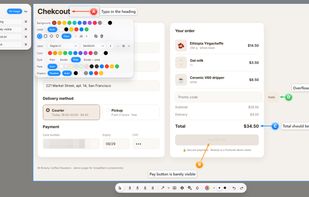
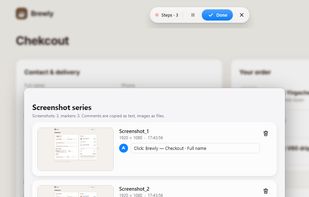
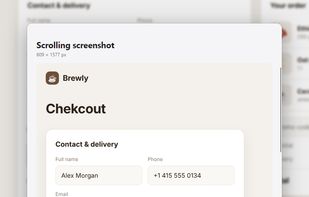


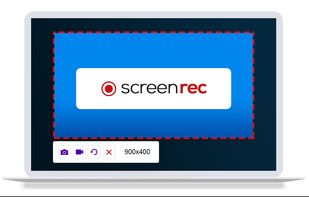
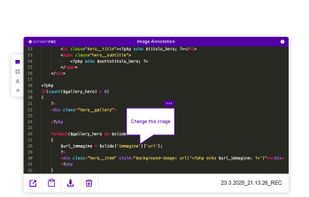
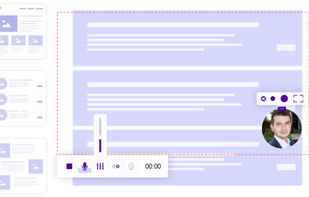
ScreenRec is a free screen recorder for Windows, Linux, and Mac with webcam, microphone, and system audio capture. Record without a watermark or time limit, store videos in free cloud storage, and share instantly with private links.
 Bulgaria
 EU
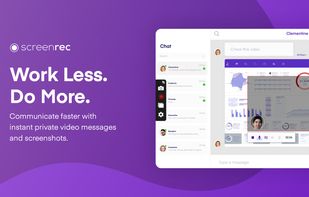


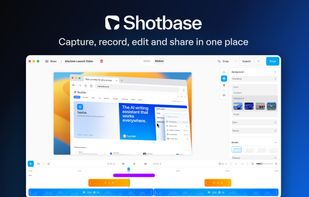
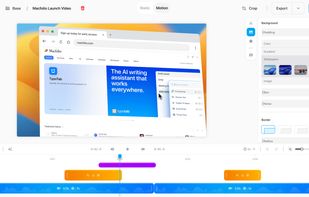
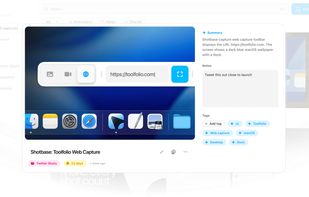
Shotbase is a screen capture workspace for macOS that brings screenshots, screen recordings and webpage captures together in one app, with a built-in editor, an organized library and instant sharing.


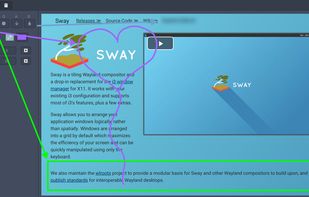
Swappy is a Wayland screenshot editing tool featuring brushes, text, shapes, arrows, and blur. Images can be saved locally or copied directly to the clipboard.
 FranceEU


 United Kingdom





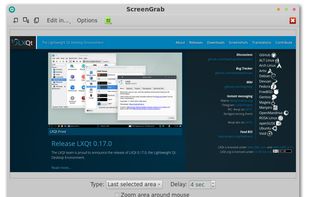


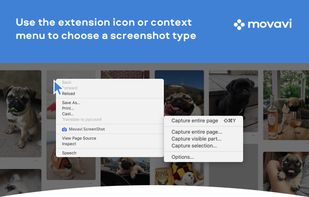
Movavi ScreenShot is a screenshot extension for Chrome and Firefox that lets you grab full and partial screen captures as well as save screenshots in multiple formats.
 CyprusEU




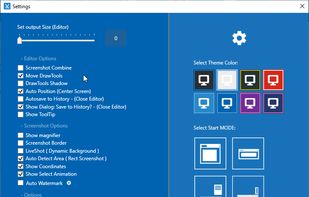
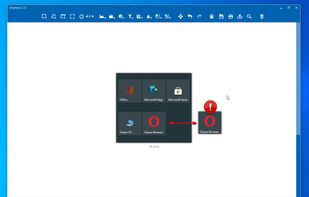
Snip tool is a screen capture tool that lets you capture one or more selected areas on your desktop and save it with optional annotations.
 GermanyEU




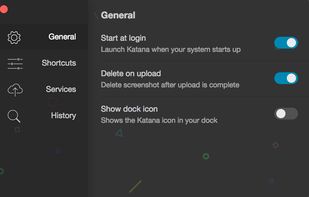
Katana is a simple, open-source screenshot utility for macOS that lives in your menubar.


 Russia