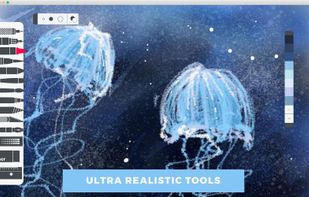
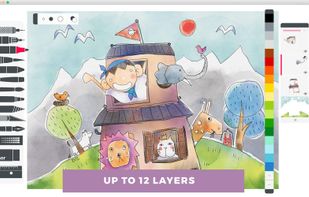
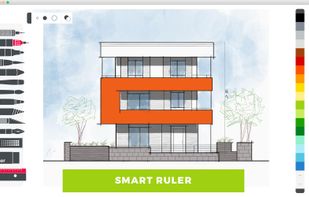
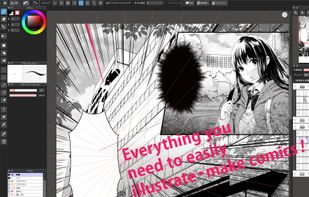
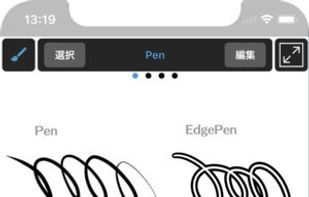
MediBang Paint is a lightweight software for illustration and making comic books on Windows and Mac OS.
Cost / License
- Freemium
- Proprietary
Application typeApplication types
Platforms
- Mac
- Windows
- Android
- iPhone
- Android Tablet
- iPad
- Steam
 Japan
Japan



+4


One of the most popular alternatives to FireAlpaca is GIMP, which is free and open source. Other popular alternatives are Krita, Adobe Photoshop, Paint.NET and Affinity. There's no shortage of Digital Painting Tools like FireAlpaca, with more than 100 alternatives for Windows, Mac, Linux, the web and iPad.
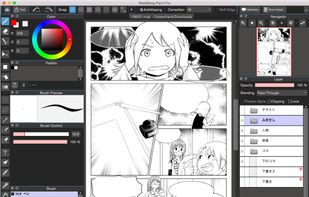
MediBang Paint is a lightweight software for illustration and making comic books on Windows and Mac OS.
Japan
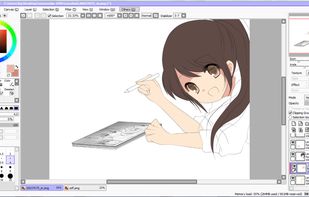
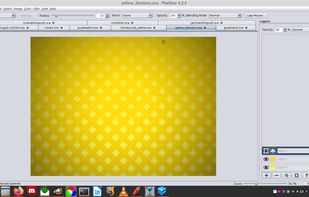
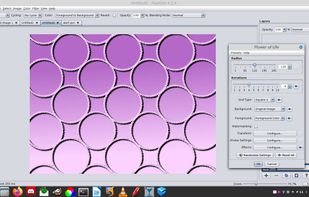
PaintTool SAI is high quality and lightweight painting software, fully digitizer support, amazing anti-aliased paintings, provide easy and stable operation, this software make digital art more enjoyable and comfortable.
Japan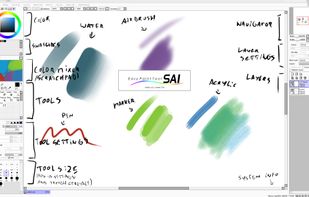


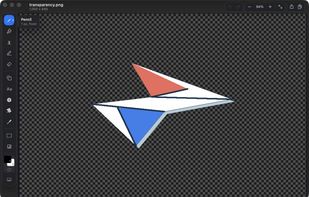
MS Paint for the Mac. Native, free and open source: blank canvas at any size, drop one image onto another, crop, and mark up screenshots.
 United States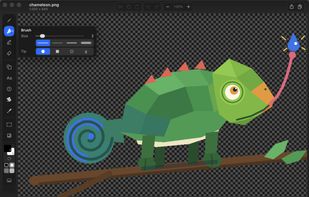


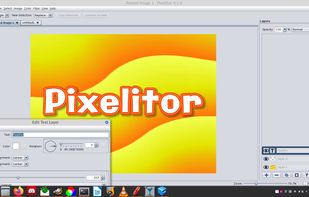
Open source image editor with non-destructive editing, 110+ filters, adjustment and text layers, support for smart objects and adjustment layers, cross-platform compatibility, and layer-based editing for flexible image composition.
 Hungary
 EU
EU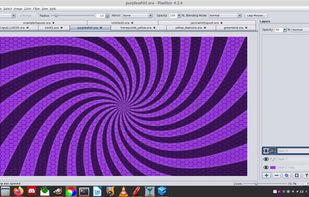


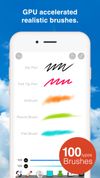
ibis Paint is an easy yet powerful drawing app made with tools for sketching manga right at your fingertips.
Japan


 China
China


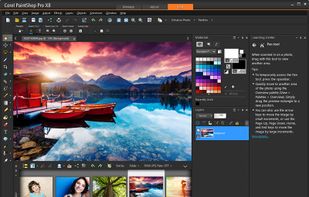
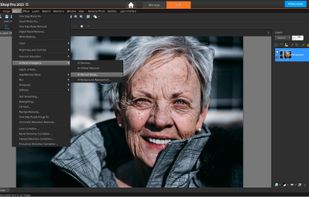
Corel's tool provides comprehensive photo editing and design features including enhanced layers, precise tools, RAW editing, and organization capabilities such as keyword tags, auto sorting, and facial recognition, making it ideal for both novices and professionals in various projects.
 Canada


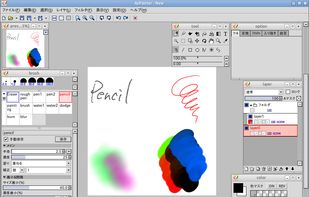
AzPainter is a full color painting program for Linux. It's a lightweight tool with tablet pressure support, and provides basic functions such as selection, layers, filters. you can use it for painting, image editing, or pixel art making.
Japan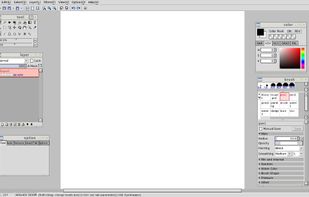


PhotoFiltre 7 is a complete image retouching program. It allows you to do simple or advanced adjustments to an image and apply a vast range of filters on it. It is simple and intuitive to use, and has an easy learning curve.
 FranceEU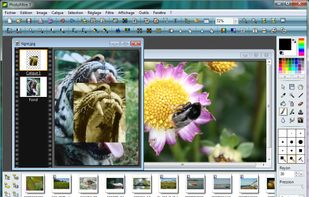


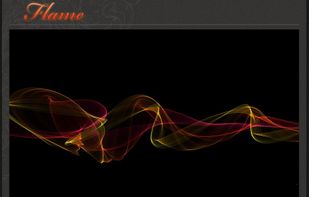
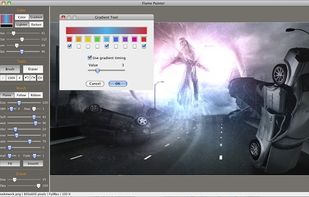
Flame Painter is a unique paint program that lets you create original artworks with flame brushes.
 SlovakiaEU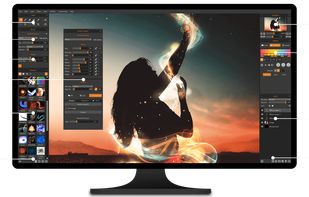
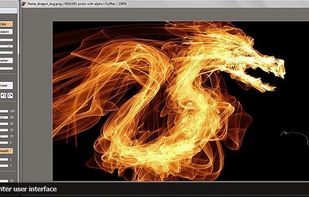


KRESKA.art is a free online drawing and painting app that lets you create art directly in your web browser. It offers a simple interface, diverse brushes, and unique features like auto-color tracing. You can use it to sketch and paint without any downloads or installations.
 PolandEU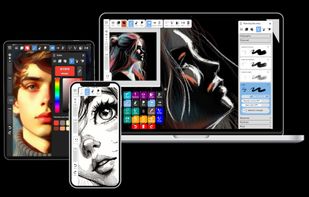


Sketches is a perfect mix of beauty, simplicity and power, a truly unique combination you won't find anywhere else.
FranceEU